–
148
–
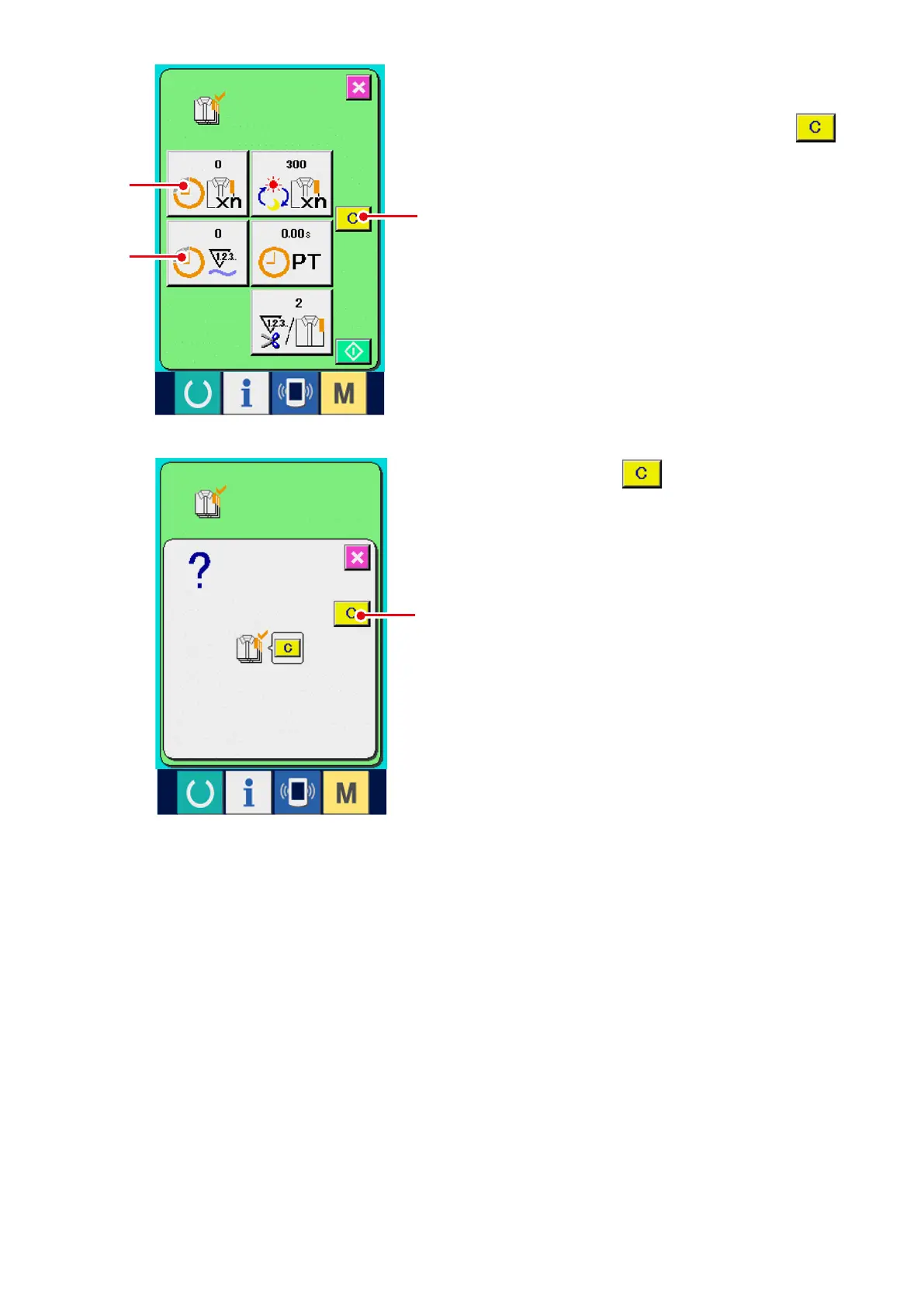
7) Clear the counted value.
When clearing the counted value, set the count
to the stop state and press CLEAR button
9
.
The value to be cleared is the present target
value
!0
and actual results value
!1
only.
(Note)
CLEAR button is displayed only in case of
stop state.
When CLEAR button is pressed, the clear
conrmation screen is displayed.
9
!0
!1
!2
When CLEAR button
!2
is pressed in the clear
conrmation screen. the counted value is cleared.



 To Next Page