98 | 09 Creating your own voices
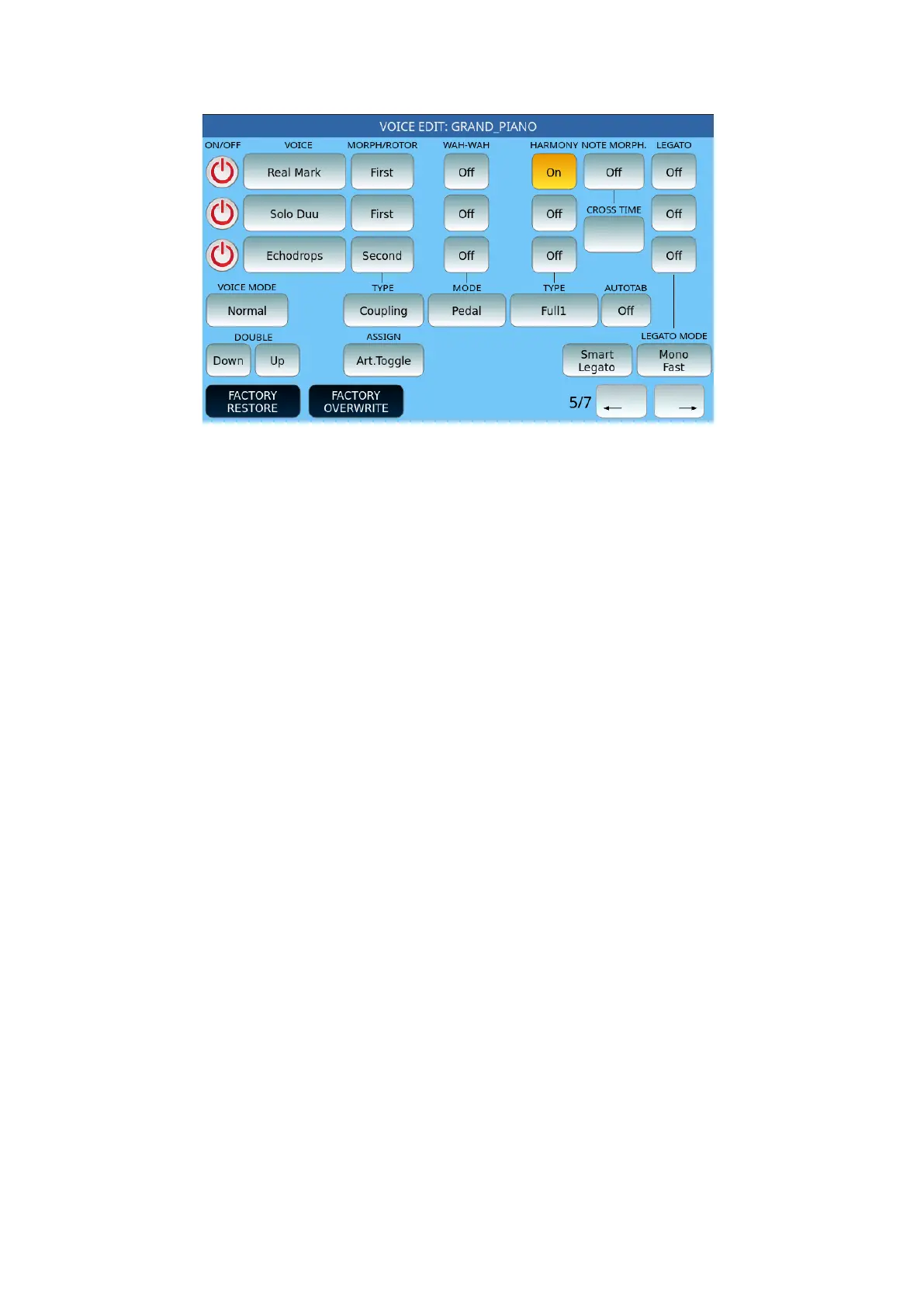
Page 5 follows:
The first group of options concerns Morphing, a powerful feature inherent in the instrument,
the possibility of managing a dynamic transition from one sound to another:
• MORPH/ROTOR:
o The Voice set as First will be the starting sound of the Morph effect.
o The Voice set as Second will be the target sound, that is, the sound that will
enter completely when the control acting on the Morphing is at maximum
value.
o The Voice set to All is always on.
• TYPE: Defines the behaviour of the MORPH effect between two or three VOICEs.
o Normal: the transition takes place from the first to the second sound.
o Rotor: the transition between the two sounds (typically Organ) is achieved
through the Sustain pedal.
o Coupling: the passage takes place by adding the second to the sound to
the first
o Off.
• ASSIGN: Morphing is enabled and managed through the assigned control, and
which can be:
o Mod. Wheel: The modulation wheel on the left of the panel.
o Pedal: Allows the smooth transition between First and Second via the
volume pedal.
o Aftertouch: The action of Aftertouch on the 76 keys while playing.
o Sust. Toggle: Press and release the Sustain pedal to activate the Second
voice. Press the pedal again to return to the First voice.
o Sustain: Press and hold the pedal to activate the Second voice: upon
release, the First voice returns.
o Art. Toggle: The SLOW/FAST buttons on the left side of the panel (in this
case, these keys no longer control the rotor) control the articulation. Press
and release the FAST button to activate the Second item: the LED button
remains lit. Press FAST again to return to First.



 To Next Page