12 Effects | 135
Options:
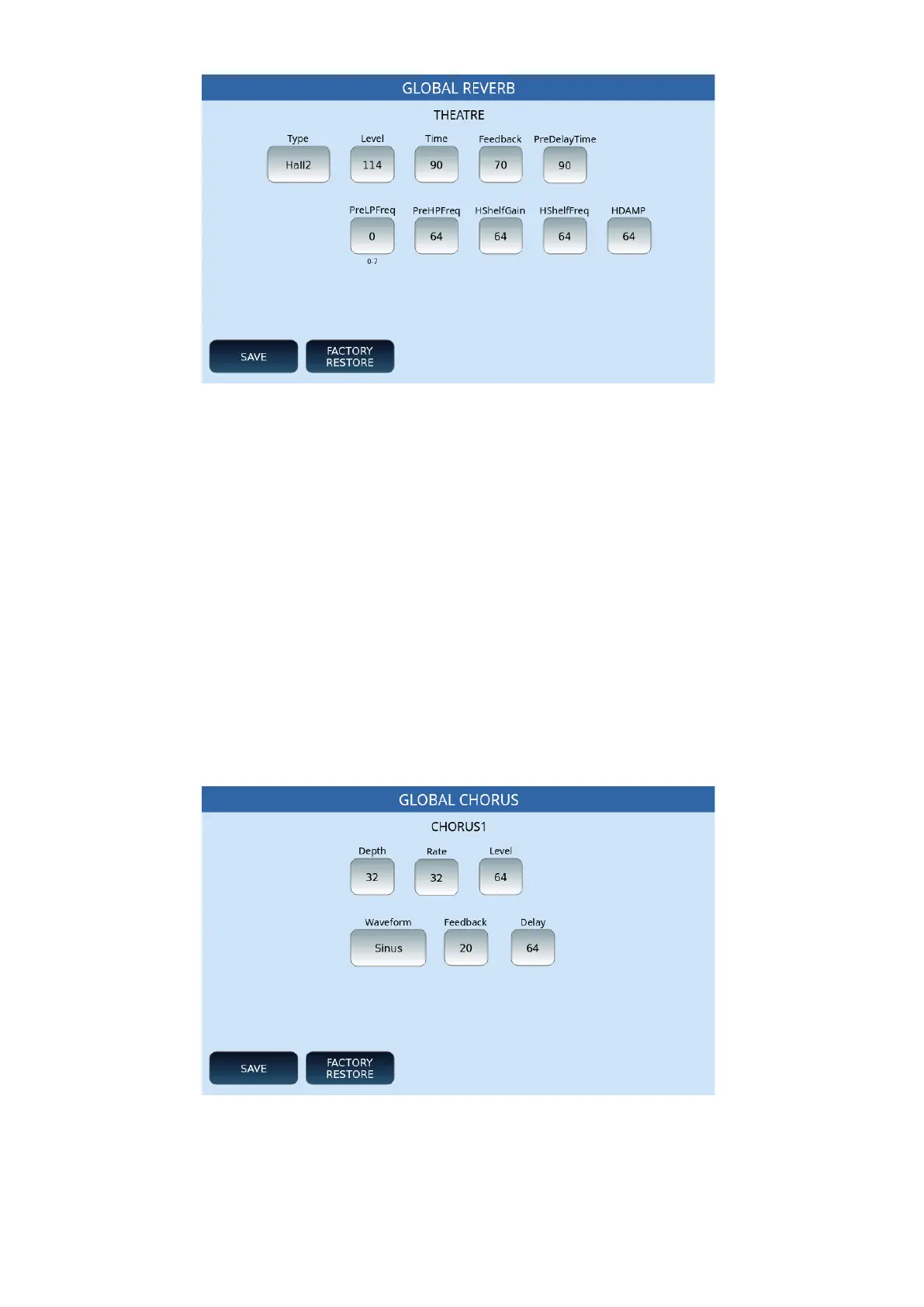
• Type: Tap this button and move the UP/DOWN buttons to locate the reverb type
(Room 1, Room 2, Room 3, Hall 1, Hall 2, Hall 3, Plate, Delay, or Pan Delay).
• For all the following parameters, turn the knob to set the delivery level of the
effect, which can be a value between 0 and 127.
• SAVE: Save changes.
• FACTORY RESTORE: Restores previously saved changes to their original factory
values.
EDIT | GLOBAL CHORUS
On the DSP EFFECT CONTROL page on the screen, touching the EDIT button, next to
GLOBAL CHORUS, you get this page where you can act on the parameters of the effect you
have assigned to the DSP.
Options:
• Depth: Turn the knob to set the flow level of the effect, between 0 and 127.
• Rate: Also, here a value between 0 and 127.
• Level: Turn the knob to set the delivery level of the effect, between 0 and 127.



 To Next Page