The UP/DOWN button icons (or if you prefer, two triangles, one pointing up and
the other down, or two UP/DOWN cursors) allow you to:
• Move between the elements of a list (styles, voices, audio and MIDI tracks,
etc.).
• Turn pages.
• Modify numerical values (tempo, volume, filters, etc.)
1. Note that in horizontal page scrolling, the UP button means NEXT PAGE and DOWN
means BACK.
2. When the main page (HOME) is visible, the UP/DOWN buttons control the style tempo.
And:
• REGS: Press this button to go to Registration and Playbox.
• MULTI: It opens the quick control page for the sounds assigned to VOICE 1 and
VOICE 2 and their respective levels.
• PERF.: provides access to Performance feature.
Finally:
• MEDIA: Press this button to manage Media options (Disk, USB drives ... etc).
• MENU: Press to access to the global configuration menu.
• DSP: Press this button to open DSP Effect Control, here you can control EQ effects,
you can assign it on GLOBAL or to single keyboard-played parts.
• EXIT (PANIC): The EXIT button always allows you to return to the previous screen.
In the vast majority of cases, it takes you back to the HOME page. By holding the
button down for a few moments, it also functions as a MIDI RESET: it immediately
stops all playback (notes and effects) in case of malfunctions in MIDI transmissions
with external devices.
• SAVE: Press this button to store the created or modified resources (styles, voices,
songs) in the USER area on the disk.
• ENTER: Press this button to confirm an entry on the screen.
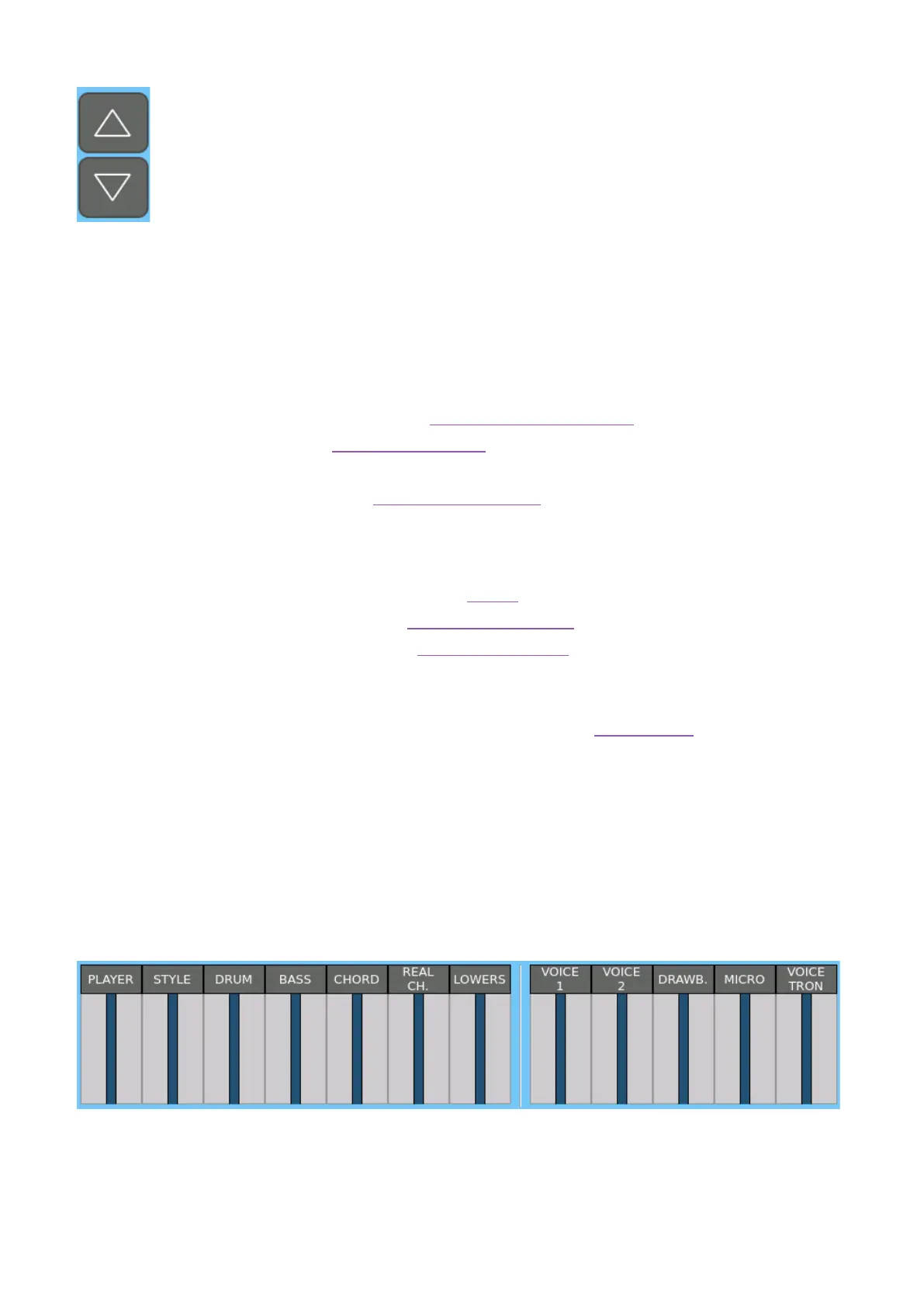
4. Area of sliders
• The seven sliders on the left side control the volume levels of the PLAYER, STYLE,
DRUM, BASS, CHORD, REAL CHORD, and LOWERS parts.
• The five sliders on the right control the volume levels of the VOICE 1, VOICE 2,
DRAWBAR, MICRO and VOICETRON parts.



 To Next Page