13 Global menus and settings | 155
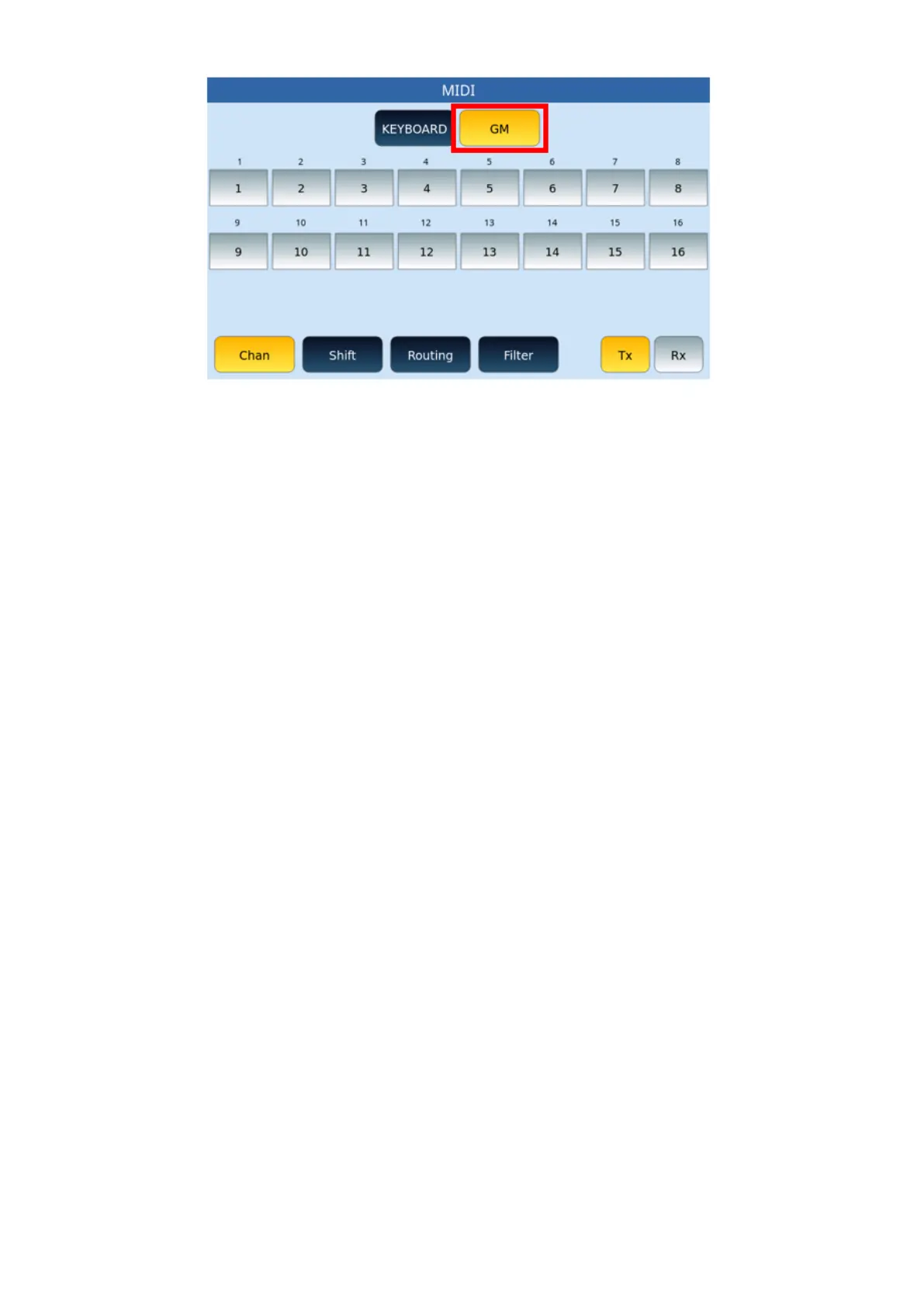
The initial condition in reception is with the Global section activated on channel 01. This
condition allows you to control both the accompaniment styles and the Voice of EVM with a
single MIDI channel using an external master keyboard.
Options:
• Tx/Rx: At the bottom right, the two buttons must always be kept in mind because
the settings that you are going to change with the following buttons can have an
effect on the transmission (Tx) or on the reception (Rx) alternatively.
• Chan: The CHANNEL button allows you to change the track status from OFF to ON
on one of the 16 MIDI channels.
• Shift: The SHIFT button allows you to act on the tonality transposition applied on
each part of the sound module.
• Routing: With the ROUTING button you can set the individual parts in
o LOCAL ONLY, MIDI OUT: What you play from the keyboard is sent to the
internal sound generator of EVM and, at the same time, to the MIDI OUT
port.
o LOCAL ONLY: No MIDI data is sent to the MIDI OUT port.
o MIDI OUT ONLY: With this setting the normal MIDI transmission takes
place, while what you play from the EVM keyboardhas no effect on the
internal sound generator.
• Filter: As can be seen from the video page example below, the FILTERbutton allows
you to filter MIDI controls in a granular way by single part or on all parts (ALL
PARTS). The Filter button calls up two different video pages depending on the
MIDI KEYBOARD or GM configuration. Let's see both.
FILTER page forKEYBOARD:



 To Next Page