156 | 13 Global menus and settings
Options:
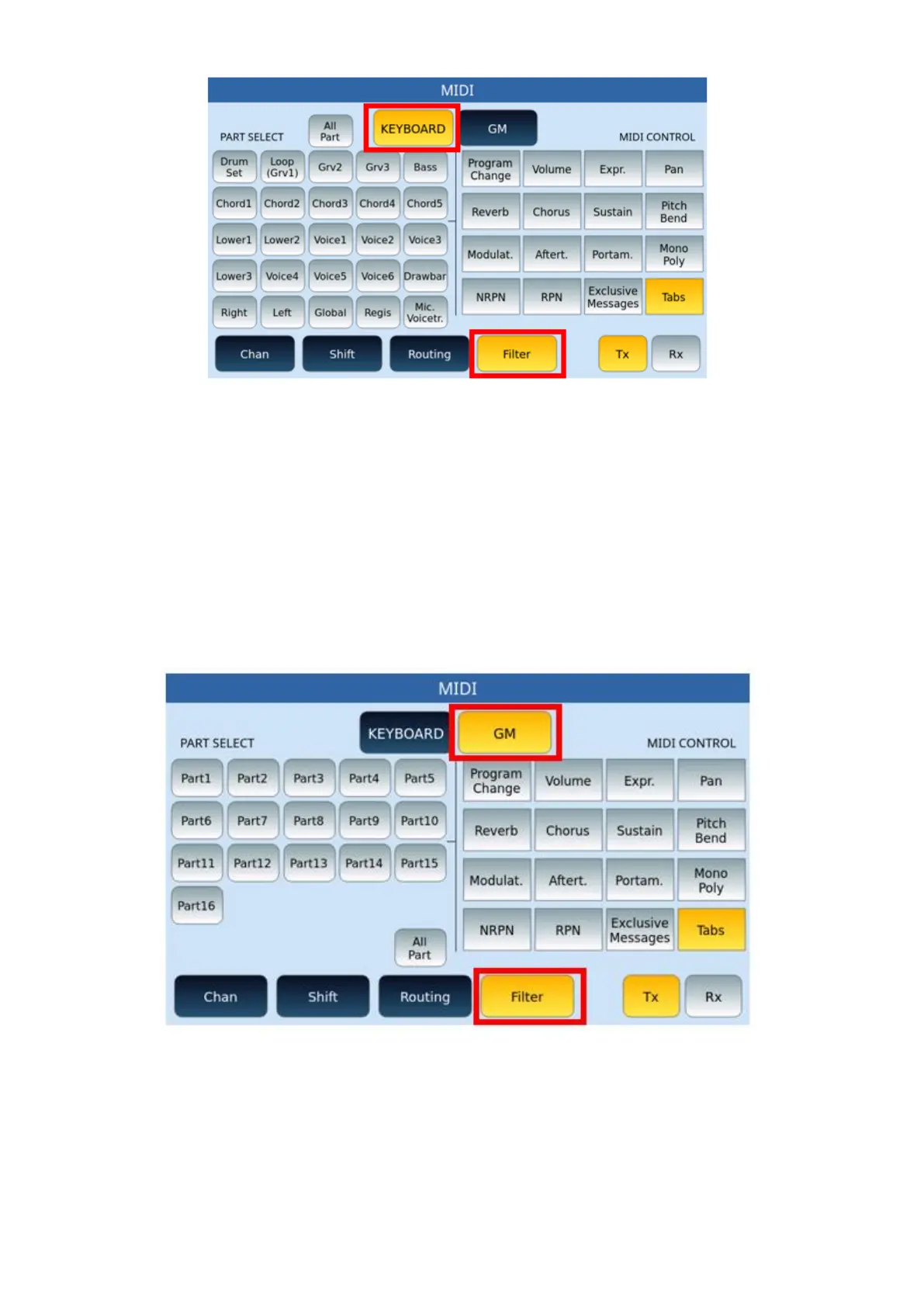
• On the left side of the screen (PART SELECT), use to select which individual parts
you want to activate a filter on.
• On the right part of the screen (MIDI CONTROL), activate/turn on the specific
filters for the different MIDI controls.
• Always keep in mind the above about TX/RX buttons to apply transmit and/or
receive filters.
FILTER page for GM:
Options:
• Just as was done in the FILTER KEYBOARD page that we have just illustrated, this is
also divided into two parts: on the left (PART SELECT) select the parts to be filtered
(or all ALL PARTS) and, on the right (MIDI CONTROL), apply the filter on the
individual controls.
• Again, pay attention to the TX/RX buttons for transmit and/or receive.



 To Next Page