Konica Minolta 240f 2-3
2.1 Basic scanning
2
2 Basic scan functions
2.1 Basic scanning
2.1.1 Attaching scanned documents to e-mail (Scan to e-mail)
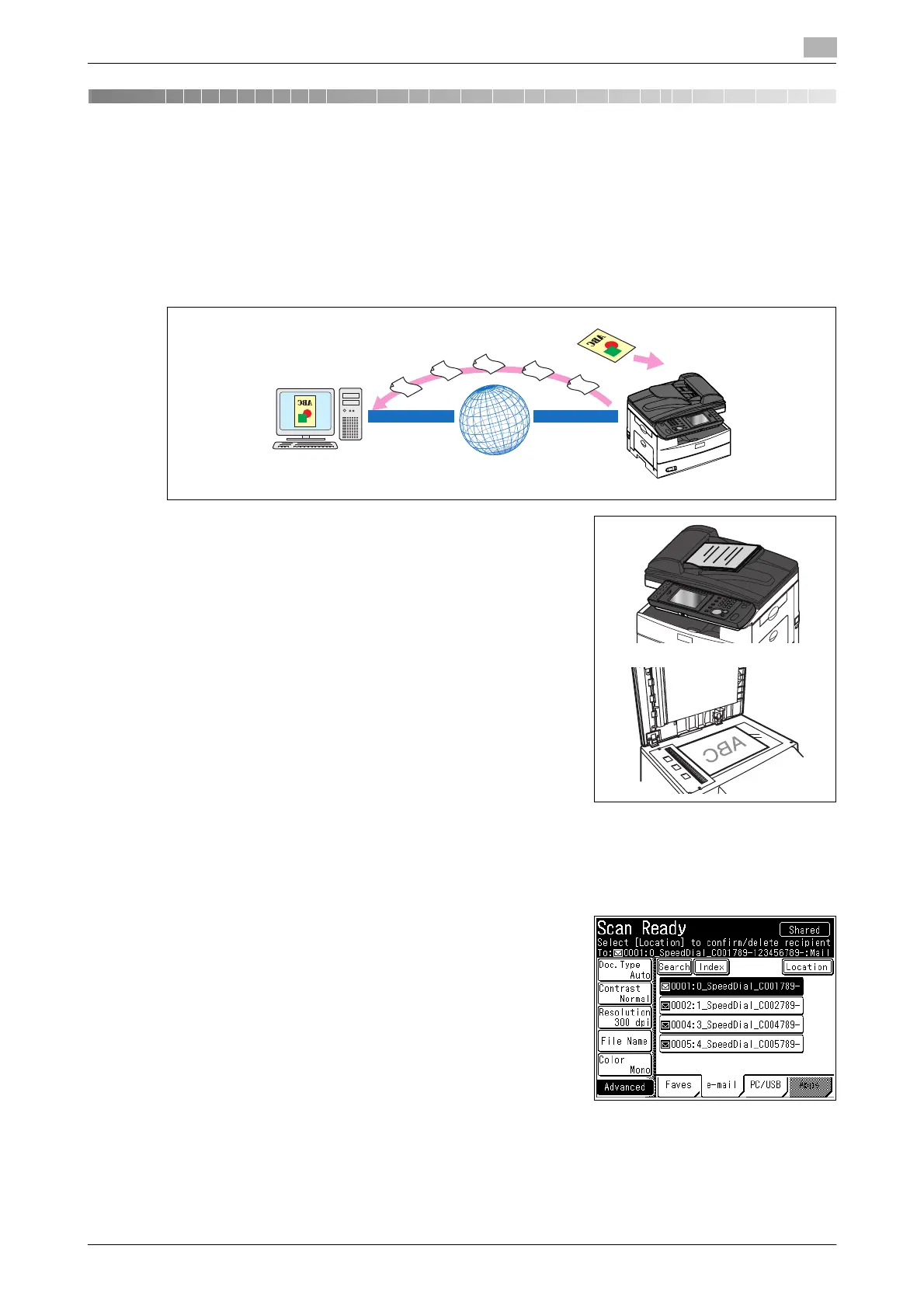
You can attach the data for a scanned document to an e-mail for transmission.
1 Load the document, and press <Scan>.
% For details on loading documents, refer to Chapter 2,
"Loading Documents" in the Quick Guide.
% Set the document type, contrast, and resolution as neces-
sary. For details, refer to page 2-15.
2 Change the file format and specify advanced settings such as entering a message , as necessary. For
details, refer to page 3-23 and page 3-17.
3 Press the [e-mail] tab.
4 Specify the destination.
% For details on specifying the destination, refer to page 6-3.
5 Press <Start>.
% If you selected a destination from the address book, this step is not required.
% If you loaded the document in the ADF, this concludes the procedure.
Internet














 To Next Page