Initial setup (User install)
4
4-12 Konica Minolta 240f
4.1
Entering your fax number
1 Press <Setting>.
2 Press [Management].
% If an administrator password is set, enter the password and press [Enter].
3 Press [User Install].
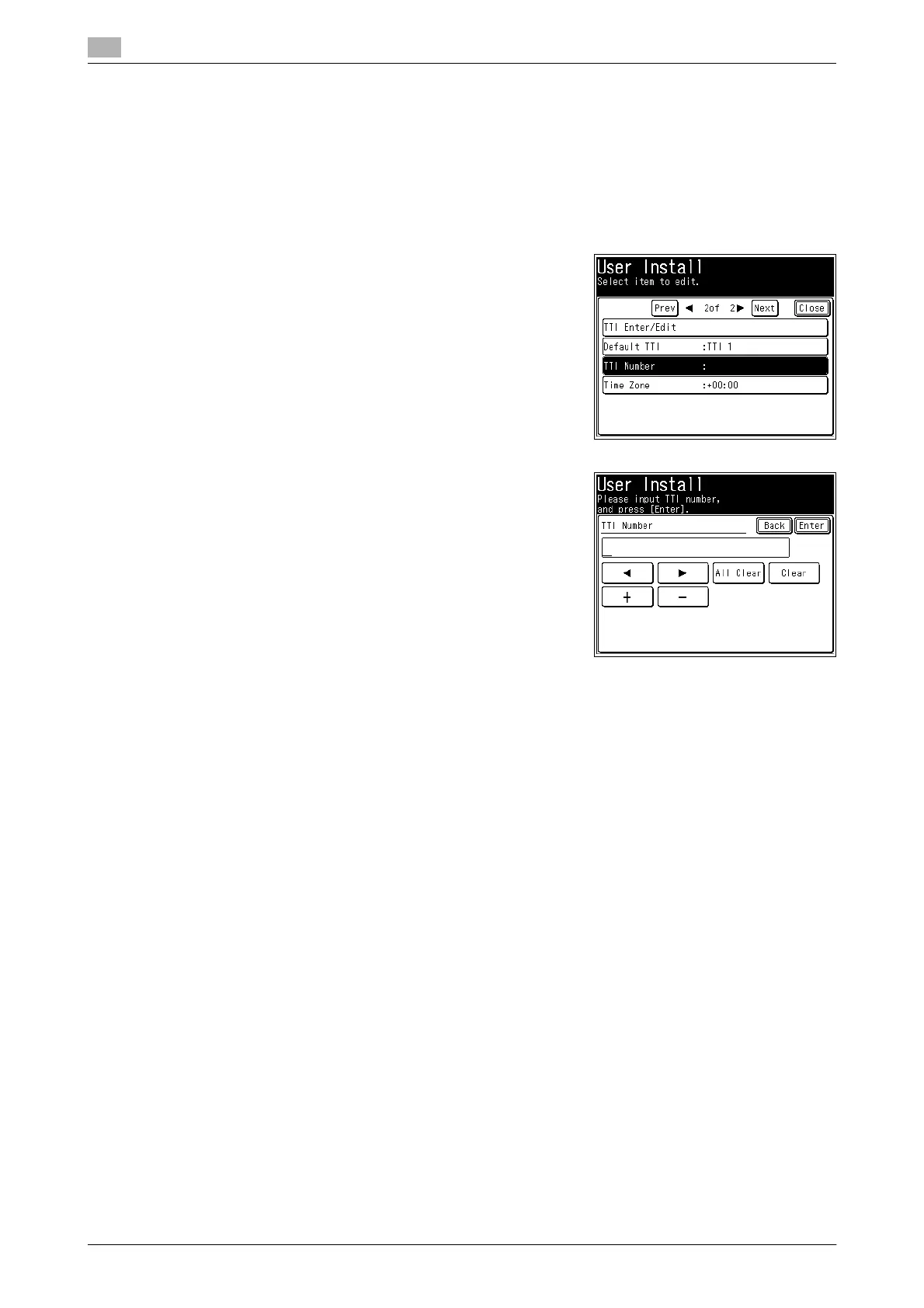
4 Press [TTI Number].
5 Use the numeric key to enter the TTI number, and press [En-
ter].
% This number can contain up to 20 characters.
% To enter "+" symbol before your country code, press [+].
% To make long numbers easier to read, press [-] to enter it.
% To erase a number, press [Clear].
% To change just one number, press [*] or [)] to move the
cursor then press [Clear] to erase the number. Then re-en-
ter the correct number.














 To Next Page