Konica Minolta 240f 5-57
5.8 Useful internet fax functions
5
5.8.2 Transmitting scanned data as individual files (Batch transmission)
By disabling batch transmission, you can transmit a scanned document with each page as a separate file.
1 Load the document, and press <Fax>.
2 Press [Advanced].
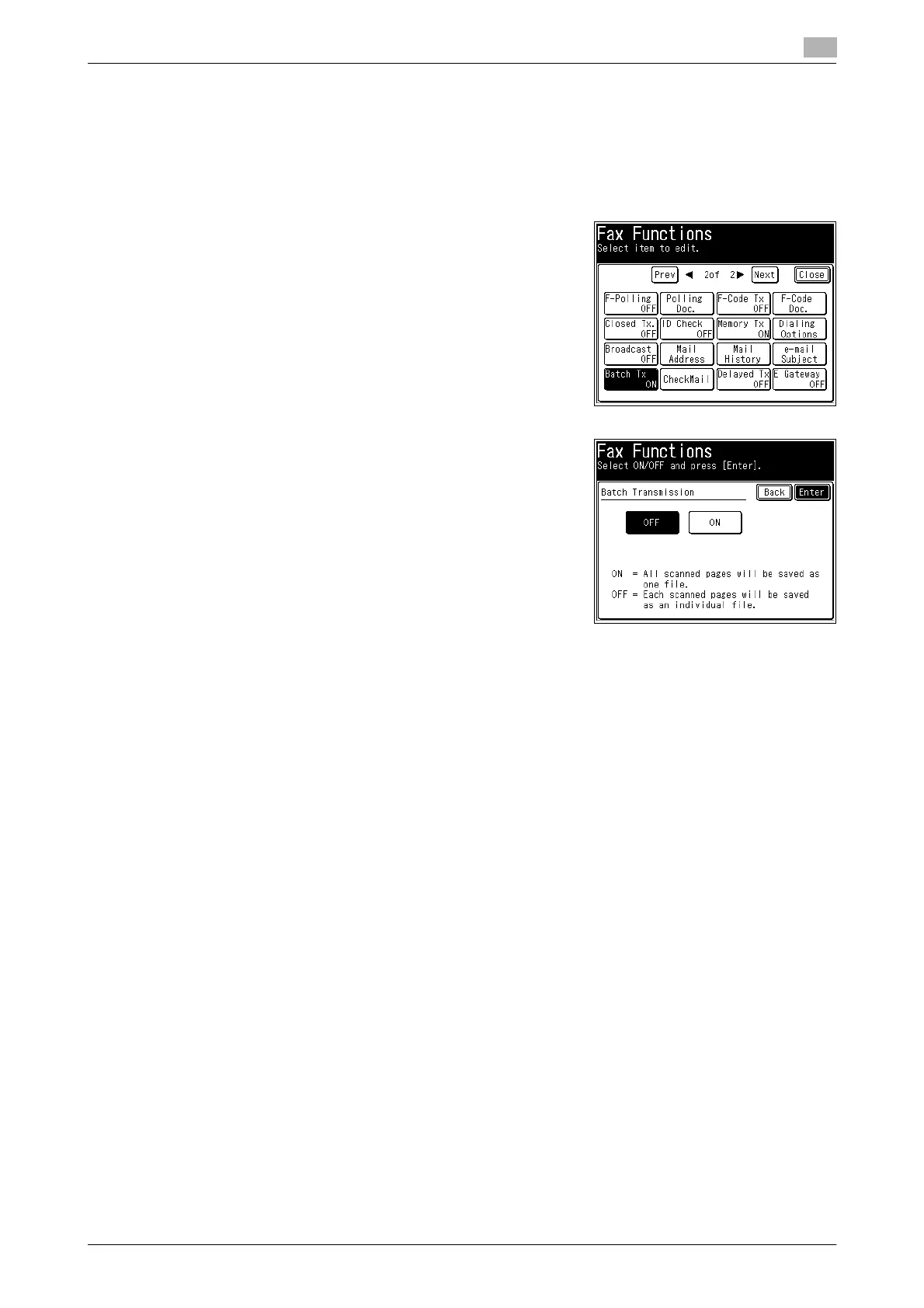
3 Press [Batch Tx].
4 Select [OFF], and press [Enter].
% If you select [ON], the batch transmission setting is en-
abled.
5 Press [Close].
6 Specify the destination, and press <Start>.
% For details on specifying the destination, refer to page 6-3.














 To Next Page