Konica Minolta 240f 7-7
7.2 Managing the communication history
7
7.2.1 Manually printing journal reports
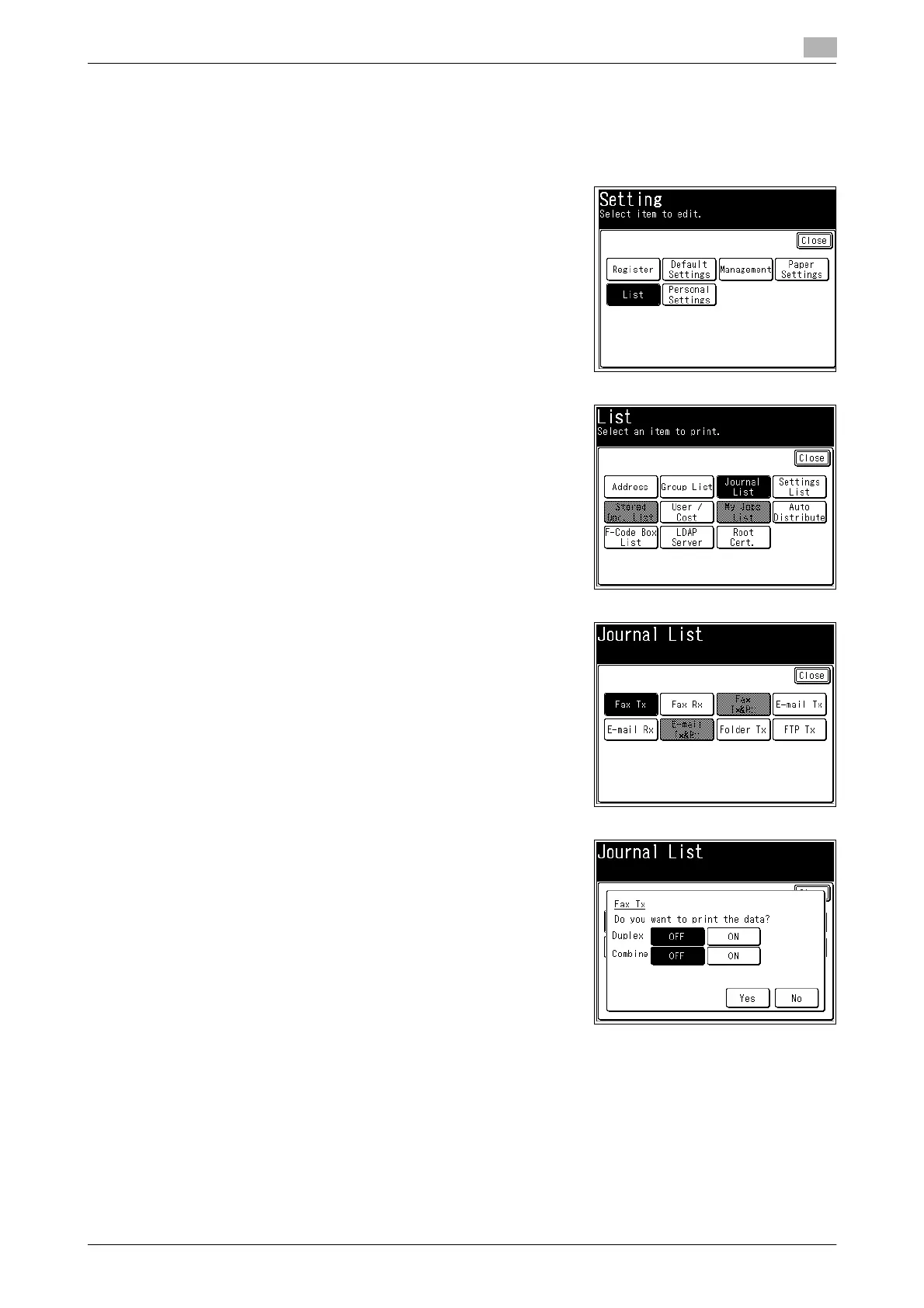
You can print the history of the latest 100 jobs for the specified type of communication.
1 Press <Setting>.
2 Press [List].
3 Press [Journal List].
4 Select the type of communication to print the journal report
for.
5 Select [ON] to enable duplex printing, or [OFF] to disable it.
6 Select [ON] to enable combined printing, or [OFF] to disable it.
7 Press [Yes].
% For information on reading the reports, refer to page 7-10.














 To Next Page