Advanced scan features
3
3-28 Konica Minolta 240f
3.2
3.2.14 Setting the hold time (Hold Time)
You can set the storage period (hold time) for documents saved in a box.
d
This function can be used with Scan to Box.
You can set a storage period of 1 to 99 days, or unlimited. The day the data is saved is not included in the
storage period. This means that if you set a storage period of one day, the data will be stored until the day
after the data was saved.
1 Load the document, and press <Scan>.
2 Press [Advanced].
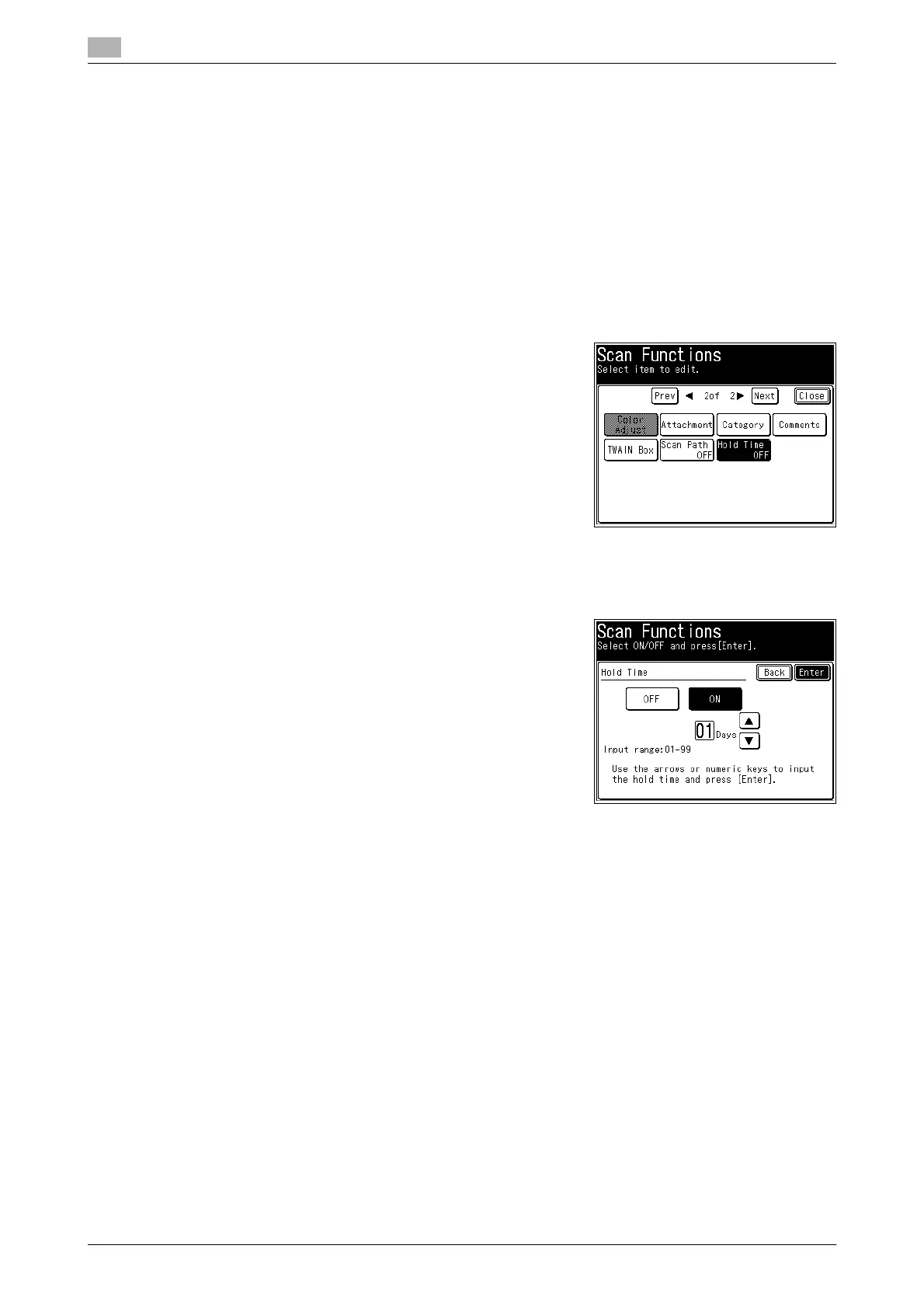
3 Press [Hold Time].
4 Select [ON] to set the storage period, or [OFF] to not set it.
% If you selected [OFF], press [Enter] and proceed to step 6.
5 Enter the storage period, and press [Enter].
% You can use [+], [,], and the numeric keys.
6 Press [Close].
7 Specify the destination, and press <Start>.
% For details on the procedure, refer to page 2-6.














 To Next Page