Advanced scan features
3
3-12 Konica Minolta 240f
3.2
5 Select the contrast, and press [Enter].
6 Press [Close] twice.
7 Specify the destination, and press <Start>.
% For details on the procedure, refer to page 2-3.
Adjusting the sharpness
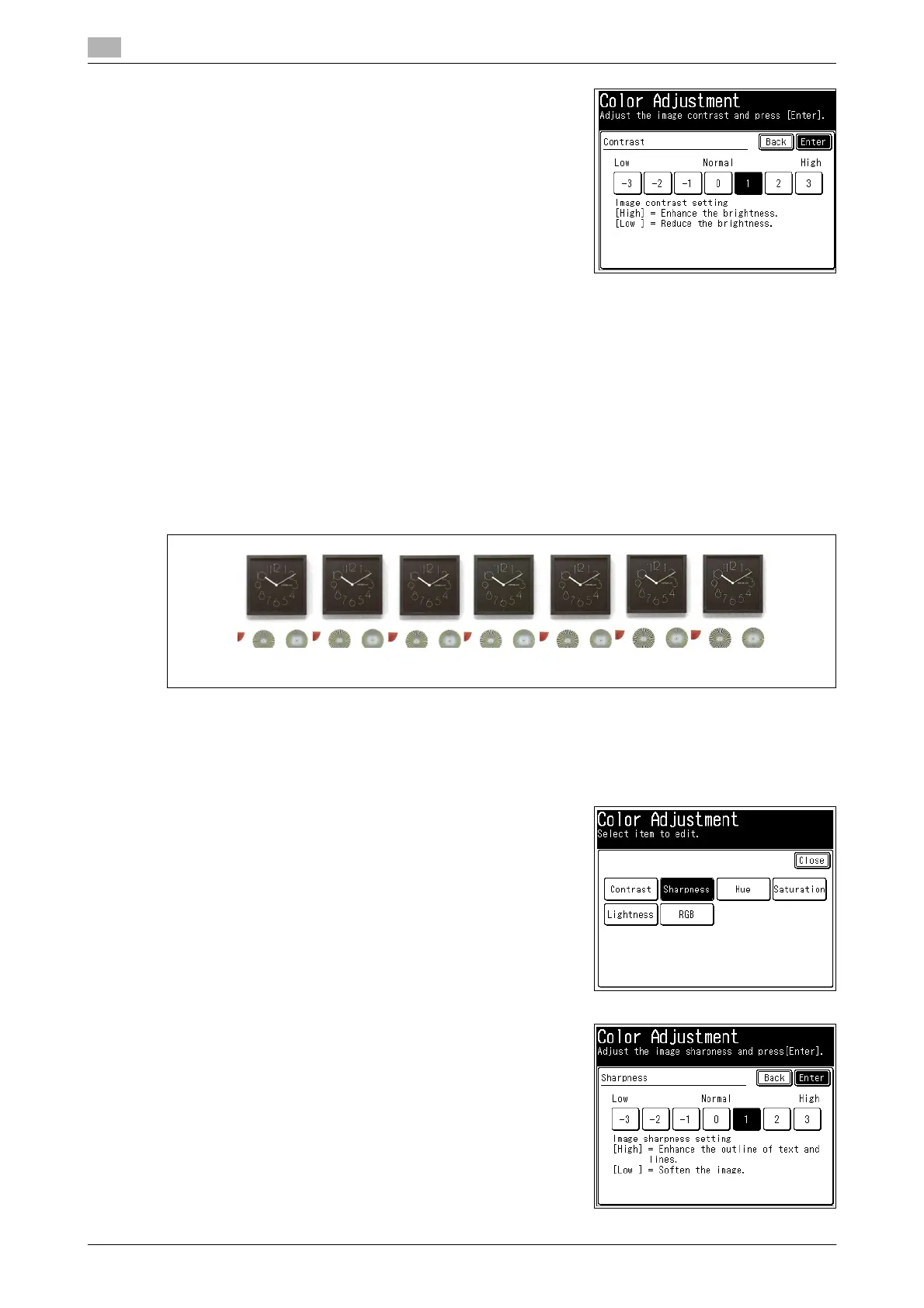
You can set the image sharpness (the sharpness or softness) to seven different levels, from -3 (low) to +3
(high).
-: Softens texts and lines.
+: Sharpens texts and lines.
1 Load the document, and press <Scan>.
2 Press [Advanced].
3 Press [Color Adjust].
4 Press [Sharpness].
5 Select the sharpness, and press [Enter].
-3 -2 -1 0 1 2 3














 To Next Page