Konica Minolta 240f 5-29
5.4 F-code communications
5
5.4.3 Storing documents in a bulletin box
You can store documents in bulletin boxes set with an F-code. The following storage methods are available.
d
Up to 30 documents can be stored in each box.
The F-code bulletin box must be registered in advance. For details, refer to page 5-20.
Storing documents
1 Load the document, and press <Fax>.
2 Press [Advanced].
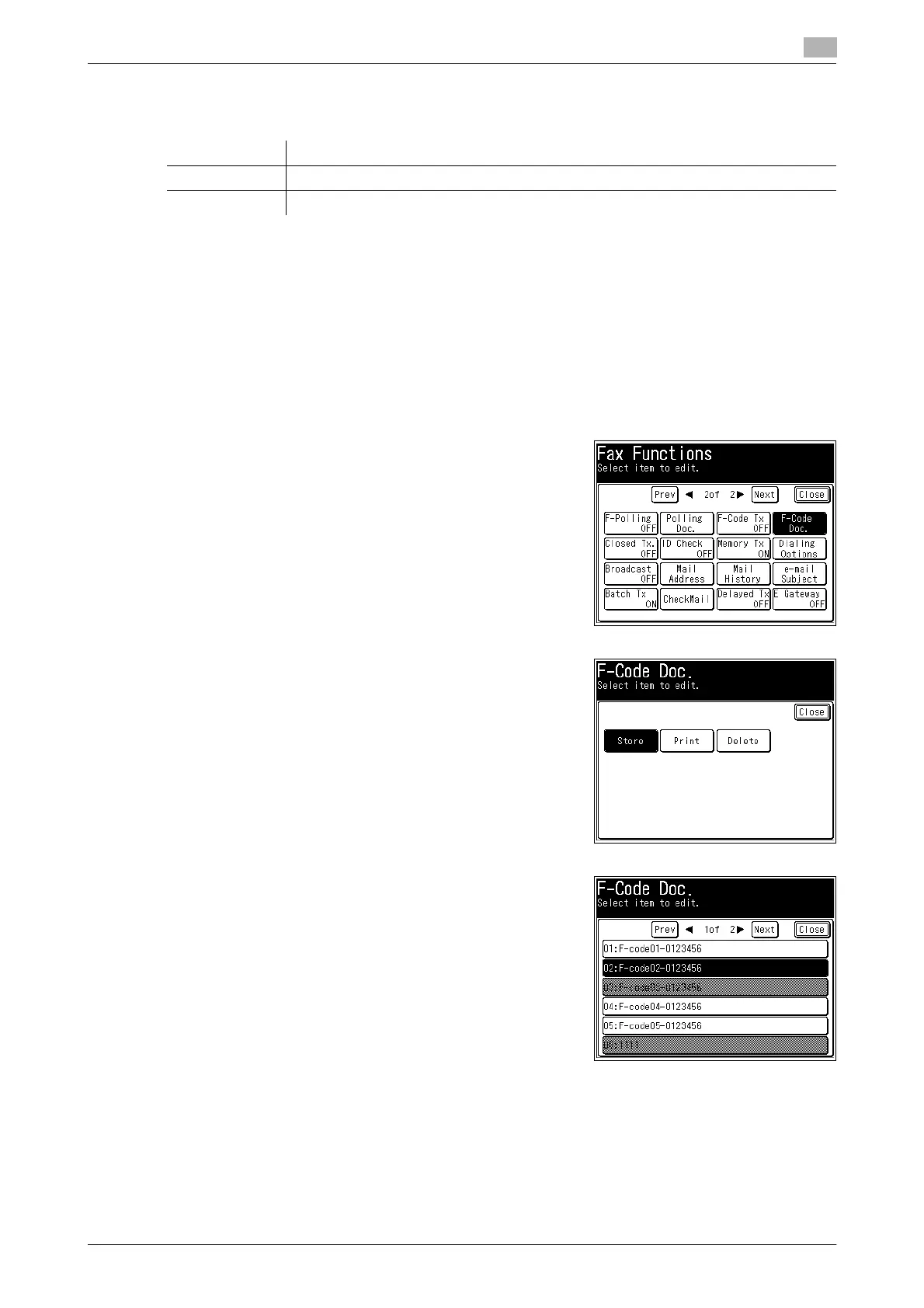
3 Press [F-Code Doc.].
4 Press [Store].
5 Select the F-code box in which you want to store the docu-
ment.
Item Description
Overwrite Overwrites documents in the box.
Add Adds to the documents in the box.














 To Next Page