Making a phone call
4
4-34 Konica Minolta 240f
4.3
4.3 Making a phone call
This section describes the procedure for making phone calls.
d
To make a phone call, an external phone needs to be connected. See Chapter 2, "Connection and Main Set-
tings" in the Quick Guide, how to connect an external phone.
4.3.1 Making a phone call
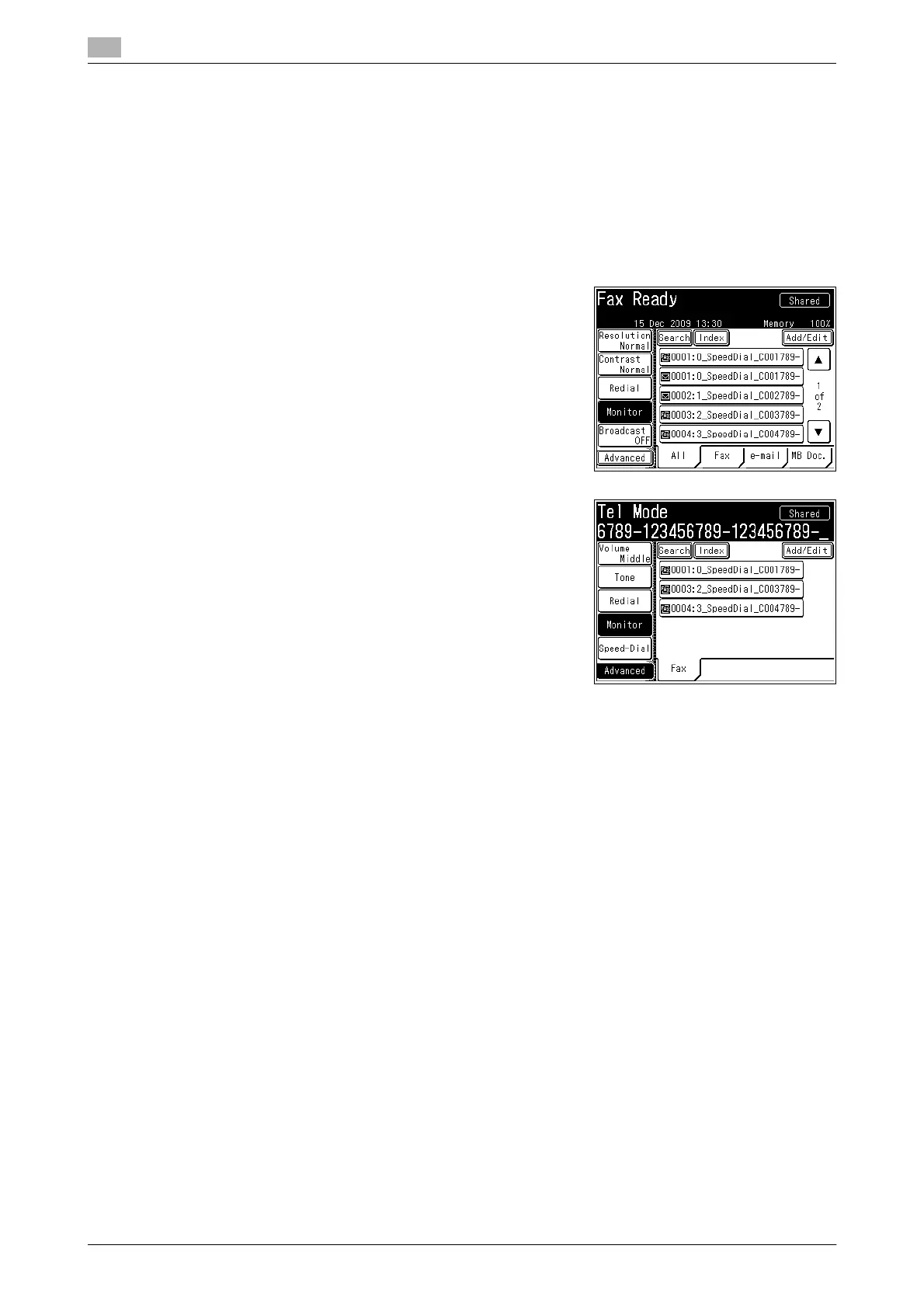
1 Pick up the external phone handset. Or press <Fax> and then
[Monitor].
% If [Monitor] is not displayed, press [Advanced] and then se-
lect [Monitor].
2 Specify the destination.
% For details on specifying the destination, refer to page 6-3.
3 When the connection is established, talk with the other party.
When [Monitor] is pressed, you can pick up the external phone handset to talk.
4.3.2 Receiving a phone call
1 When the machine rings, pick up the external phone handset.
2 When the connection is established, talk with the other party.
% If you hear a beeping sound from the other party or hear nothing, it signifies a fax. Press <Start> to
receive the fax.














 To Next Page