Konica Minolta 240f 4-25
4.2 Basic faxing
4
4.2.7 Receiving faxes
You can choose from five reception methods according to your needs.
Operating tips
- Set the reception mode in the initial setup. For details, refer to page 4-3.
- To receive a phone call, an external phone needs to be connected. See Chapter 2, "Connection and
Main Settings" in the Quick Guide, how to connect an external phone.
- The machine can be set to ring. For details, refer to Chapter 2, "Specifying Default Settings" in the Us-
er's Guide Administrator Operations.
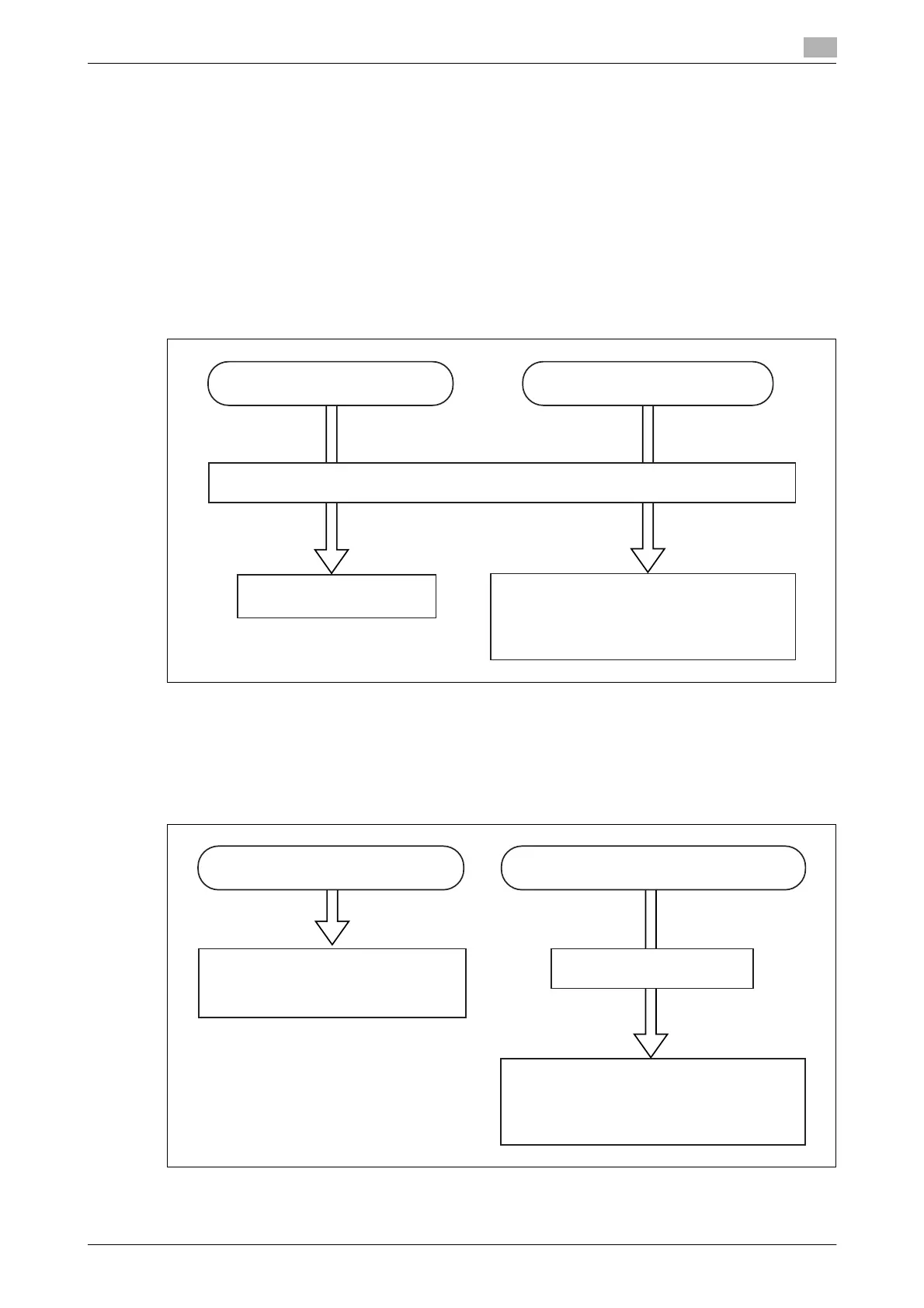
Auto reception for fax only (Fax ready)
d
You can set the machine to ring between 0 and 10 times. For details, refer to page 8-39.
You can pick up the external phone handset while the machine is ringing to talk on the phone.
Prioritizing fax reception (Fax/Tel ready)
When the other party sent you a fax When the other party called you
The machine rings
Reception starts
Pick up the external phone handset, and talk
to the other party
When the other party sent you a fax
The machine rings
Pick up the external phone handset, and talk
to the other party
Reception starts without the machine ringing
When the other party is using a phone














 To Next Page