Konica Minolta 240f 4-15
4.2 Basic faxing
4
4.2.2 Manual transmission
Use this method when the other fax machine uses manual reception.
d
Manual transmission cannot be performed from the document glass.
1 Load the document in the ADF, and press <Fax>.
% For details on loading documents, refer to Chapter 2, "Loading Documents" in the Quick Guide.
% Set the resolution and contrast as necessary. For details, refer to page 4-18.
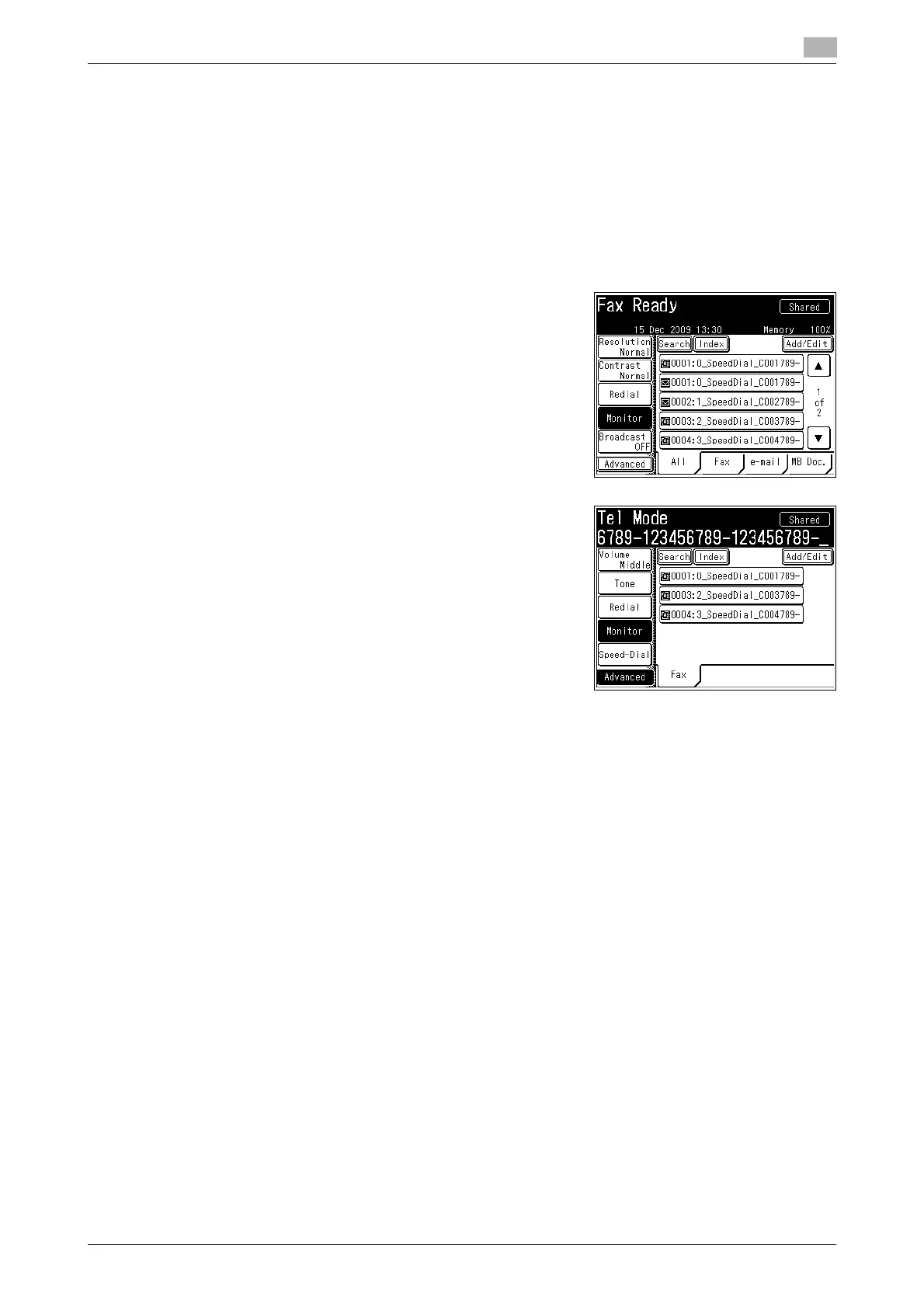
2 Press [Monitor].
% Confirm the dial tone.
% If [Monitor] is not displayed, press [Advanced] and then se-
lect [Monitor].
% If an external phone is connected, pick up the handset of
the external phone.
3 Specify the destination.
% For details on specifying the destination, refer to page 6-3.
4 When you hear the beep from the other fax machine, press <Start>.
% Press [Monitor].
% If you picked up the handset of the external phone to dial, hang up the handset.














 To Next Page