Basic scanning
2
2-4 Konica Minolta 240f
2.1
6 If you loaded the document on the document glass, load the
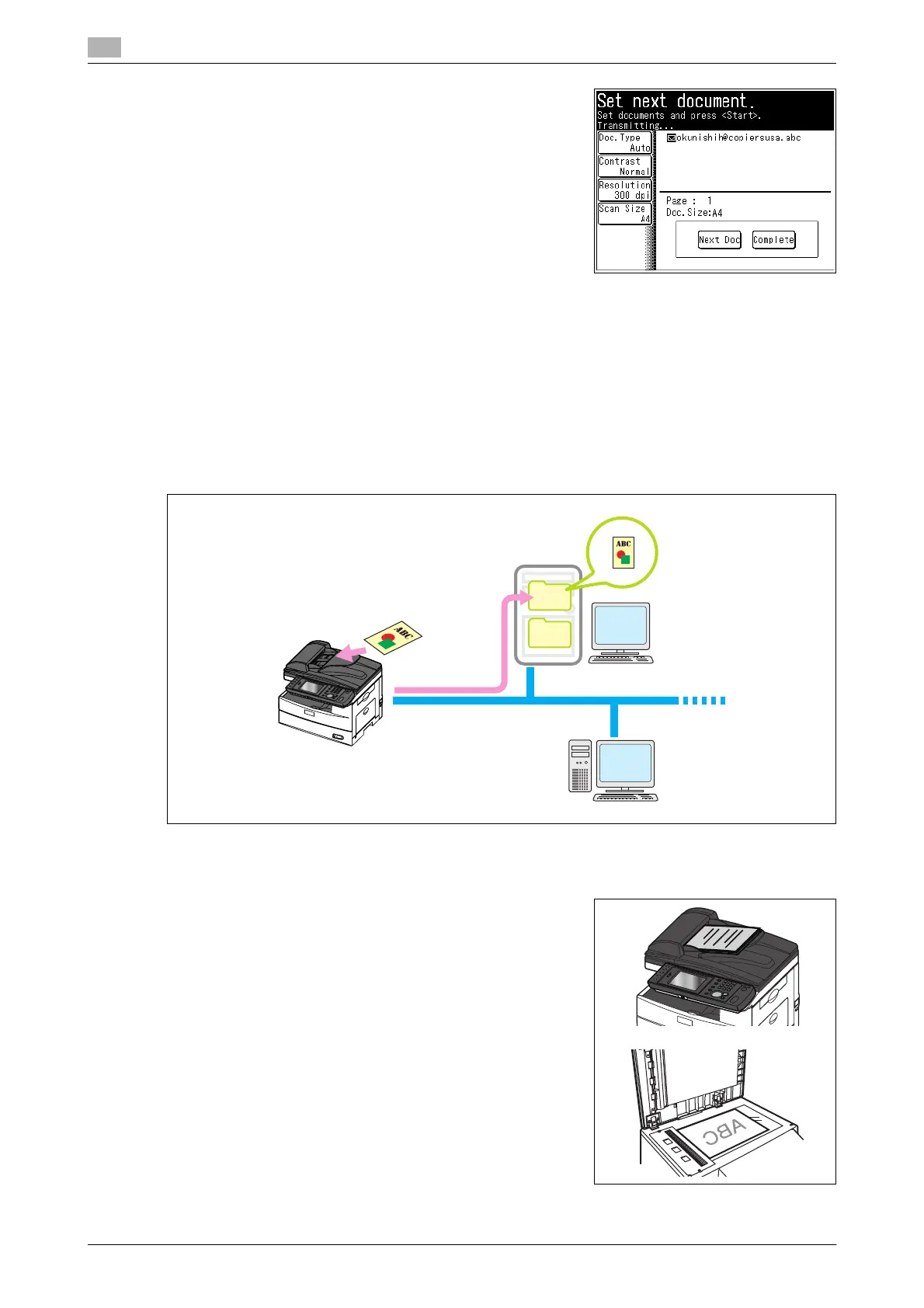
next document, and press [Next Doc].
% To finish scanning, press [Complete].
7 Repeat step 6 to scan all the documents.
To finish scanning, press [Complete].
d
You can register often-used destinations in the [Faves] tab. For details, refer to page 8-29.
2.1.2 Saving a scanned ddocument to a shared folder (Scan to folder)
You can save a scanned document to a shared folder in a computer on the network.
d
The folder to register must have shared folder settings specified on the computer you are using in advance.
1 Load the document, and press <Scan>.
% For details on loading documents, refer to Chapter 2,
"Loading Documents" in the Quick Guide.
% Set the document type, contrast, and resolution as neces-
sary. For details, refer to page 2-15.
Shared Folder
Network
2
1














 To Next Page