Konica Minolta 240f 2-15
2.2 Basic scan settings
2
2.2 Basic scan settings
Select the document type, contrast, and resolution, etc. according to the document and its text.
d
You can also change the default settings, as necessary. For details, refer to page 8-31.
2.2.1 Setting the document type
Set the document type to scan with according to the document.
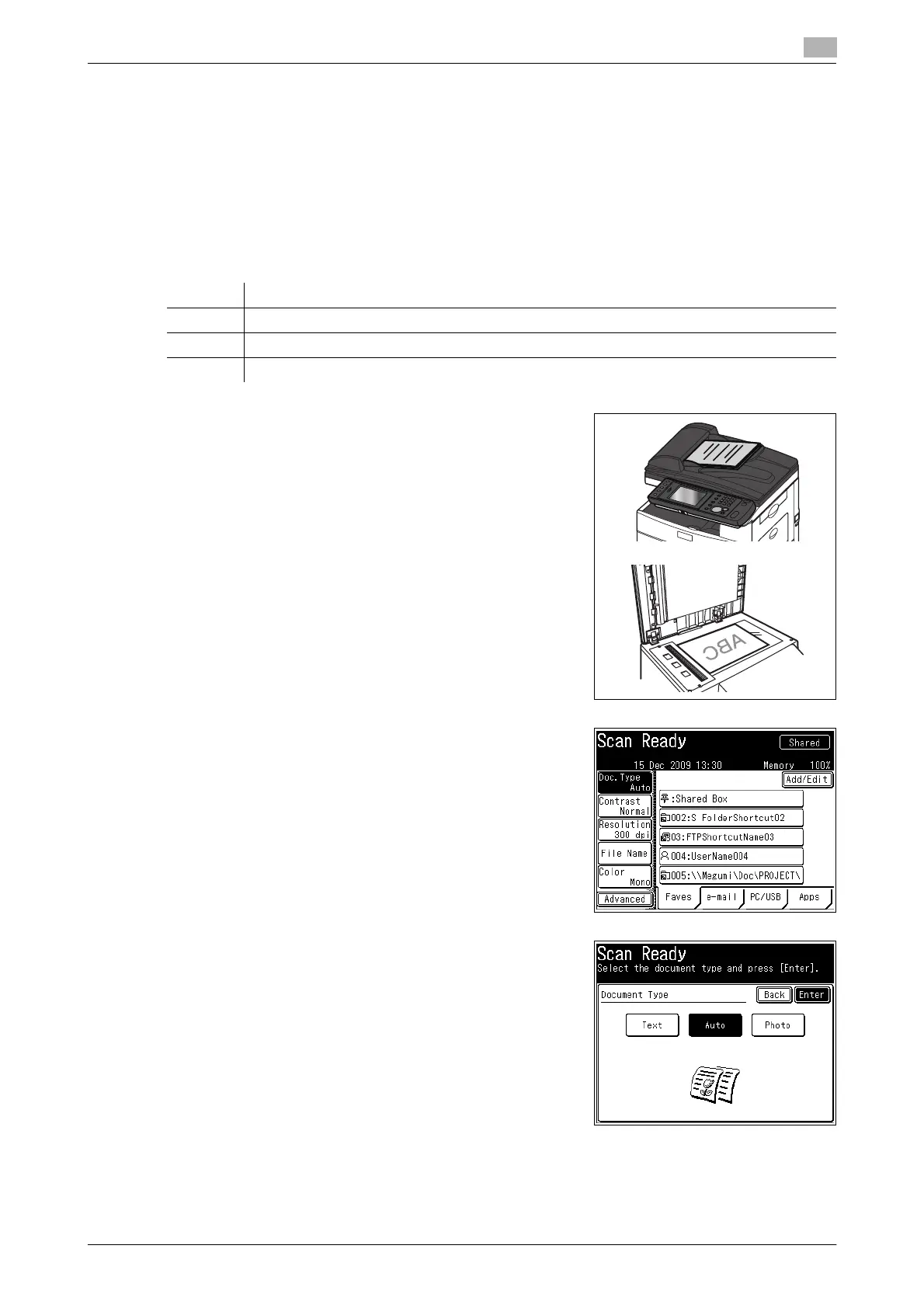
1 Load the document, and press <Scan>.
% For details on loading documents, refer to Chapter 2,
"Loading Documents" in the Quick Guide.
2 Press [Doc.Type].
% If [Doc.Type] is not displayed, press [Advanced] and then
select [Doc.Type].
3 Select the desired document type, and press [Enter].
Option Description
Text Select this when you want to scan text.
Auto Select this when you want to set the document type automatically.
Photo Select this when you want to scan photos.














 To Next Page