Basic scanning
2
2-14 Konica Minolta 240f
2.1
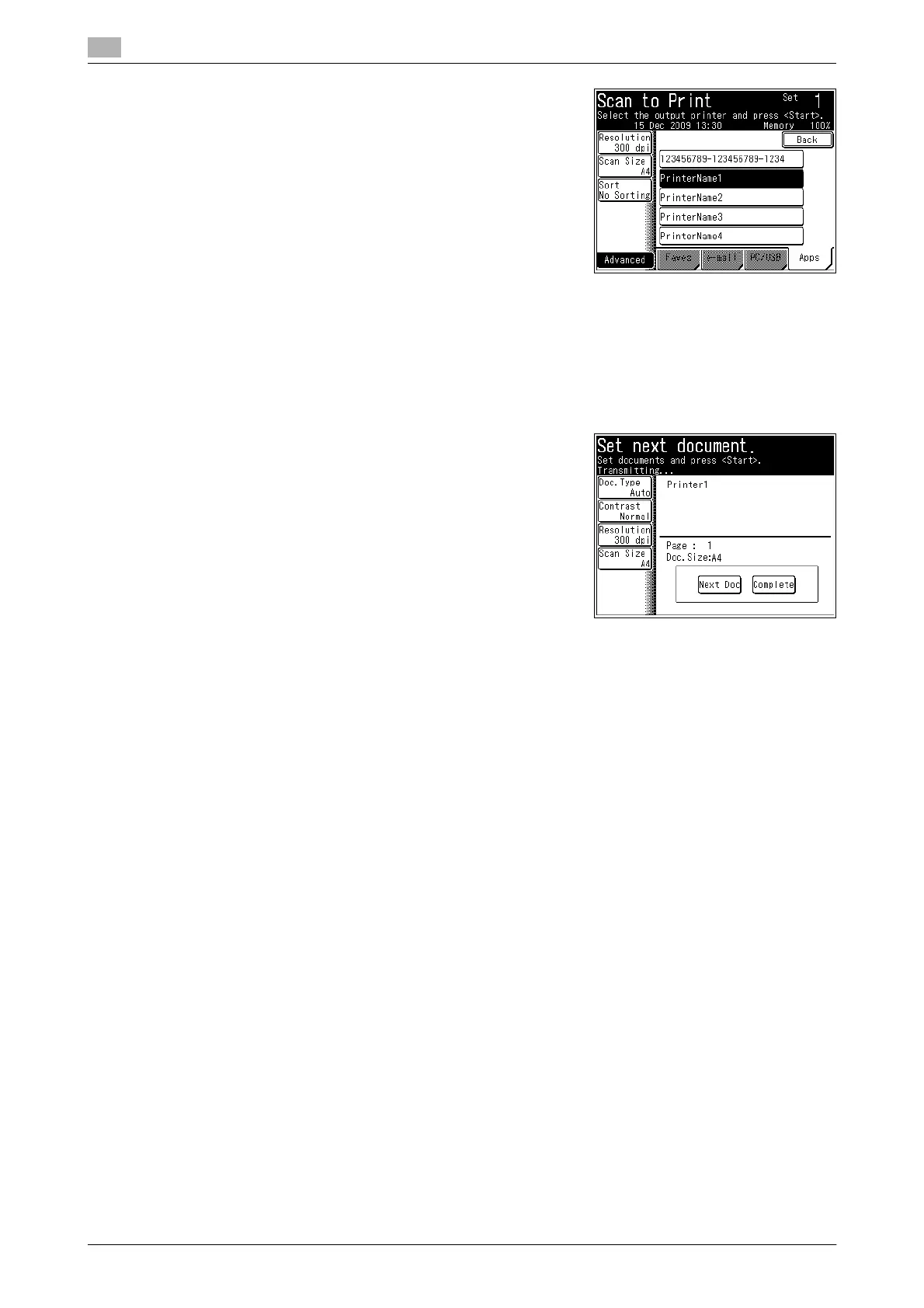
4 Select the printer.
5 To sort the output, press [Sort].
6 Enter the number of copies to print using the numeric keys.
7 Press <Start>.
If you loaded the document in the ADF, this concludes the procedure.
8 If you loaded the document on the document glass, load the
next document, and press [Next Doc].
% To finish scanning, press [Complete].
9 Repeat step 8 to scan all the documents.
% To finish scanning, press [Complete].














 To Next Page