Konica Minolta 240f 3-11
3.2 Advanced scan features
3
3.2.6 Adjusting the scan color (Color Adjustment)
When performing color scanning, you can adjust the image to suit your requirements.
d
The color can only be adjusted when the scan format is set to "Color". For details on setting the scan format,
see page 2-3.
Images shown in this manual are sample data, which may be different from the actual images.
Adjusting the contrast
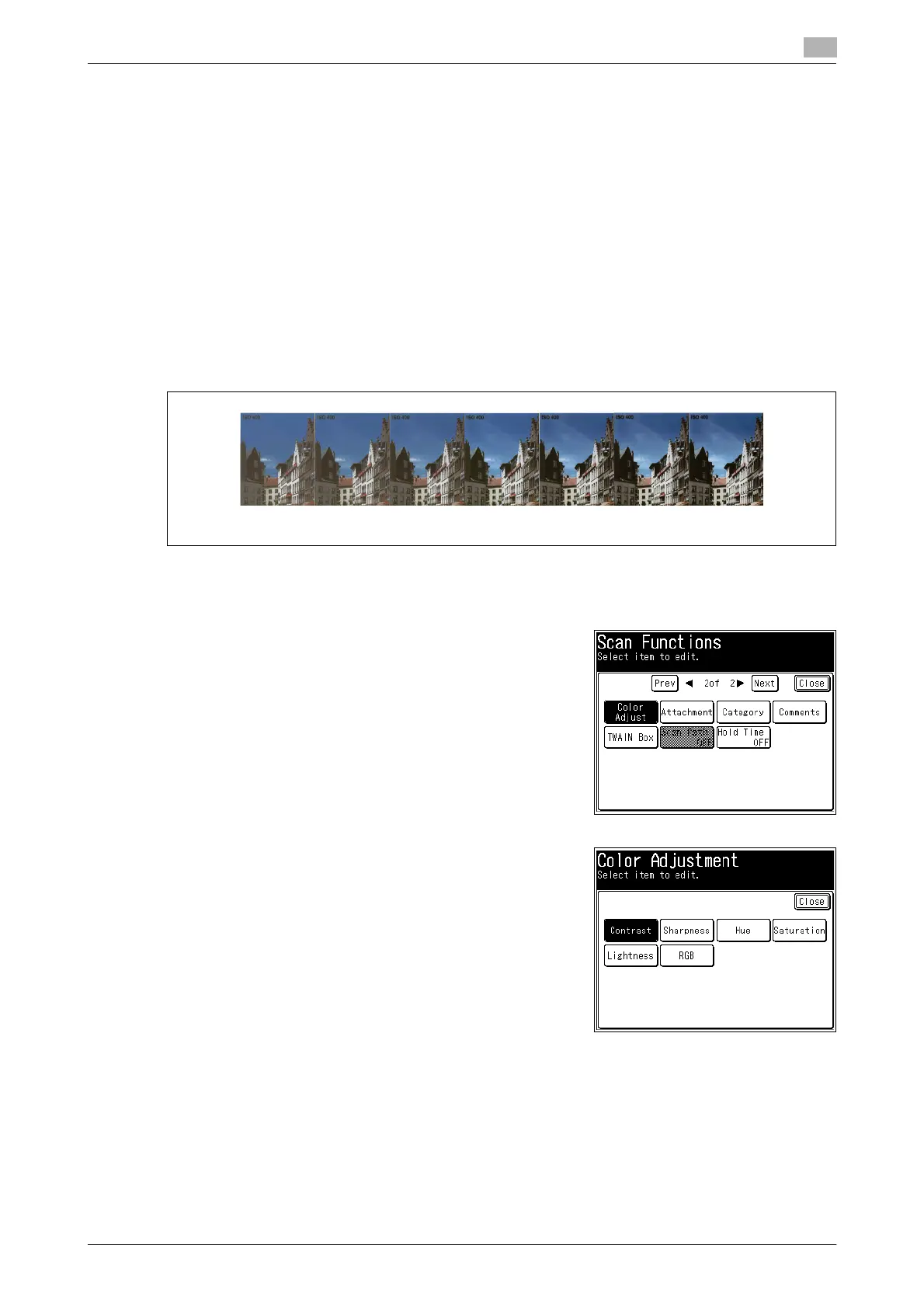
You can set the image contrast (the difference between light and dark) to seven different levels, from -3 (low)
to +3 (high).
-: The difference between brightness and darkness reduces and the whole image becomes dark.
+: The light parts become lighter, and the dark parts darker.
1 Load the document, and press <Scan>.
2 Press [Advanced].
3 Press [Color Adjust].
4 Press [Contrast].
-3 -2 -1 0 1 2 3














 To Next Page