Basic scanning
2
2-6 Konica Minolta 240f
2.1
8 If you loaded the document on the document glass, load the
next document, and press [Next Doc].
% To finish scanning, press [Complete].
9 Repeat step 8 to scan all the documents.
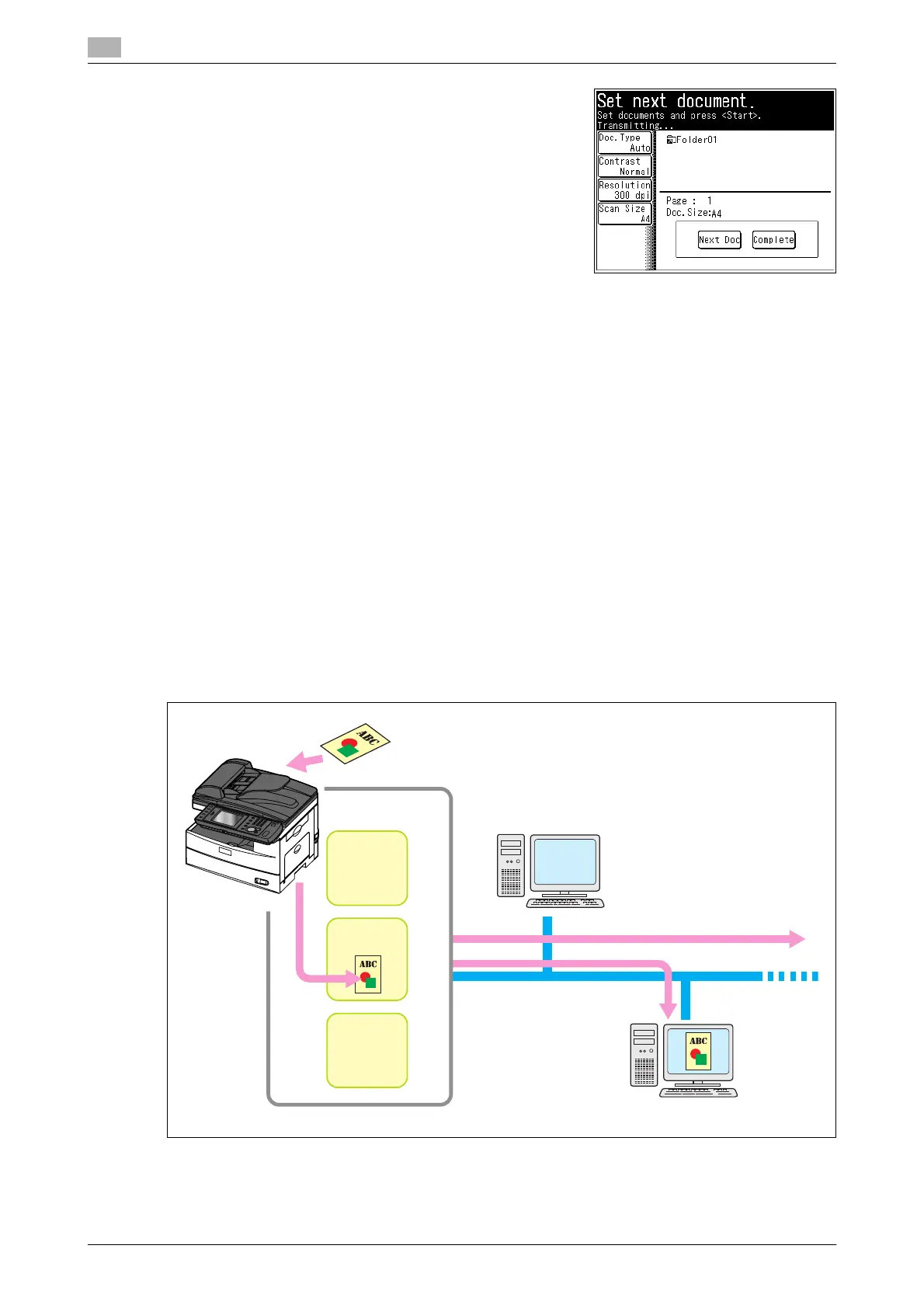
% To finish scanning, press [Complete].
d
You can register often-used destinations in the [Faves] tab. For details, refer to page 8-29.
For details on registering shortcuts, refer to page 8-15 or "Registering Shortcuts" in Chapter 3 of the User’s
Guide Message Board Operations.
You can press [Add/Edit] on the screen in step 3 to register/edit, or delete shortcuts. For details on registra-
tion, refer to page 8-19.
You can press [Register] on the screen in step 5 to register the selected shared folder in the shortcuts. For
details on registration, refer to page 8-19.
2.1.3 Transmitting a scanned document to a user (Scan to user)
You can store a scanned document in a box in the memory of the machine. Registered users can download
the data from a computer using a Web browser and transmit it via e-mail.
There are two types of boxes that scanned documents can be saved to.
- User boxes: These are the boxes that belong to each registered user.
- Shared box: This is the shared box that all users can use.
Download
E-mail
Network
User B
User A
Inside the memory
of the machine
Box for
User A
Box for
User B
Shared Box














 To Next Page