Konica Minolta 240f 2-13
2.1 Basic scanning
2
2.1.6 Printing a scanned document from a printer (Scan to printer)
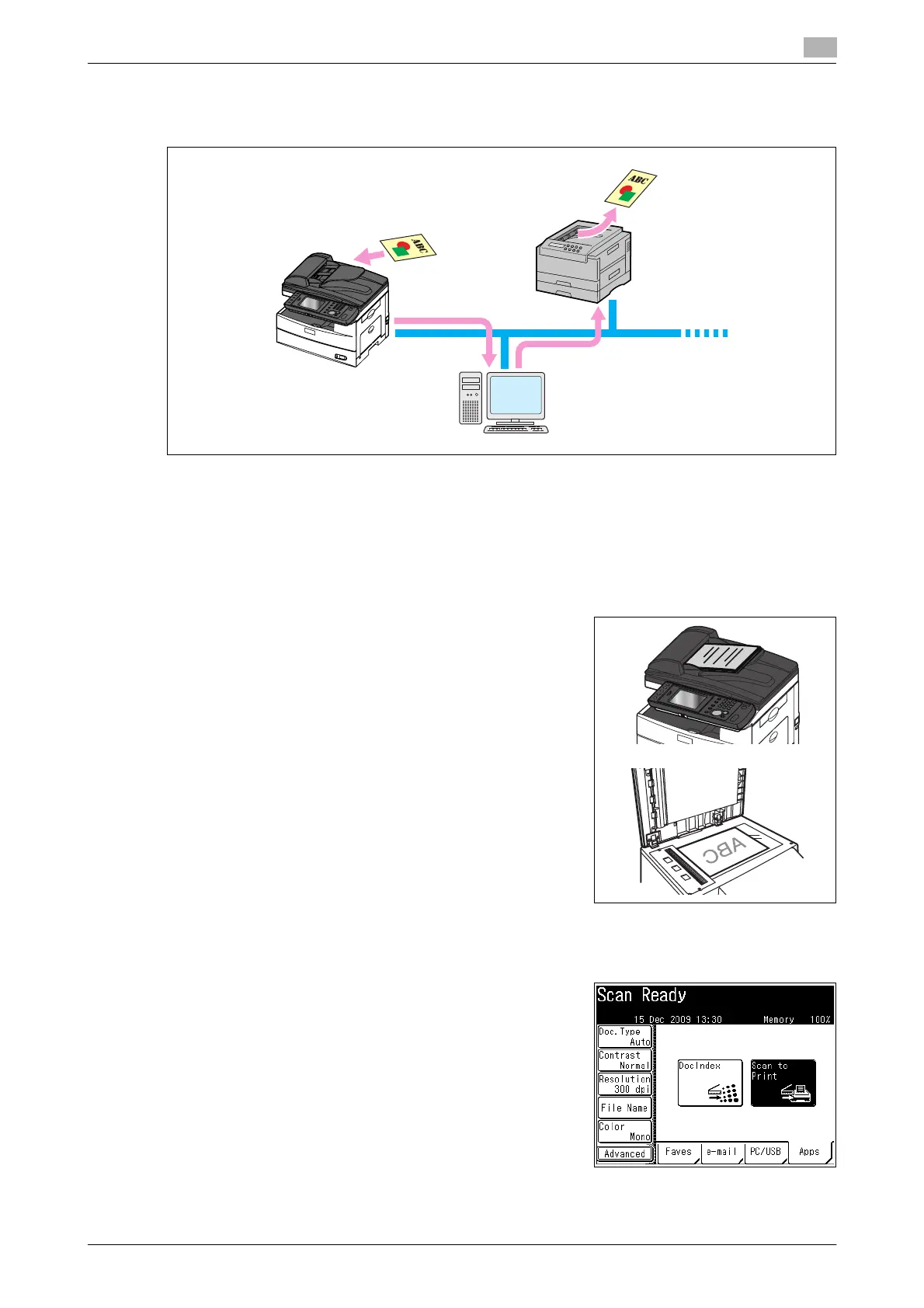
You can transmit a scanned document to another printer for printing via a computer.
d
To use this function, it is necessary to install the "Scan to Print Monitor" utility software in a computer in ad-
vance, and register the printer and MFP to use in Scan to Print Monitor. For details, refer to page 8-24.
Even if the Scan to Print Monitor is not started, you may be able to use the Scan to Print function. In this case,
the printed documents will be printed again when the Scan to Print Monitor is started.
If you press [Print], the scan format is automatically set to color.
1 Load the document, and press <Scan>.
% For details on loading documents, refer to Chapter 2,
"Loading Documents" in the Quick Guide.
% Set the document type, contrast, and resolution as neces-
sary. For details, refer to page 2-15.
2 Specify the advanced settings such as the color adjustment, as necessary. For details, refer to
page 3-5.
3 Press the [Apps] tab, and then [Scan to Print].
Network
Color printer














 To Next Page