Basic scanning
2
2-12 Konica Minolta 240f
2.1
11 Press [Enter].
12 Repeat steps 4 and 11 to specify all the destinations.
% You can also specify e-mail addresses, shared folders, user boxes, and the shared box as destina-
tions.
% To confirm a specified destination, press [Location]. For details on confirming destinations, refer to
page 6-15.
13 Press <Start>.
% If you selected a destination from the list of shortcuts, this step is not required.
% If you loaded the document in the ADF, this concludes the procedure.
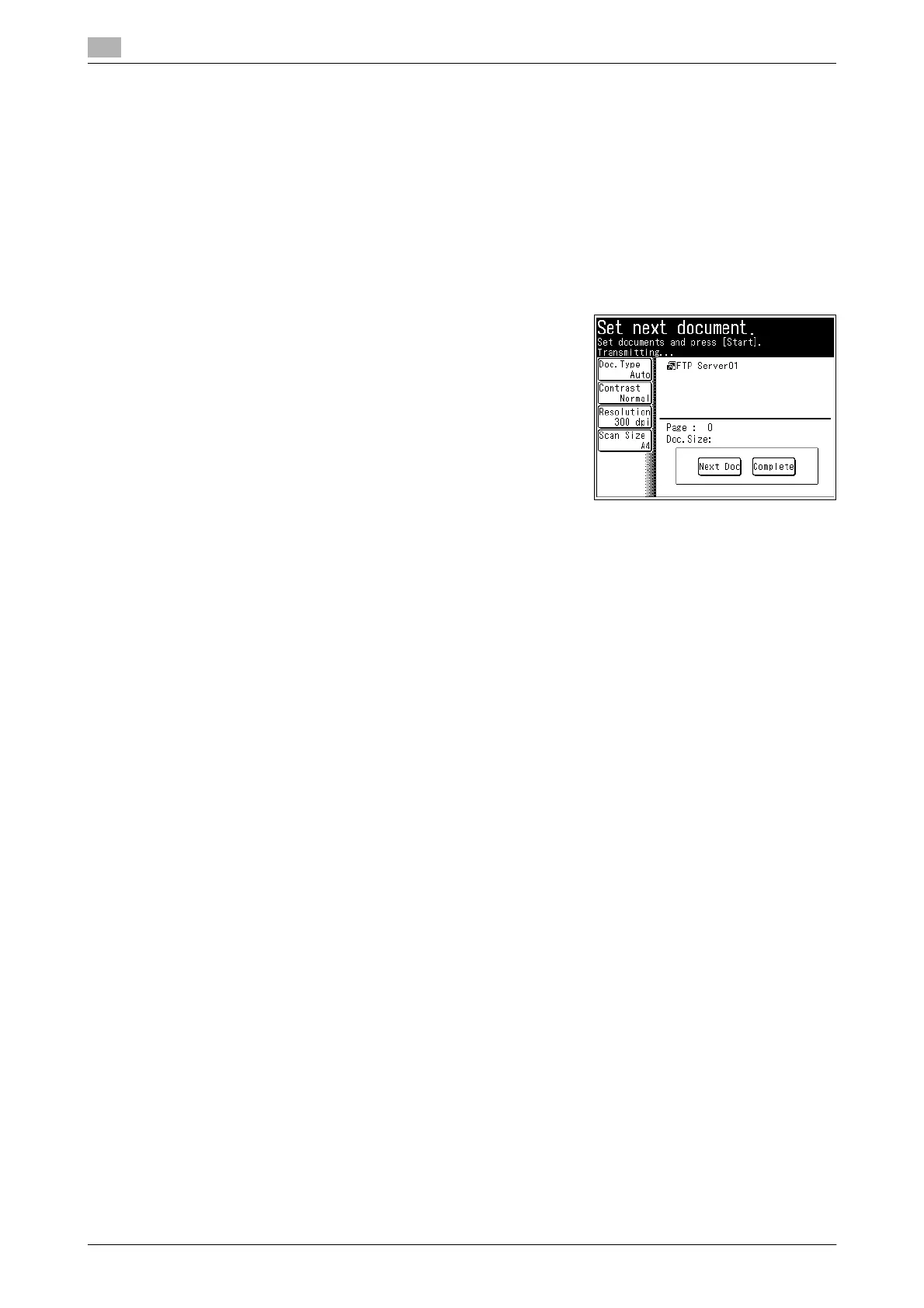
14 If you loaded the document on the document glass, load the
next document, and press [Next Doc].
% To finish scanning, press [Complete].
15 Repeat step 14 to scan all the documents.
% To finish scanning, press [Complete].
d
You can register often-used destinations in the [Faves] tab. For details, refer to page 8-29.
For details on registering shortcuts, refer to page 8-20 or "Registering Shortcuts" in Chapter 3 of the User’s
Guide Message Board Operations.
You can press [Add/Edit] on the screen in step 3 to register/edit, or delete shortcuts. For details on registra-
tion, refer to page 8-19.
You can press [Register] on the screen in step 11 to register the link in the shortcuts. For details on registra-
tion, refer to page 8-23.














 To Next Page