Konica Minolta 240f 3-17
3.2 Advanced scan features
3
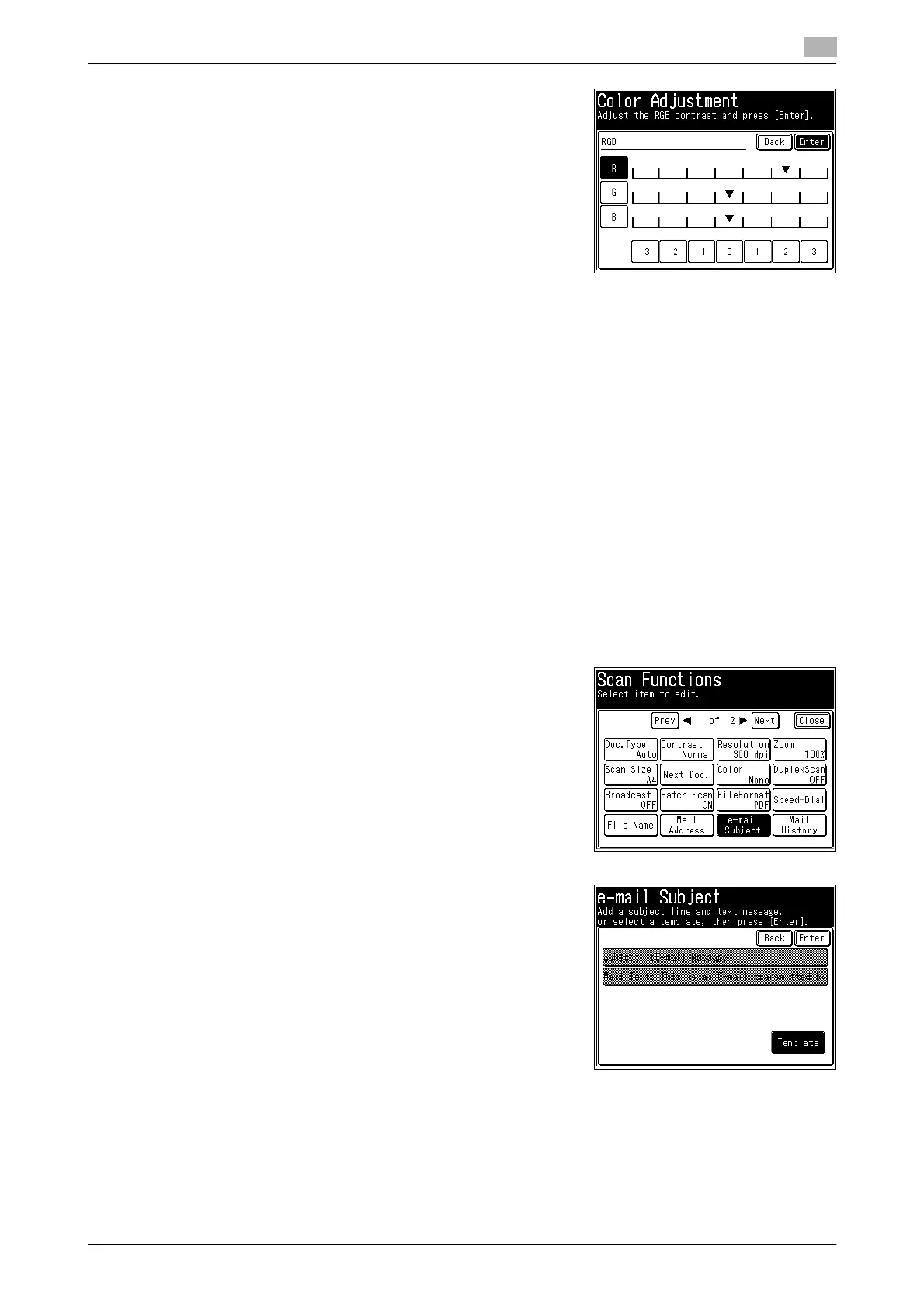
5 Select [R], [G], or [B], select the color ratio, and press [Enter].
6 Press [Close] twice.
7 Specify the destination, and press <Start>.
% For details on the procedure, refer to page 2-3.
3.2.7 Editing the message for transmission (E-mail Subject)
When transmitting a scanned image via e-mail, you can edit the body and subject of the e-mail to send. You
can also enter the body of the e-mail using a template registered in advance.
d
For details on registering e-mail templates, refer to page 8-40 or "Registering Templates" in Chapter 3 of the
User’s Guide Message Board Operations.
This function can be used with Scan to e-mail.
1 Load the document, and press <Scan>.
2 Press [Advanced].
3 Press [e-mail Subject].
4 Press [Template].














 To Next Page