Advanced scan features
3
3-16 Konica Minolta 240f
3.2
Adjusting the RGB
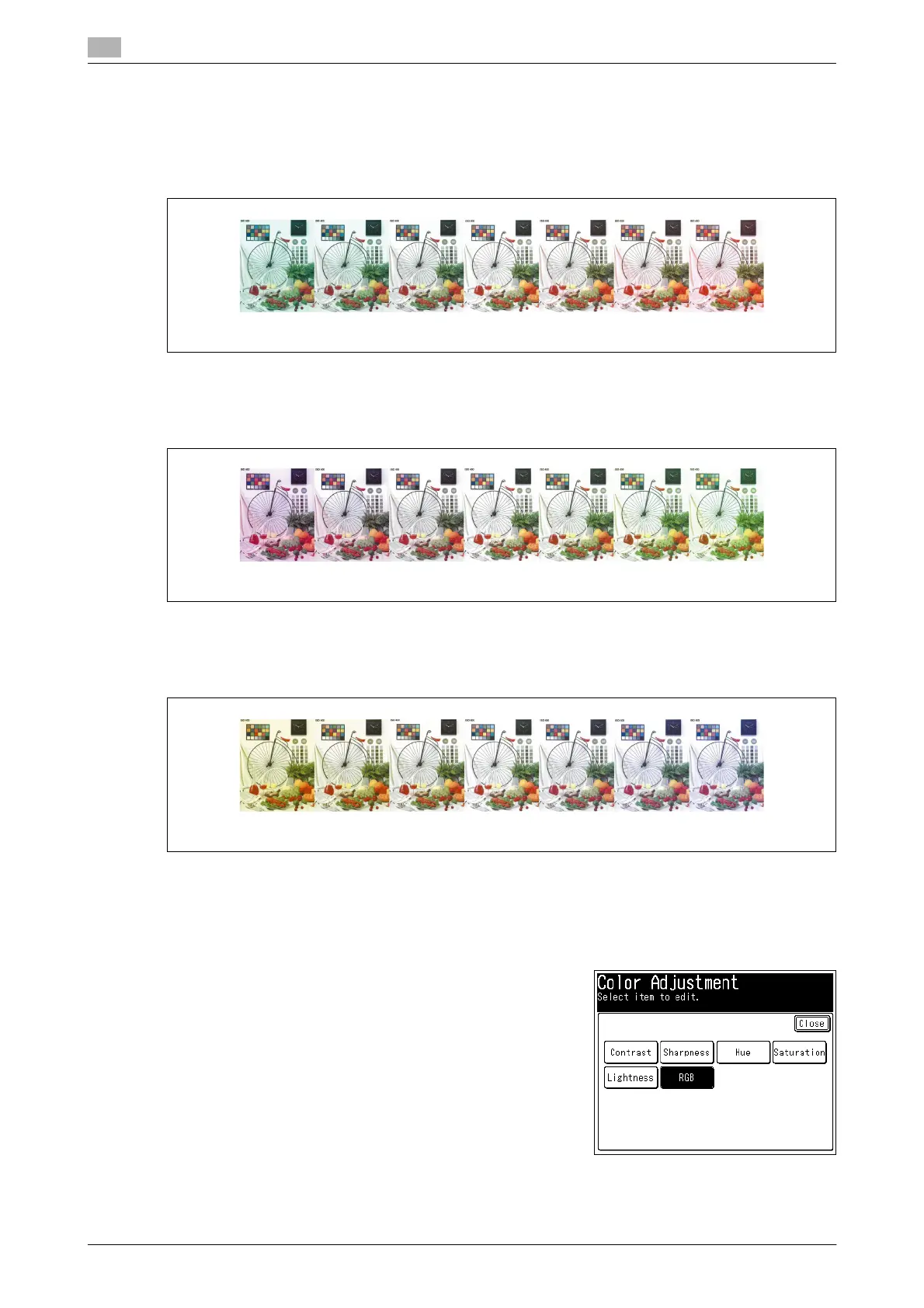
You can set the ratio of R (red) to seven different levels, from -3 to +3.
-: Lessens red, and enhances cyan.
+: Enhances red, and lessens cyan.
You can set the ratio of G (green) to seven different levels, from -3 to +3.
-: Lessens green, and enhances magenta.
+: Enhances green, and lessens magenta.
You can set the ratio of B (blue) to seven different levels, from -3 to +3.
-: Lessens blue, and enhances yellow.
+: Enhances blue, and lessens yellow.
1 Load the document, and press <Scan>.
2 Press [Advanced].
3 Press [Color Adjust].
4 Press [RGB].
-3 -2 -1 0 1 2 3
-3 -2 -1 0 1 2 3
-3 -2 -1 0 1 2 3














 To Next Page