Konica Minolta 240f 4-9
4.1 Initial setup (User install)
4
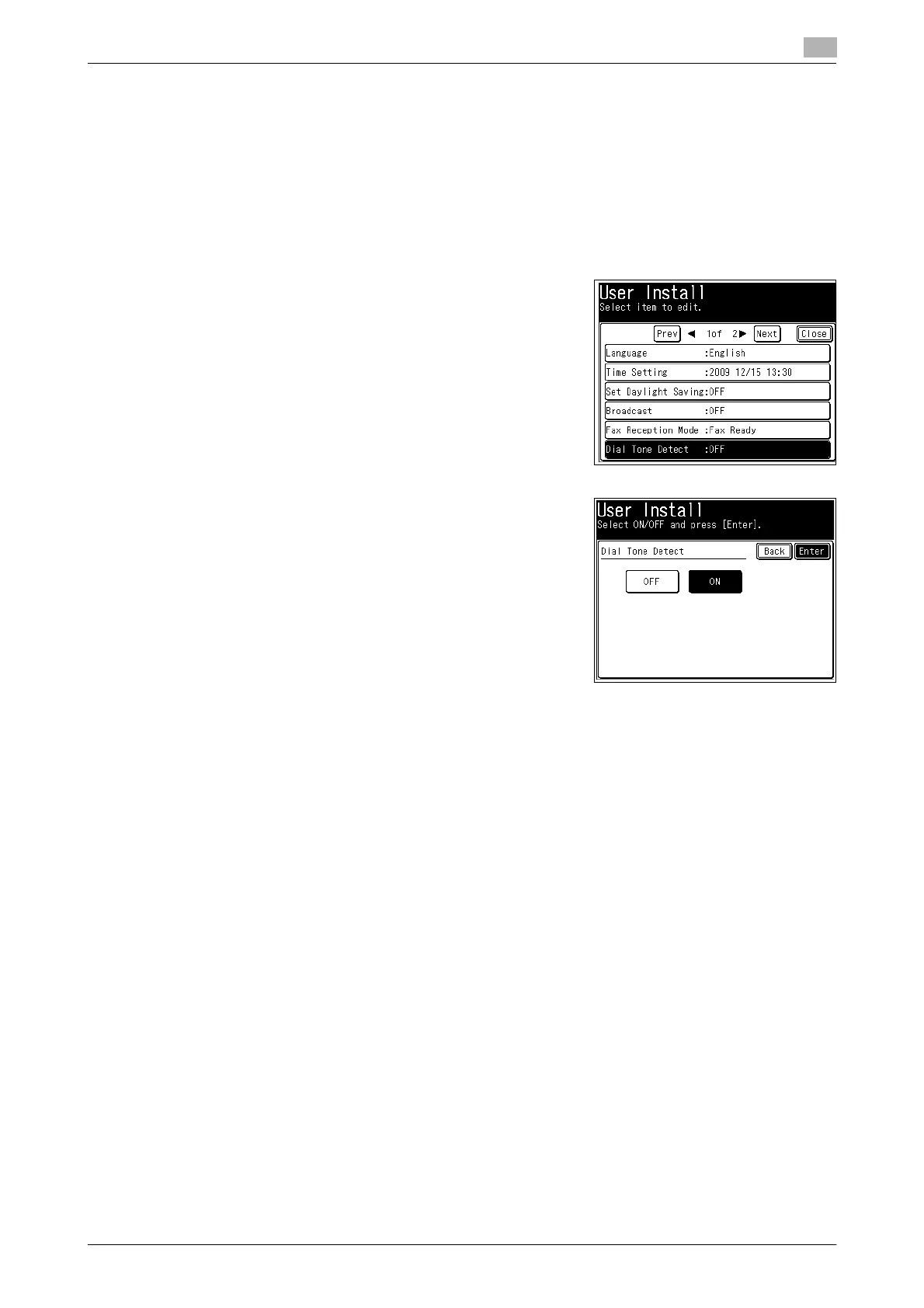
Setting the dial tone detection
Select if you set the dial tone detection. Select [OFF] normally.
1 Press <Setting>.
2 Press [Management].
% If an administrator password is set, enter the password and press [Enter].
3 Press [User Install].
4 Press [Dial Tone Detect].
5 Select [ON] or [OFF] to detect or not detect the dial tone, and
press [Enter].
% If you select [ON], you cannot transmit the faxes through a
line that cannot acquire a dial tone.














 To Next Page