Specifying destinations
6
6-4 Konica Minolta 240f
6.1
6.1.1 Selecting from the address book
If you register a destination in the address book in advance, you can select that destination from the address
book displayed on the screen. When you have registered groups, they are also displayed in the address book.
When you specify a destination from the address book, transmission will start without pressing <Start>.
Selecting from the address book
1 Press <Scan> or <Fax>.
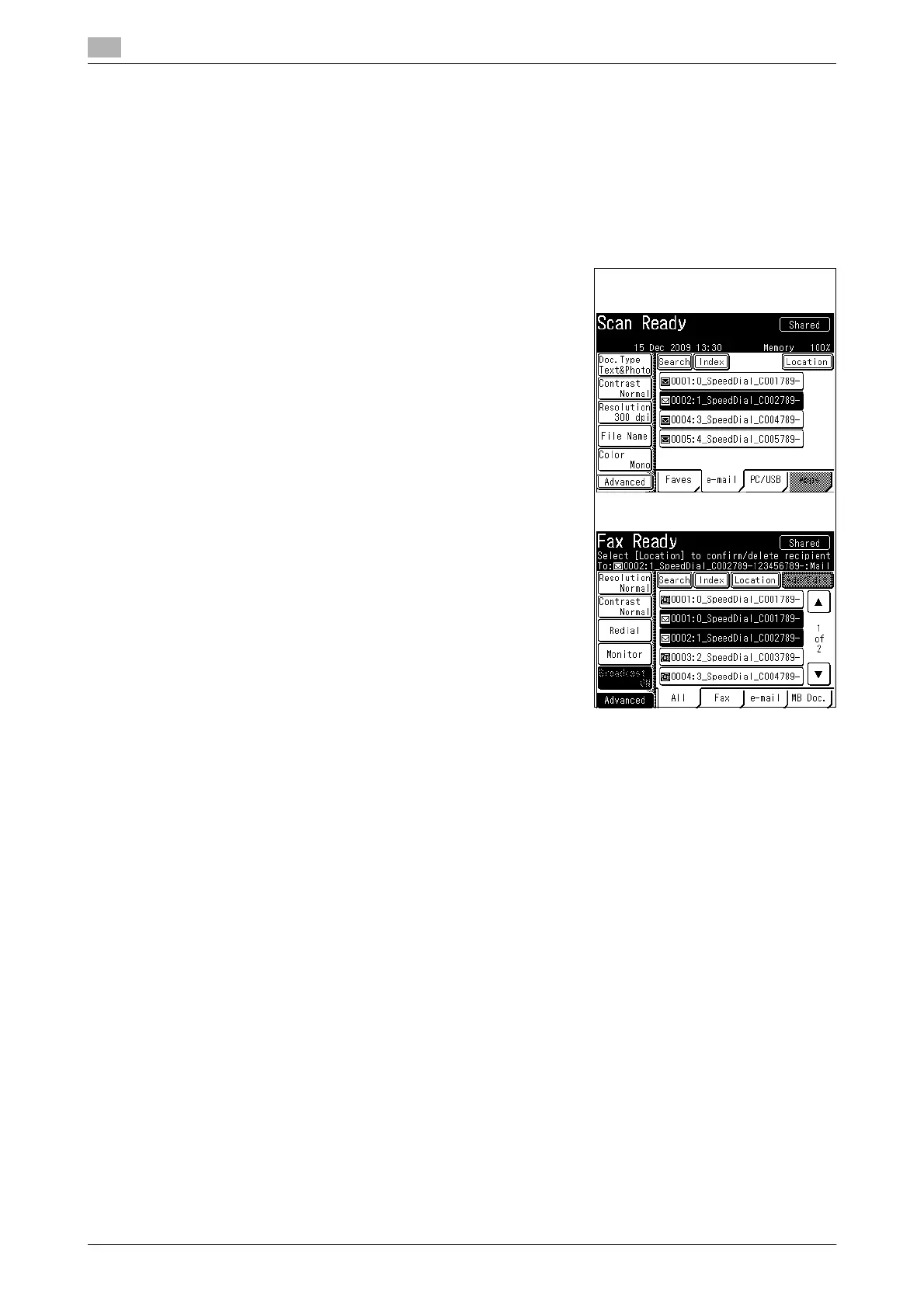
2 Select the destination from the address book.
% You can press the [Fax] tab on the fax screen to display
destinations registered with a fax number. You can also
press the [e-mail] tab to display destinations registered
with an e-mail address or the [All] tab to display all desti-
nations.
% If you enable the Broadcast function in advance, you can
specify multiple destinations. For details, refer to page 3-7
and page 4-7.
% Press [+] or [,] to switch the displayed pages.
% To use the personal address book, press <Personal
Mode> to switch to the personal address book. Perform a
user login before using the personal address book. For de-
tails on logging in, refer to Chapter 2, "Logging In / Logging
Out" in the User's Guide Administrator Operations.
(Example: Address book on the
[e-mail] tab of the scanner screen.)
(Example: Fax screen)














 To Next Page