Basic faxing
4
4-14 Konica Minolta 240f
4.2
4.2 Basic faxing
4.2.1 Transmitting faxes
This section describes the often-used basic procedure for transmitting faxes.
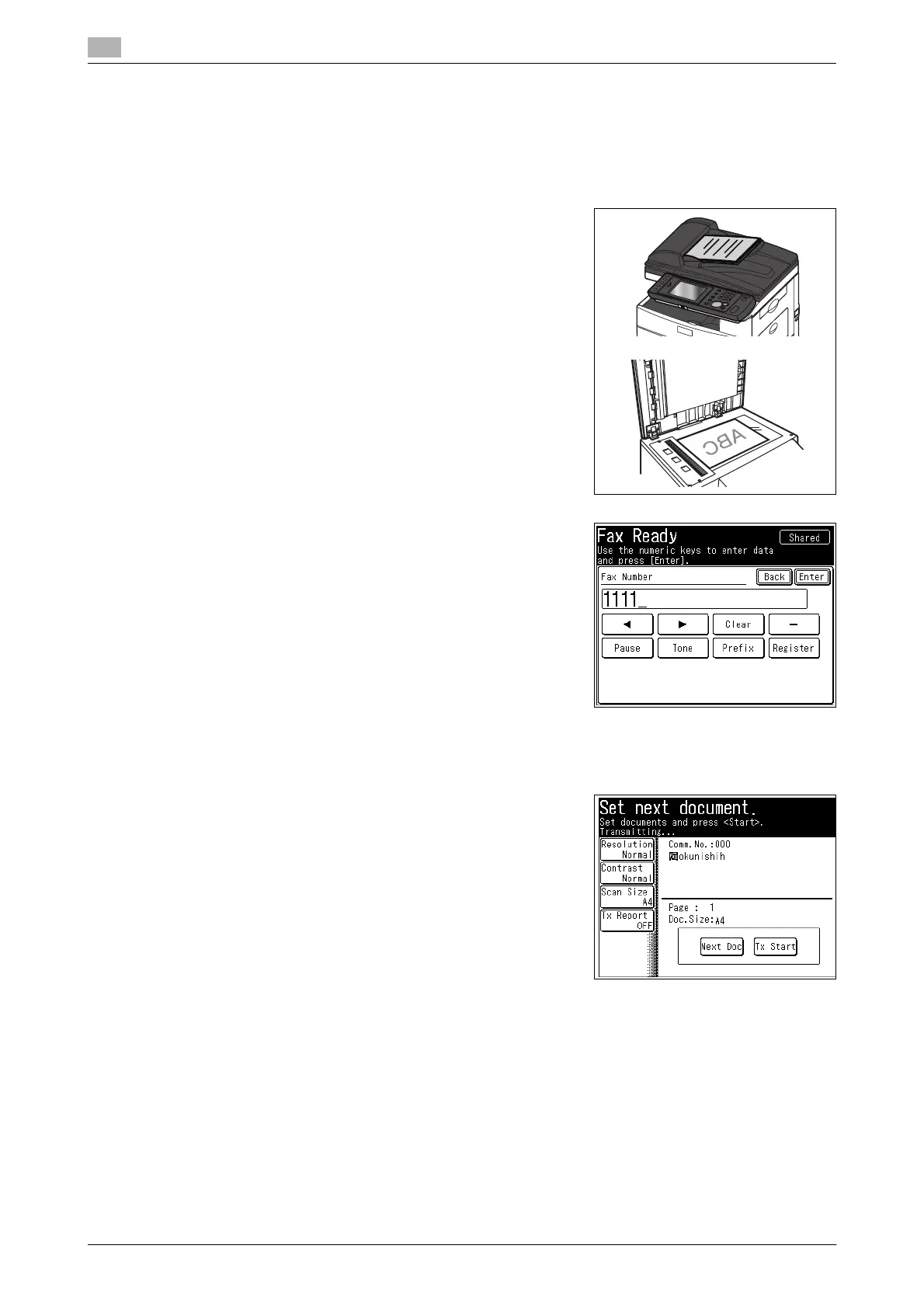
1 Load the document, and press <Fax>.
% For details on loading documents, refer to Chapter 2,
"Loading Documents" in the Quick Guide.
% Set the resolution and contrast as necessary. For details,
refer to page 4-18.
2 Enter the number of the destination.
% Dialing options can be inserted. For details, refer to
page 4-20.
% Destinations can also be selected from the address book.
% For details on specifying other destinations, refer to
page 6-3.
3 Press <Start>.
If you loaded the document in the ADF, this concludes the procedure.
4 If you loaded the document on the document glass, load the
next document, and press [Next Doc].
% Press [Tx Start] to start transmission.
5 Repeat step 4 to scan all the documents.
% To finish scanning, press [Tx Start].
d
For details on canceling transmission, refer to page 4-22.
Transmissions can be reserved while the machine is communicating. The reserved transmission will start
when the current job is completed. Up to 100 transmissions can be reserved.














 To Next Page