Konica Minolta 240f 3-5
3.2 Advanced scan features
3
3.2 Advanced scan features
3.2.1 Specifying the scan size (Scan Size)
You can transmit or save an image scanned using a scan size set in advance. This is useful when you want
to scan a part of the document or want to specify the document size.
d
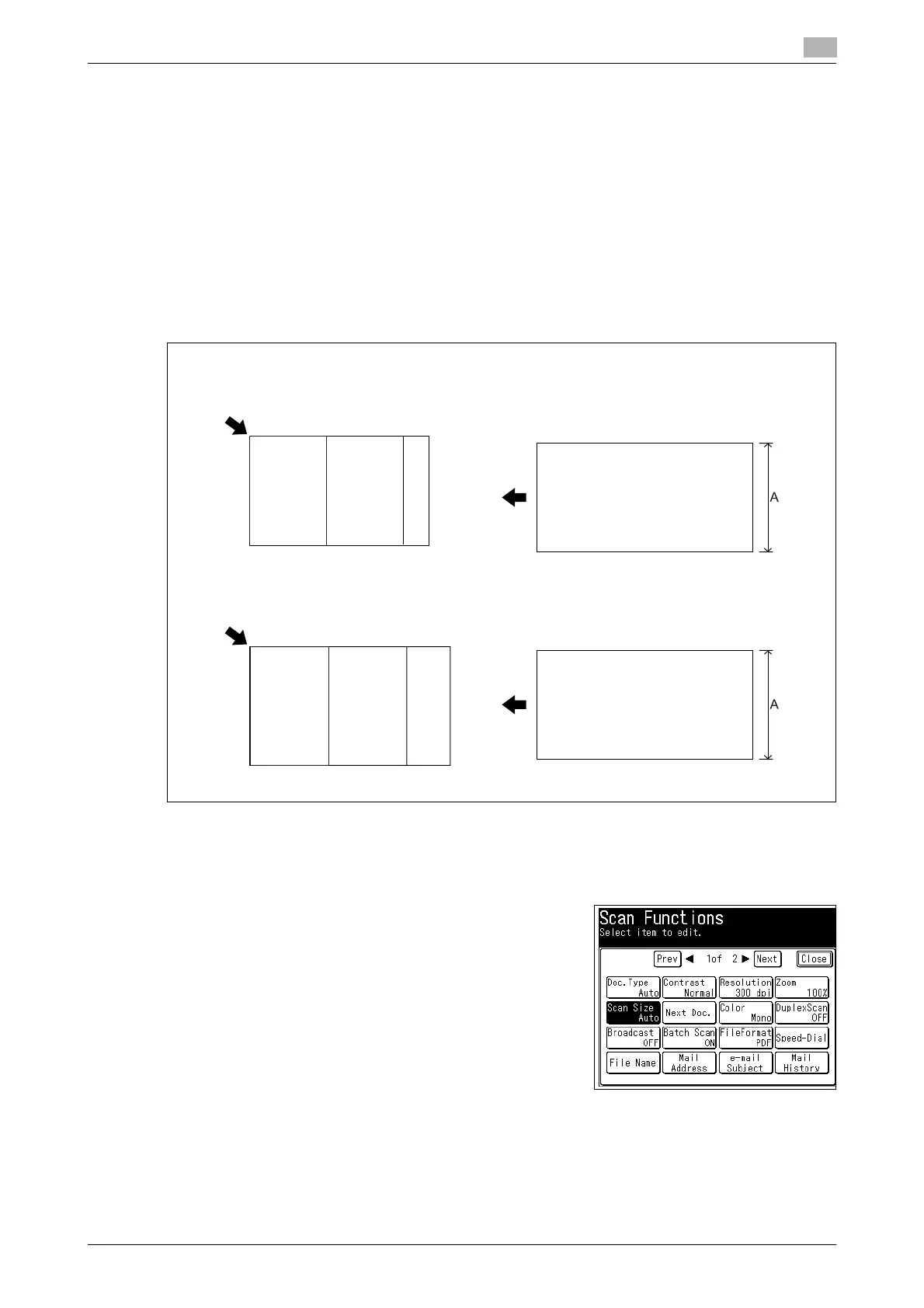
When you scan using the document glass, only an area from the reference setting position equal to the set
scan size is scanned.
When you scan using the ADF, only an area from the center with a width equal to the set scan size is scanned.
The whole length of the document is scanned.
1 Load the document, and press <Scan>.
2 Press [Advanced].
3 Press [Scan Size].
Document glass
Reference setting position
ADF
Reference setting position
Reference
setting position
Reference
setting
position
A5v A4 F4
A...A4/A5v/F4
Half-letter v Letter Legal
A...Legal/Letter/Half-letter v














 To Next Page