Security functions
5
5-36 Konica Minolta 240f
5.5
5.5.3 Entering the destination twice before transmission (Confirmation dial)
When the confirmation dial function is set, a screen requiring you to reenter the destination will be displayed
before starting transmission. Transmission is allowed only when the first and second numbers match. Enter-
ing the destination twice enables you check whether there has been a mistake when entering the number.
For details on setting the confirmation dial function, refer to Chapter 3, "Confirming the Destination Before
Transmission" in the User's Guide Administrator Operations.
d
When the destination includes a dialing option like pause (/P), you need to reenter it exactly as entered pre-
viously including the dialing option.
1 Load the document, and press <Fax>.
2 Specify the destination.
% For details on specifying the destination, refer to page 6-3.
% When specifying the destination with the numeric keys, press [Enter] after specifying the destina-
tion.
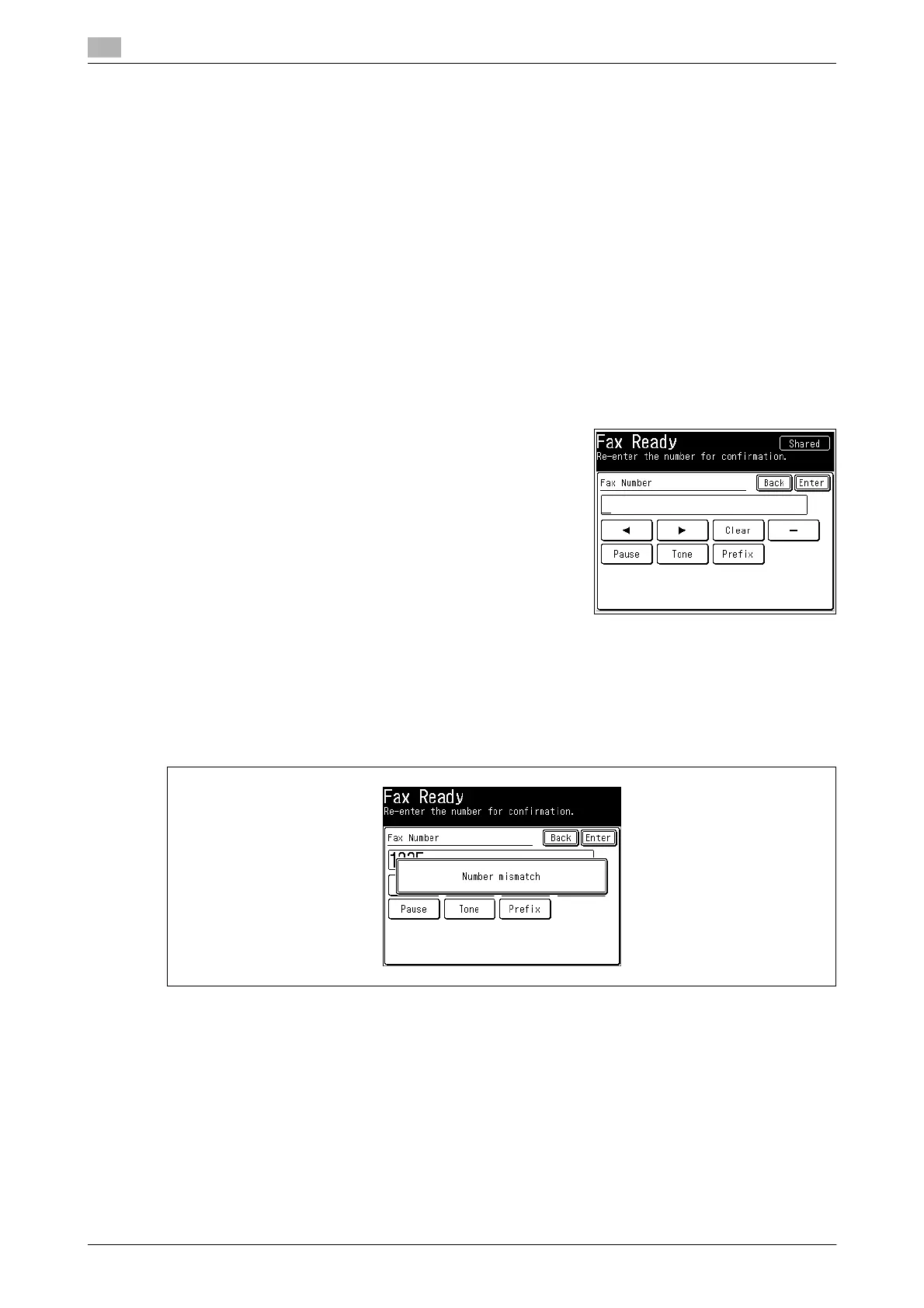
3 When the confirmation dial screen is displayed, reenter the
destination you entered in step 2.
% To specify multiple destinations, repeat the operation in
steps 2 and 3 until all the destinations are entered twice.
When specifying the destination with the numeric keys,
press [Enter] after specifying the destination.
4 Press <Start>.
d
The following screen is displayed when the first and second numbers entered do not match. Repeat the pro-
cedure in step 3. If the first destination you entered is wrong, press <Reset> and repeat the procedure from
step 2.














 To Next Page