Useful internet fax functions
5
5-60 Konica Minolta 240f
5.8
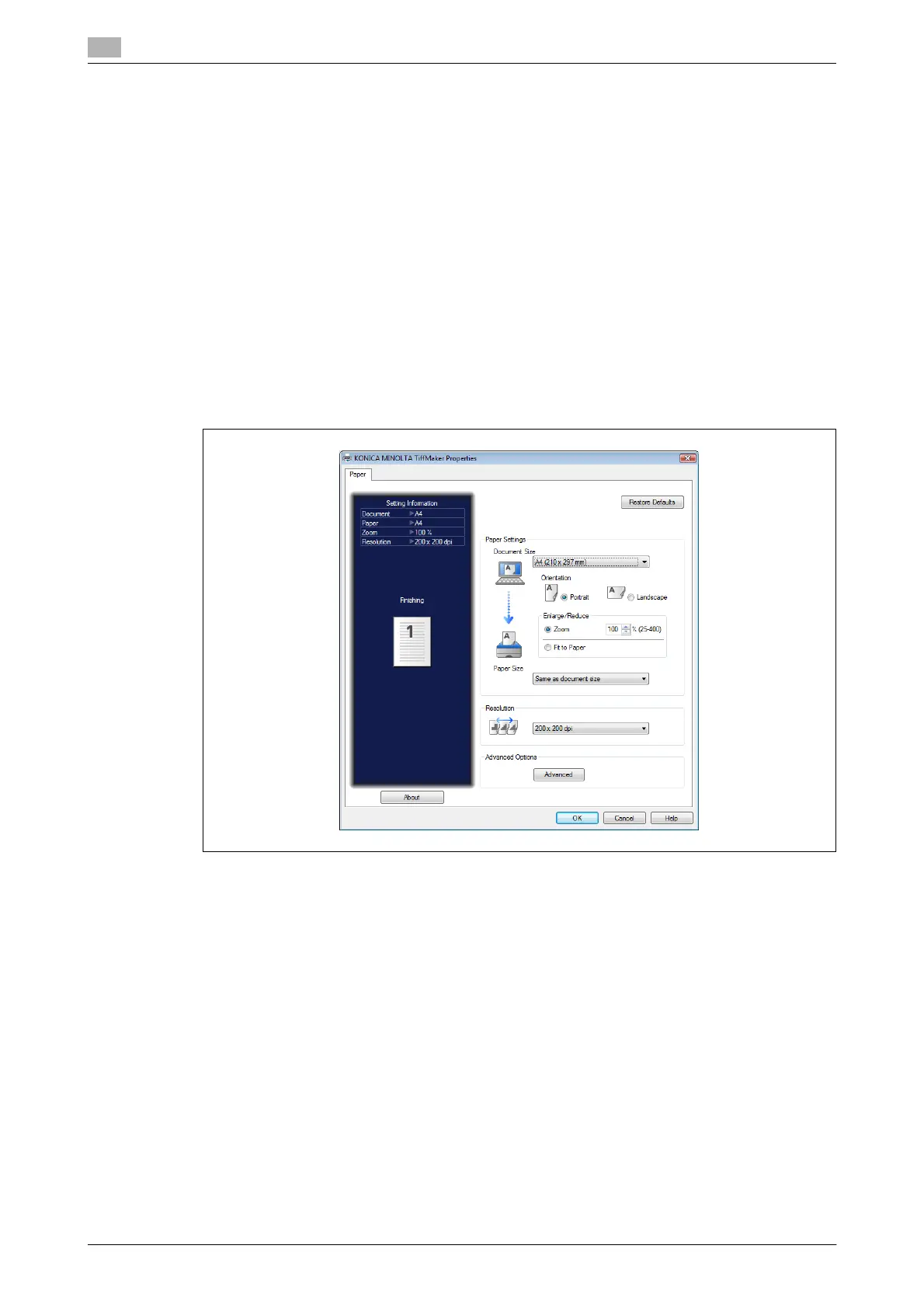
5.8.5 Creating a TIFF file for an internet fax
You can use the KONICA MINOLTA TiffMaker to convert documents created in application software to TIFF
files that can be used for internet faxes.
d
Install the KONICA MINOLTA TiffMaker to the computer before using this function. For details on installing
the driver, refer to Chapter 3, "Installing to Windows" in the User’s Guide Print Operations.
The procedure for a document created with Microsoft Office Word 2007 is described here as an example.
1 Create and edit the document to transmit.
2 Execute a print command in the application software.
% When using Microsoft Office Word 2007, click [Print (P)].
3 Select "KONICA MINOLTA TiffMaker" as the printer.
4 Open the detailed print settings screen.
% When using Microsoft Office Word 2007, click [Printing Preferences].
% To transmit without changing the detailed settings, proceed to step 7.














 To Next Page