Konica Minolta 240f 8-37
8.2 Specifying default settings
8
List of default template settings
d
Highlighted values are the default settings specified at the time of shipment.
For details on these settings, refer to page 8-35.
8.2.3 Specifying default fax settings
You can set or change the default fax settings. For information on the items and settings that can be speci-
fied, refer to page 8-38 and page 8-39.
Setting example
Here the procedure for changing the resolution is described as an example.
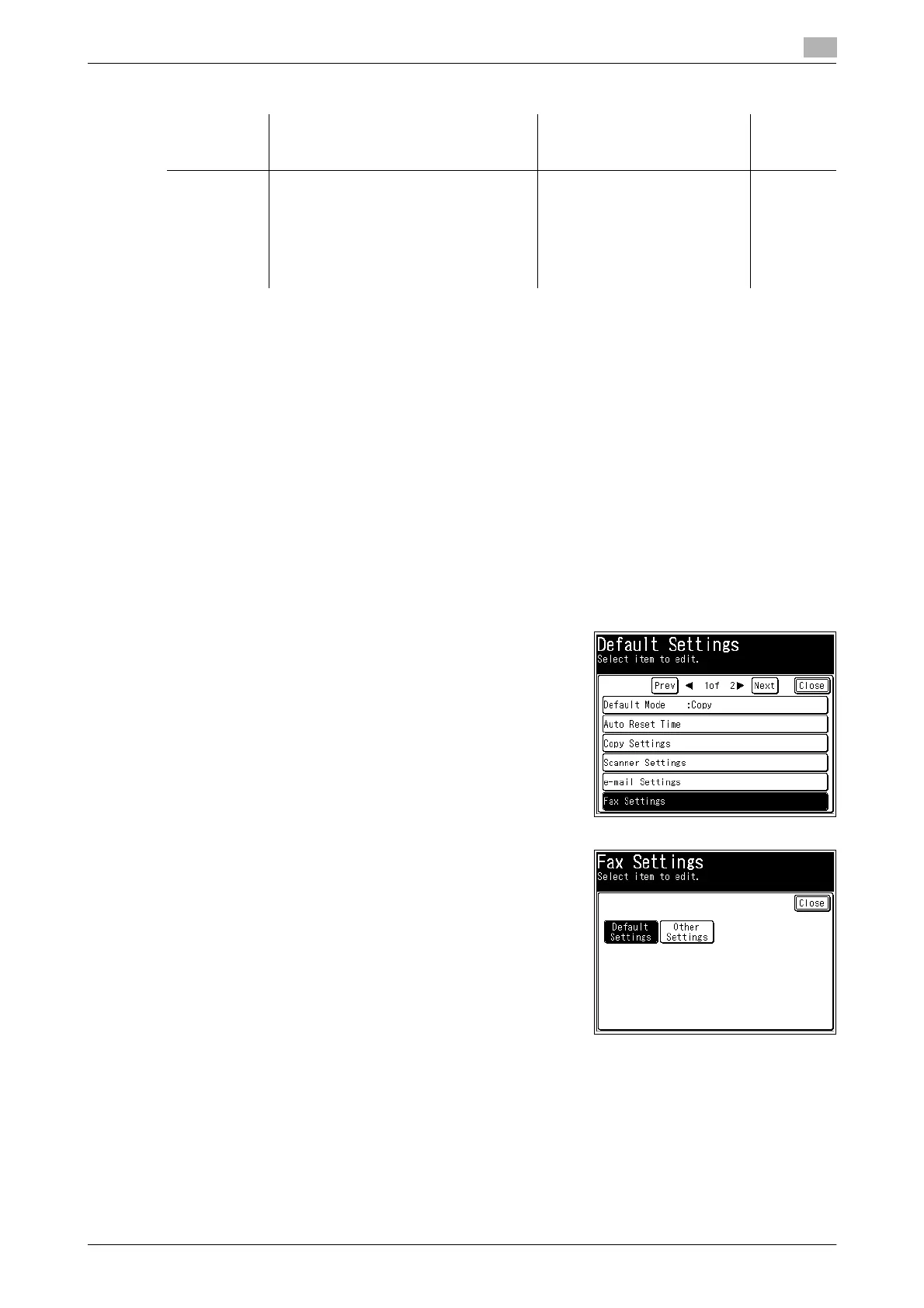
1 Press <Setting>.
2 Press [Default Settings].
3 Press [Fax Settings].
4 Select the default setting to specify.
In this example, [Default Settings] is selected.
Function Description Settings Refer-
ence
page
Auto Subject
+ Text
You can change the default e-mail sub-
ject and message settings used with the
Internet Fax and Scan to E-Mail func-
tions.
Frequently used text can be registered
in templates 1 to 10. For details on reg-
istering templates, refer to page 8-40.
OFF
ON
Default Template Settings:
Auto Subject + Text
Auto Subject
Template 1 to Template 10
p. 3-17
p. 5-55














 To Next Page