Konica Minolta 240f 4-33
4.2 Basic faxing
4
Paper saving settings
In order to save paper, you can combine multiple documents onto one sheet of paper or print on both sides
of the paper. Paper saving settings include Duplex Reception and H-Page Reception.
Function Note
H-Page Re-
ception
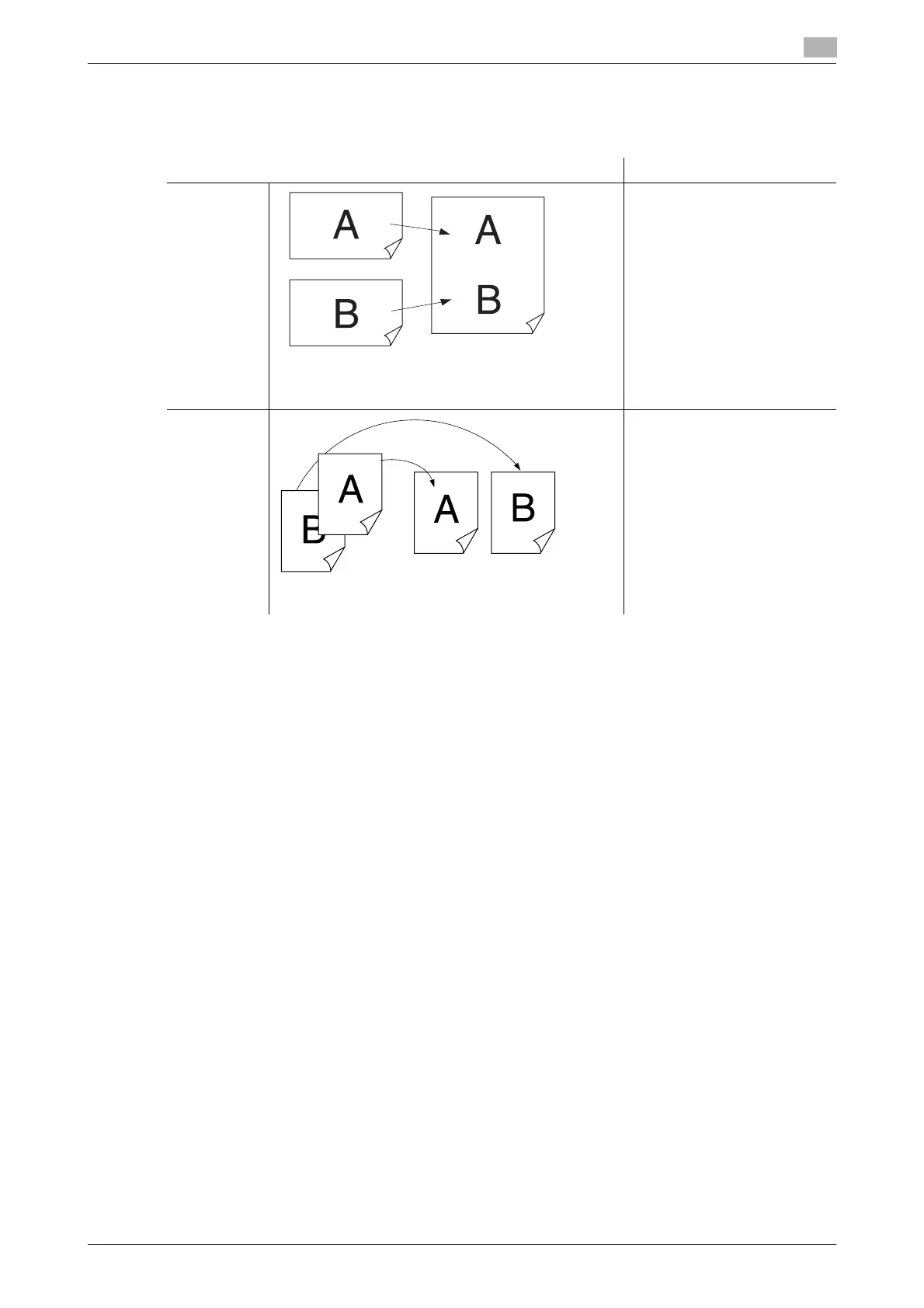
When two A5 v size documents have been received in
succession, they can be combined and printed on one
sheet of paper.
• For details on setting
H-Page Reception, refer to
page 8-39.
• When paper of the same
size as the received docu-
ment is loaded, documents
will not be combined.
• The printing method and
reduction rate differ ac-
cording to the reception re-
duction rate that is set and
the size of the received
document. For details, refer
to page 4-31.
Duplex Re-
ception
Two documents received in succession can be printed
on both sides of the paper.
For details on setting Duplex
Reception, refer to page 8-39.
Front Back














 To Next Page