Security functions
5
5-38 Konica Minolta 240f
5.5
Printing security reception documents
1 Press <Fax>.
2 Press [Advanced].
3 Press [Security Rx].
4 Enter the protect passcode using the numeric keys, and press [Enter].
% To delete one of the entered digits, press [Clear].
% To delete all of the entered digits, press [All Clear].
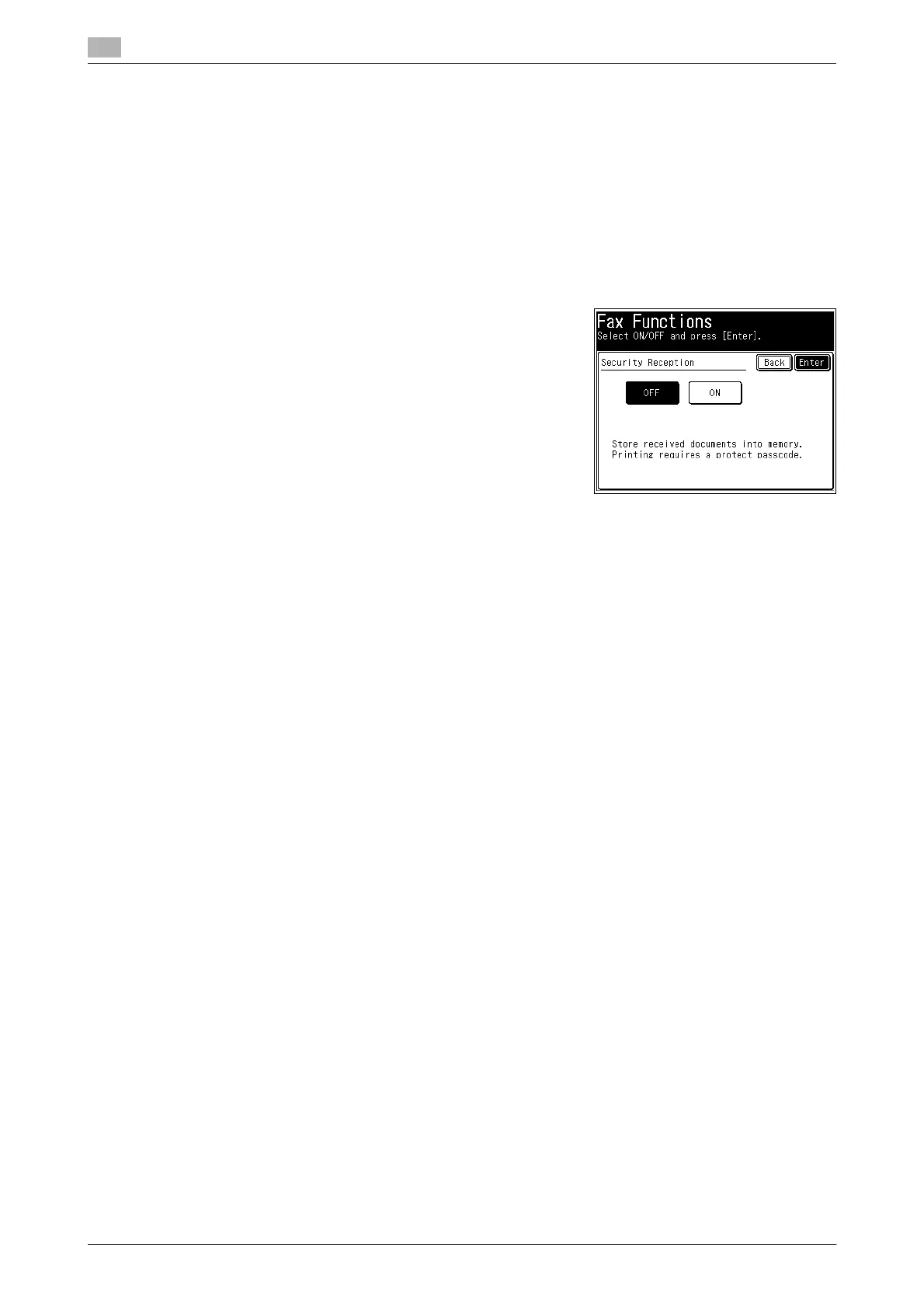
5 Select [OFF], and press [Enter].
The security reception documents are printed.














 To Next Page