Managing the communication history
7
7-14 Konica Minolta 240f
7.2
For scan to folder/scan to FTP
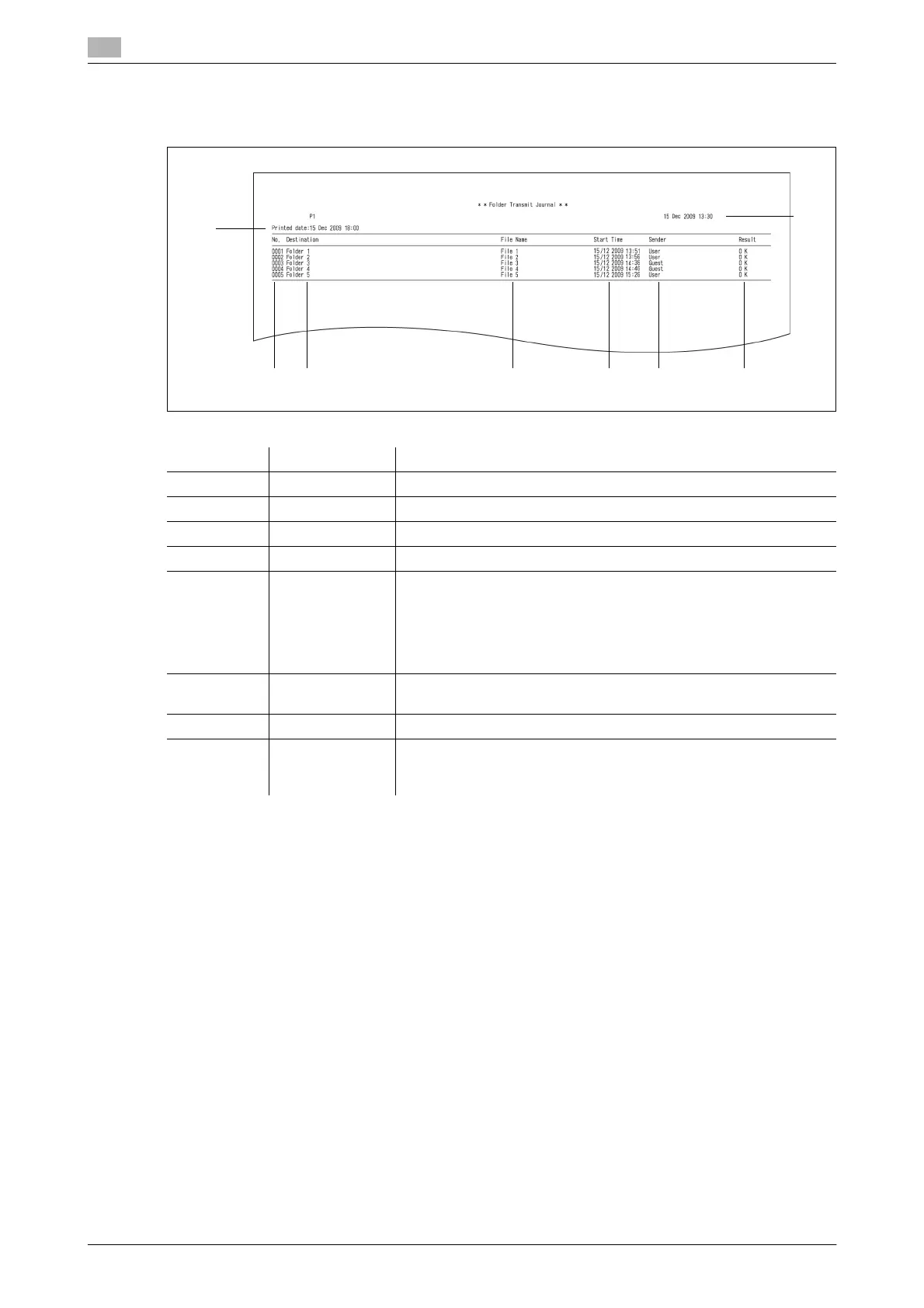
Example print
*1 When a communication error code is printed, confirm the content of the error and perform the transmission
again. For details, refer to Chapter 5, "Error Messages" in the User's Guide Administrator Operations.
*2 Only printed for a daily communication report.
Number Item Description
1 No. The job number
2 Destination The shortcut name or folder path / server path
3 File Name The filename
4 Start Time The time the communication started
5 Sender (User name): Only when a user is logged in
GUEST: When transmission is performed without logging in to the
machine
ADMINISTER: When the machine performed transmission with a
function such as the archive transmission or scan path notification
function
6 Result OK: Completed normally
Code: The communication error code
*1
7 Printed date
*2
The date and time that the journal report was printed
8 – The date and time that the journal report was printed, or the date and
time that communication history started to be stored for a daily com-
munication report
12 3 4 5 6
7
8














 To Next Page