Konica Minolta 240f 3-31
3.2 Advanced scan features
3
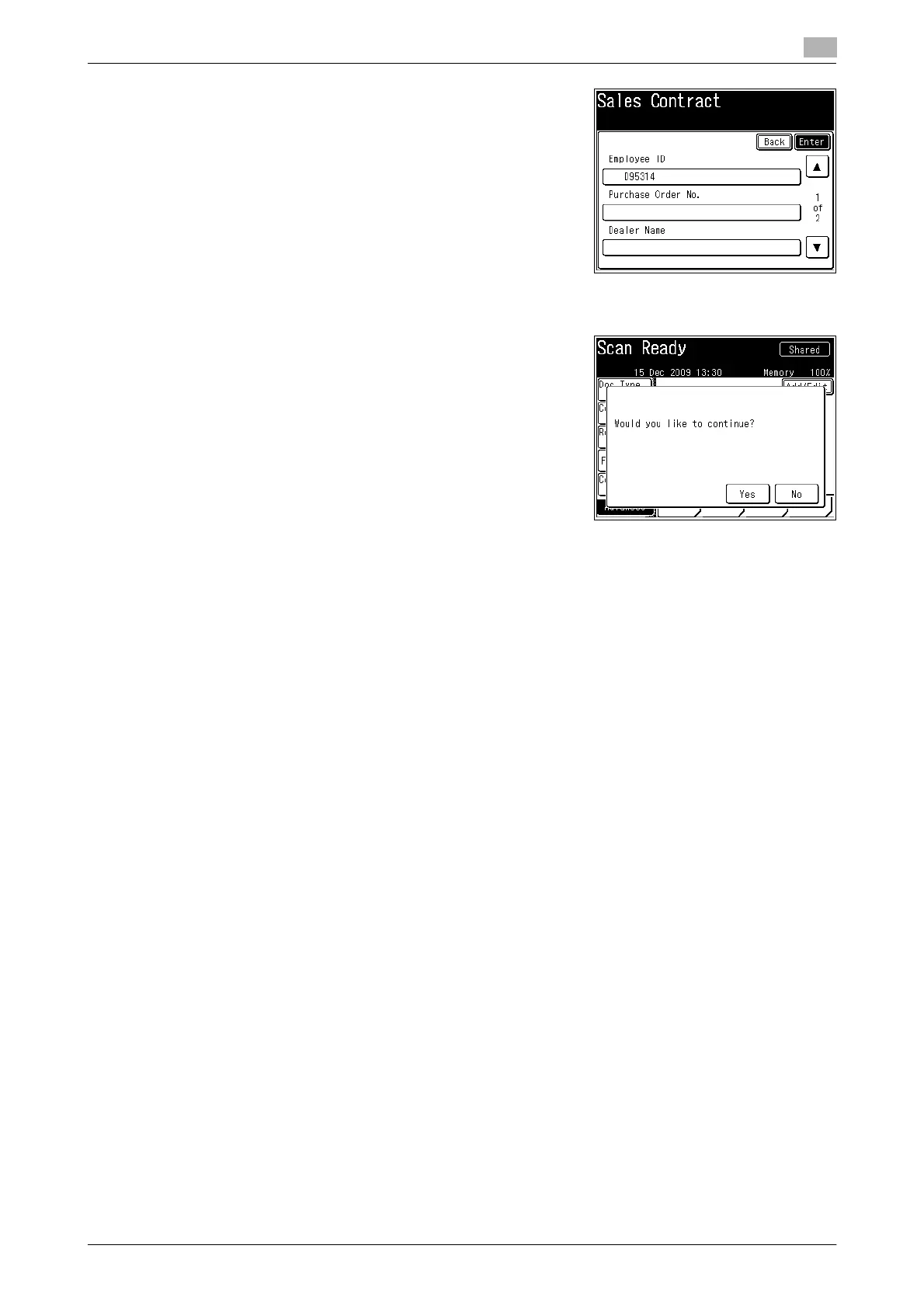
5 Confirm the entered values and press [Enter]
% If you want to correct a value, go back to the previous
screen by pressing [Back].
6 Press <Start>.
7 Press [Yes] to scan another document using the tag settings
in step 4.
% Press [No] to complete the operation or specify different
tag settings.
% When you are logged in, the log out screen is displayed.
Press [Yes] to log out.














 To Next Page