Konica Minolta 240f 4-5
4.1 Initial setup (User install)
4
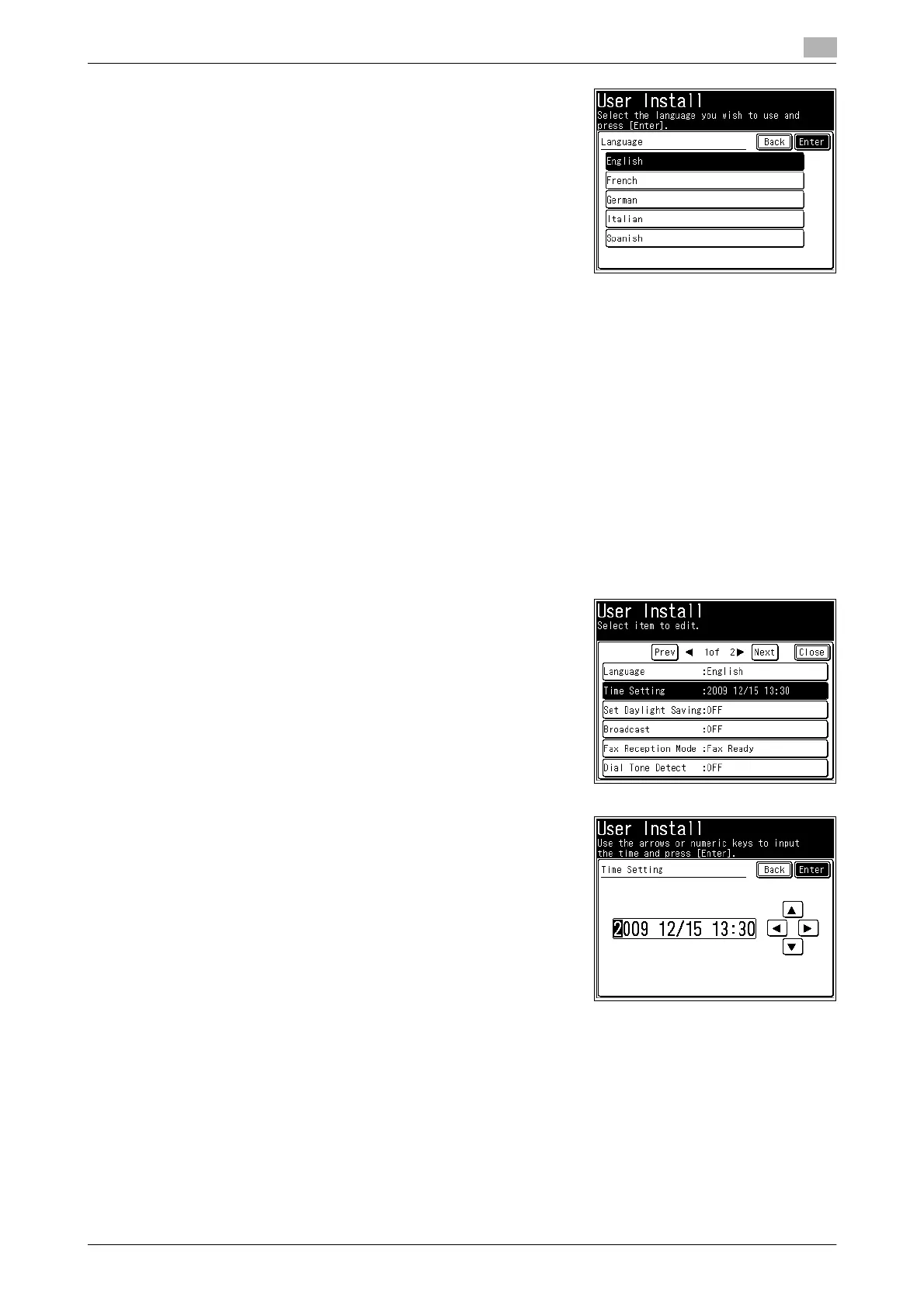
5 Select the language, and press [Enter].
6 If "The language was changed. Try to turn on power." is displayed on the screen, turn the power of the
machine OFF and then ON again.
If the message is not displayed, this step is not required.
Setting the date & time
Set the current time in the order of year (4 digits), month (2 digits), day (2 digits), hour (24-hour clock, 2 digits),
and minutes (2 digits).
1 Press <Setting>.
2 Press [Management].
% If an administrator password is set, enter the password and press [Enter].
3 Press [User Install].
4 Press [Time Setting].
5 Enter the current date and time, and press [Enter].
% You can use [+], [,], [*], [)], and the numeric keys.














 To Next Page