Konica Minolta 240f 4-29
4.2 Basic faxing
4
Setting the reception method
In addition to setting the reception mode, you can also set manual reception or automatic reception on the
screen.
1 Press <Fax>.
2 Press [Advanced].
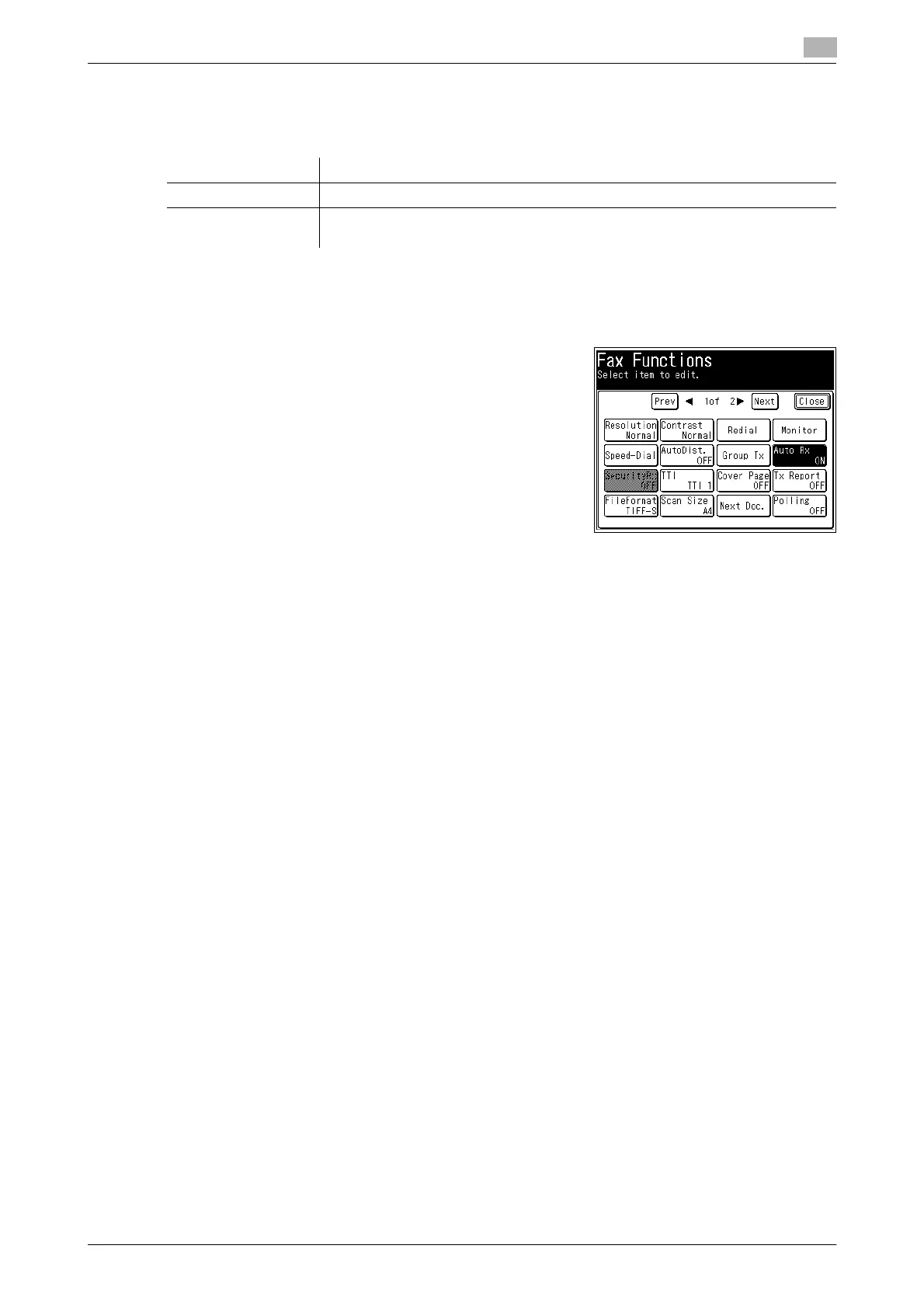
3 Press [Auto Rx].
% Auto reception is enabled / disabled each time you press
[Auto Rx].
% Select [ON] to set automatic reception or [OFF] to set man-
ual reception.
4 Press [Close].
Option Description
Auto reception This method automatically receives faxes. For details, refer to page 4-25.
Manual reception This method receives faxes after <Start> is pressed. For details, refer to
page 4-28.














 To Next Page