2-1. Instrument cluster
Q Meter panel brightness adjustment
The meter panel brightness levels when the
surroundings are bright (daytime etc.) and
dark (nighttime etc.) can be adjusted indi-
vidually.
Q Display
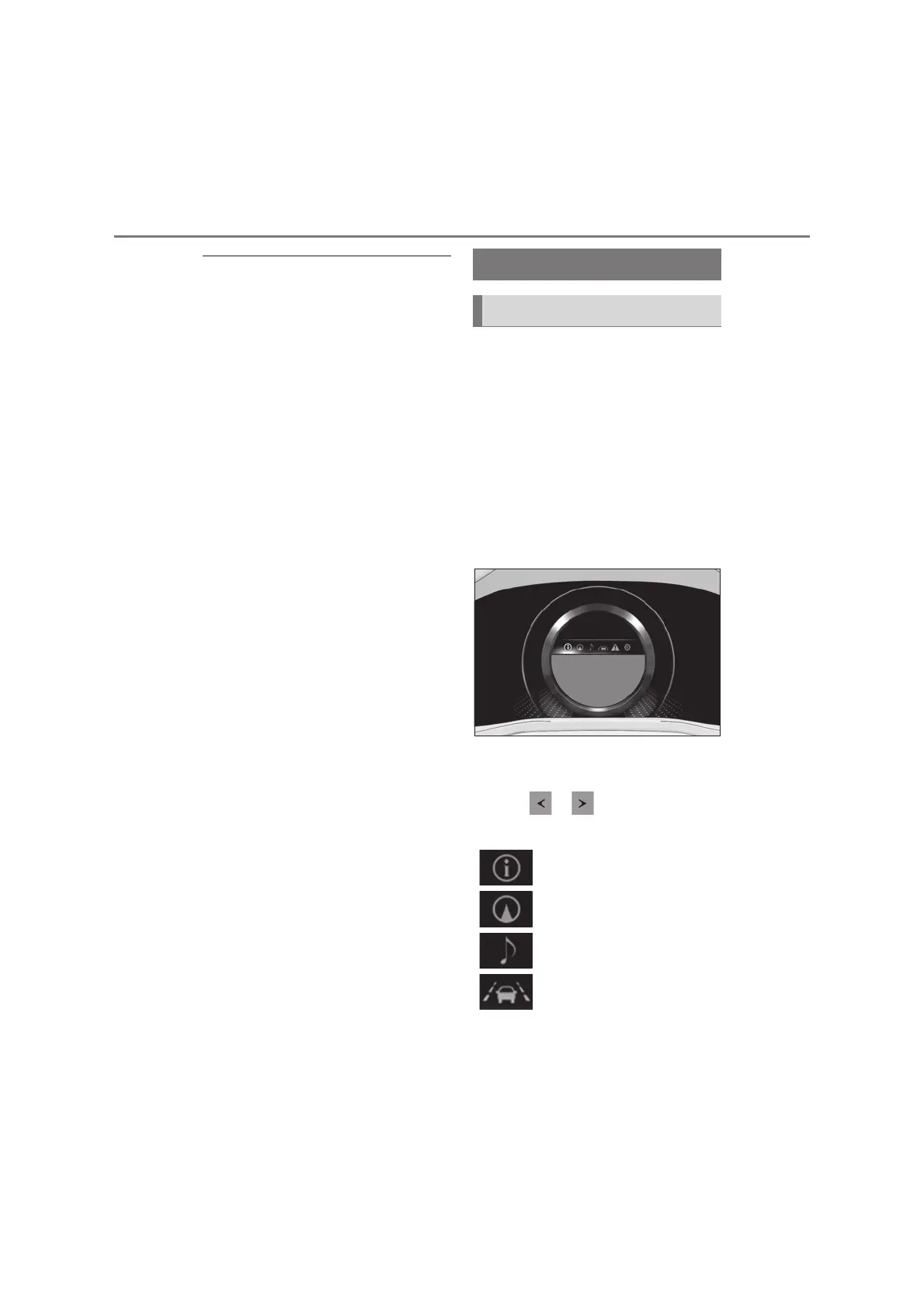
By selecting menu icons on the multi-
information display, a variety of driv-
ing-related information can be dis-
played. The multi-information display
can also be used to change display set-
tings and other vehicle settings.
Warning or suggestion/advice pop-up
displays are also displayed in certain
situations.
Q Menu icons
The menu icons will be displayed by
pressing or of the meter con-
trol switch.
Multi-information display
Display and menu icons
Driving information display
(oP.125)
Navigation system-linked dis-
play (if equipped) (oP.127)
Audio system-linked display
(oP.127)
Driving support system infor-
mation display (oP.127)



 To Next Page