5-3. Using the air conditioning system and defogger
Press the automatic mode switch
on the air conditioning control
panel or select the automatic mode
switch on the air conditioning con-
trol screen.
Adjust the temperature setting.
If the fan speed setting or air flow modes
are operated, the automatic mode indica-
tor on the display goes off. However, auto-
matic mode for functions other than that
operated is maintained.
To stop the operation, press the “OFF”
switch.
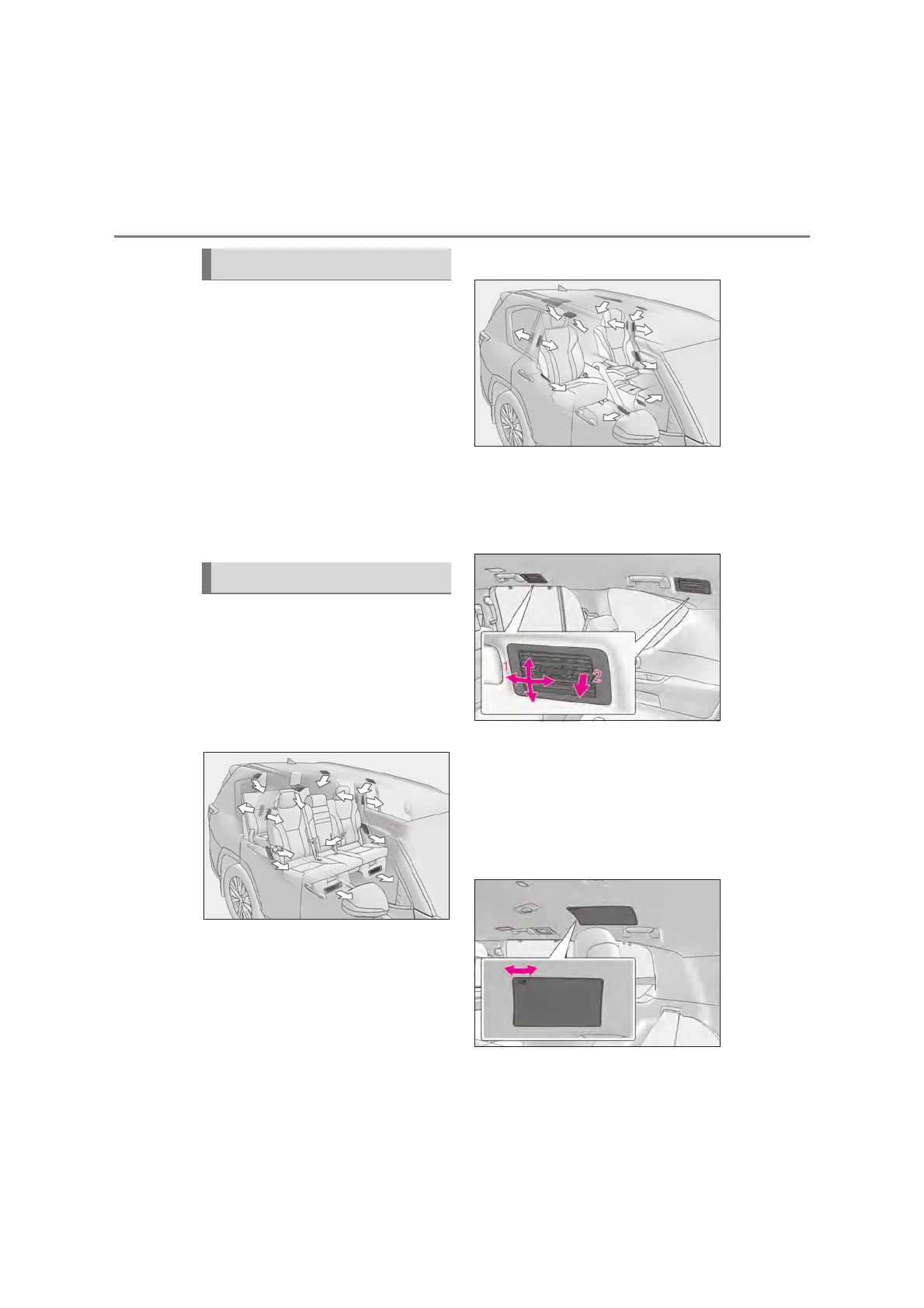
Q Location of air outlets
The air outlets and air volume changes
according to the selected air flow
mode.
X 5-passenger and 7-passenger
models
X 4-passenger models
Q Adjusting the air flow direction and
opening/closing the air outlets
(side ceiling)
X Roof side outlets
Direct air flow to the left or right, up
or down.
Turn the knob down fully to close
the vent.
X Roof (4-passenger models)
Turn the knob to open or close the vent
Using the automatic mode
Air outlet layout and operations



 To Next Page