3-2. Opening, closing and locking the doors
Q Customization
The opening position can be set with the
Multimedia Display. (oP.637)
Priority for the stop position is given to the
last position set by either the switch
on the lower part of the back door or Multi-
media Display.
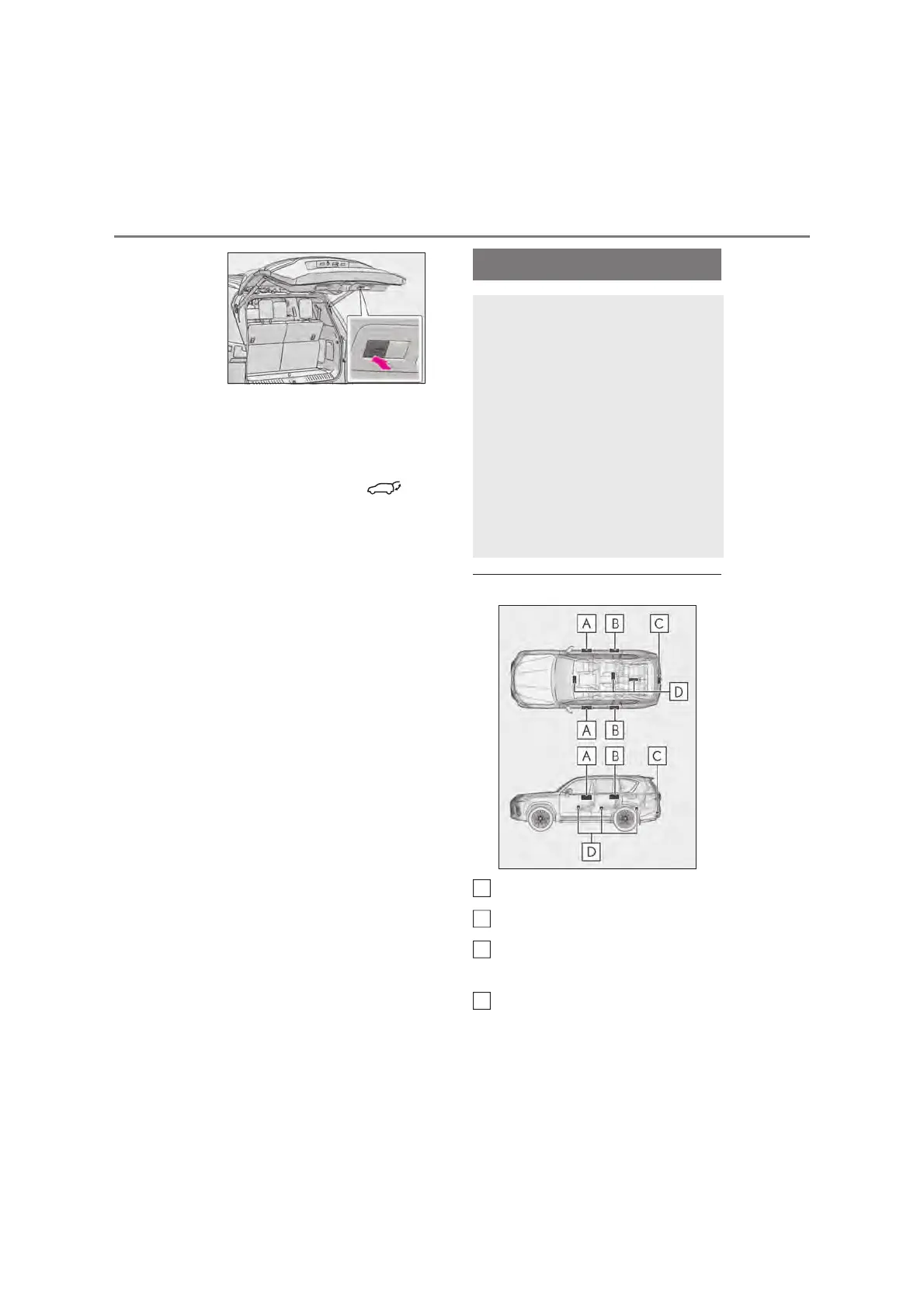
Q Antenna location
Antennas outside the cabin (front)
Antennas outside the cabin (rear)
Antenna outside the luggage compart-
ment
Antennas inside the cabin
Smart entry & start system
The following operations can be
performed simply by carrying the
electronic key (including the card
key) on your person, for example in
your pocket. The driver should
always carry the electronic key.
z Locks and unlocks the doors
(oP.142)
z Locks and unlocks the back door
(oP.148)
z Starts the engine (oP.228)
D



 To Next Page