4-5. Using the driving support systems
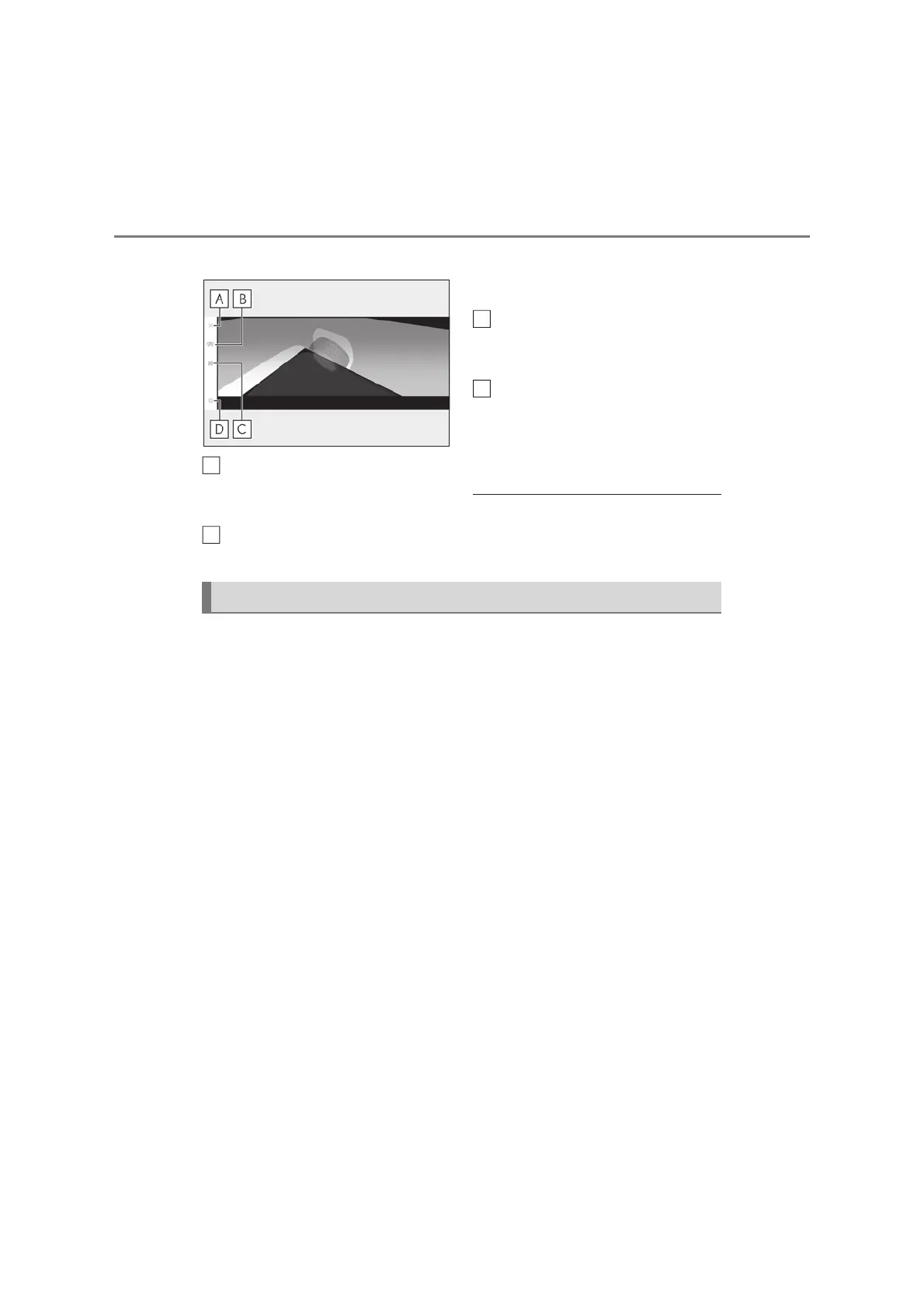
X See-through view
Display off button
Changes the screen back to the previously
displayed screen, such as the audio screen.
Display mode switching button
Select to change the display mode
between the moving view and the see-
through view.
Rotation pause/resume button
Pauses and resumes the rotation of the dis-
play.
Setting button
Changes settings, such as the automati-
cally display cornering view, the vehicle
body color, the Lexus parking assist-sen-
sor detection distance. (oP.390)
O Pressing the VIEW switch again changes
the screen back to the previously dis-
played screen, such as the Multimedia
Display.
The wide front view & panoramic view screen provides support when checking the
areas in front of the vehicle and around the vehicle when taking-off at T-intersec-
tions or other intersections during poor visibility.
To display the screen, press the VIEW switch when the shift lever is in the N or D
position with the vehicle moving approximately 20 km/h (13 mph) or less.
This screen will be displayed if the Lexus parking assist-sensor detects an object in
front of your vehicle (Lexus parking assist-sensor linked display).
A
C
D
Checking the front and around the vehicle



 To Next Page