3
3-2. Opening, closing and locking the doors
Before driving
changing the setting continuously, release
the buttons, wait for at least 5 seconds, and
repeat step
.)
To prevent unintended triggering of the
alarm, unlock the doors using the wireless
remote control and open and close a door
once after the settings have been changed.
(If a door is not opened within 30 seconds
after is pressed, the doors will be
locked again and the alarm will automati-
cally be set.)
In case that the alarm is triggered, immedi-
ately stop the alarm. (oP.108)
Q Impact detection door lock release sys-
tem
In the event that the vehicle is subject to a
strong impact, all the doors are unlocked.
Depending on the force of the impact or the
type of accident, however, the system may
not operate.
Q Operation signals
Doors: A buzzer (if equipped) sounds and
the emergency flashers flash to indicate that
the doors have been locked/unlocked
(Locked: Once; Unlocked: Twice)
Windows and moon roof (if equipped): A
buzzer sounds to indicate that the windows
and moon roof are operating.
Q Security feature
If a door is not opened within approximately
30 seconds after the vehicle is unlocked,
the security feature automatically locks the
vehicle again.
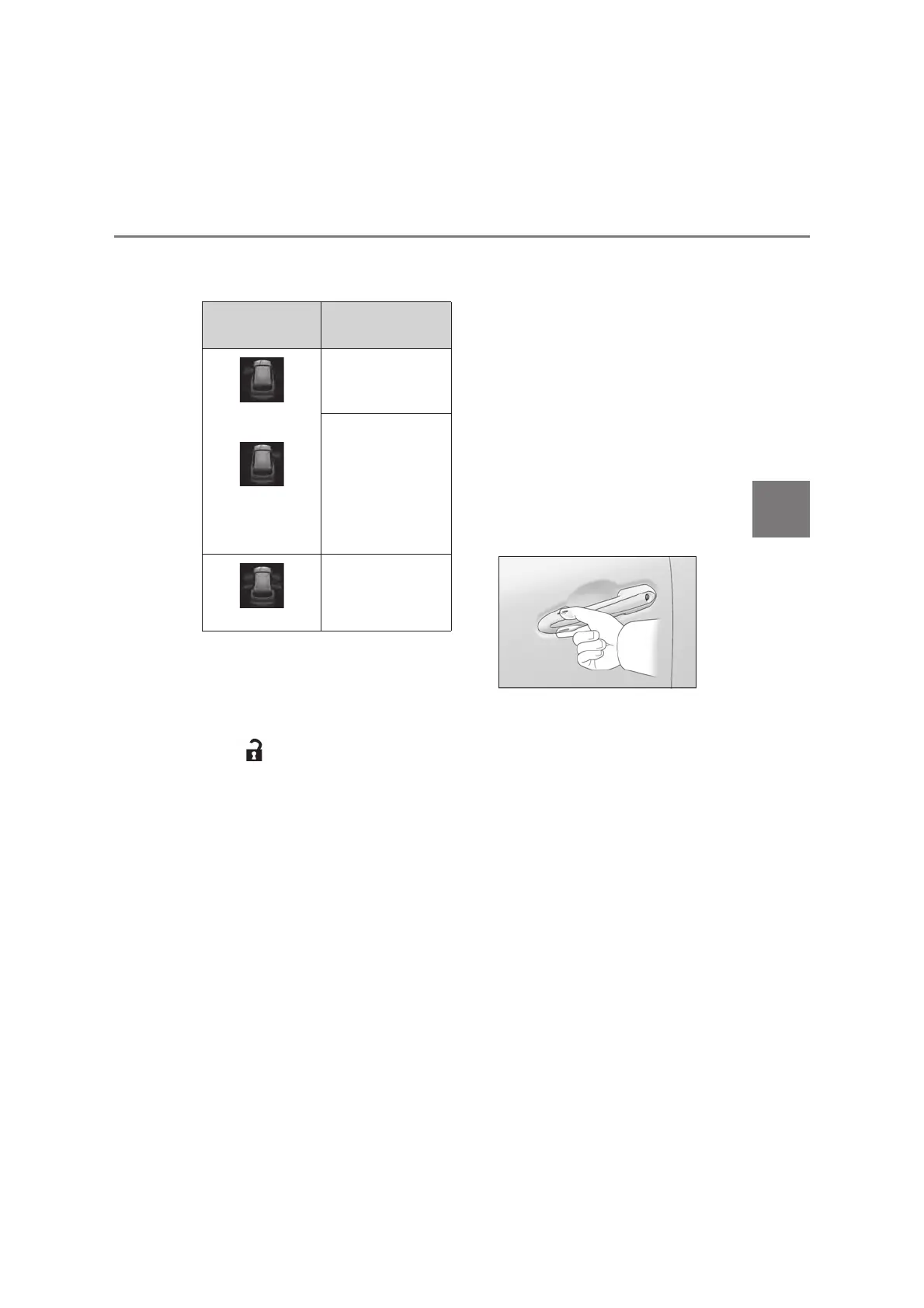
Q When the door cannot be locked by the
lock sensor on the upper part of the
door handle
If the door will not lock even when the top-
side sensor area is touched, try touching
both the topside and underside sensor
areas at the same time.
When gloves are being worn, remove the
gloves.
Q Door lock buzzer
If an attempt to lock the doors is made when
a door is not fully closed, a buzzer sounds
continuously for 5 seconds. Fully close the
door to stop the buzzer, and lock the vehi-
cle once more.
Q Setting the alarm
Locking the doors will set the alarm system.
(oP.108)
Q Conditions affecting the operation of
the smart entry & start system or wire-
less remote control
oP.164
Q If the smart entry & start system or the
wireless remote control does not oper-
ate properly
O Use the mechanical key to lock and
unlock the doors. (oP.609)
O Replace the battery with a new one if it is
depleted. (oP.563)
Multi-information
display/Beep
Unlocking function
(Left-hand drive vehi-
cles)
(Right-hand drive
vehicles)
Exterior: Beeps 3
times
Holding the driver’s
door handle unlocks
only the driver’s door.
Holding a passen-
ger’s door handle
unlocks all the doors.
Exterior: Beeps twice
Holding a door han-
dle unlocks all the
doors.



 To Next Page