3-2. Opening, closing and locking the doors
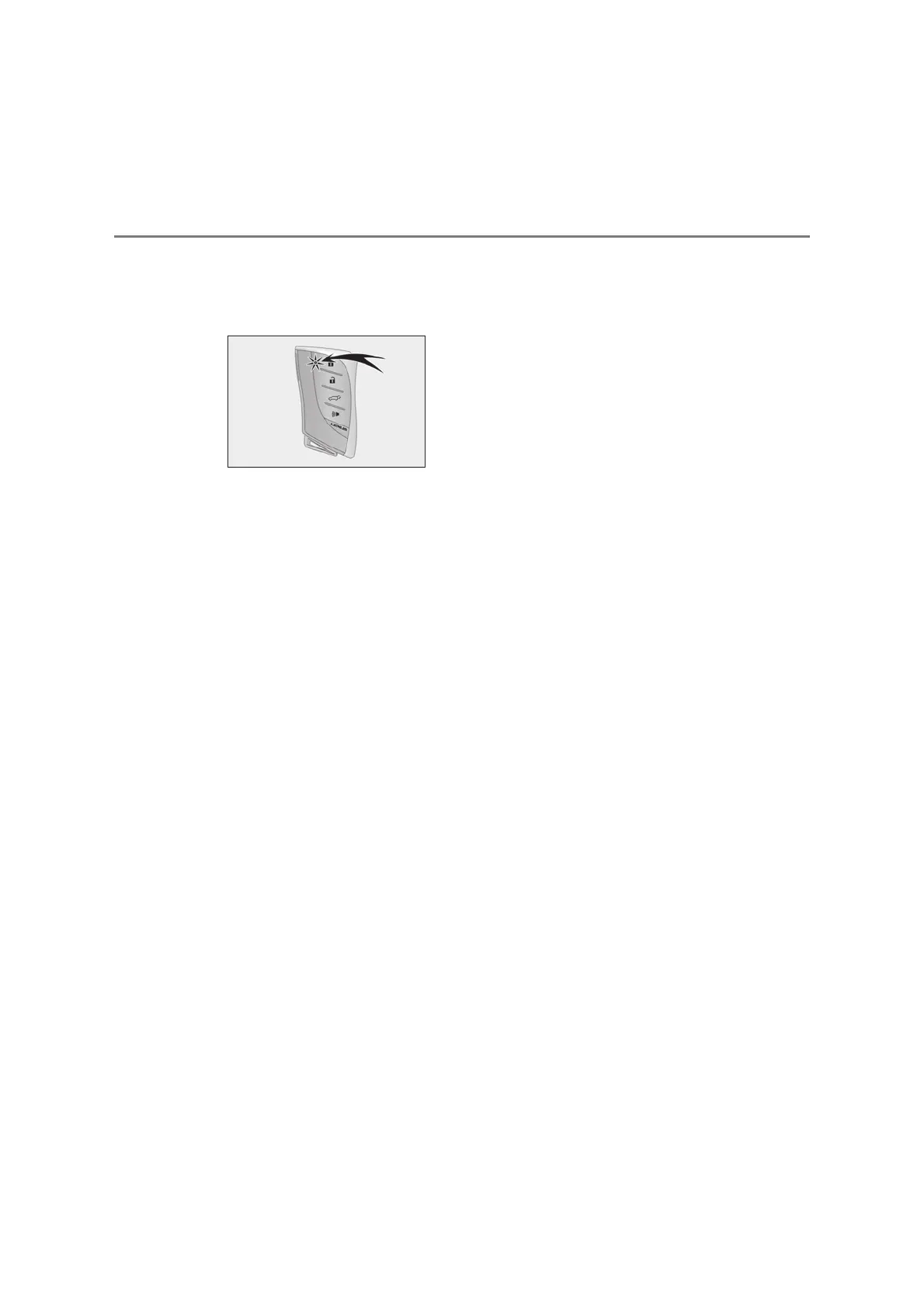
While the battery-saving mode is set, the
smart entry & start system cannot be used.
To cancel the function, press any of the
electronic key buttons.
O Electronic keys that will not be used for
long periods of time can be set to the bat-
tery-saving mode in advance.
Q Conditions affecting operation
The smart entry & start system uses weak
radio waves. In the following situations, the
communication between the electronic key
and the vehicle may be affected, preventing
the smart entry & start system, wireless
remote control and engine immobilizer sys-
tem from operating properly.
O When the electronic key battery is
depleted
O Near a TV tower, electric power plant,
gas station, radio station, large display,
airport or other facility that generates
strong radio waves or electrical noise
O When the electronic key is in contact
with, or is covered by the following metal-
lic objects
• Cards to which aluminum foil is attached
• Cigarette boxes that have aluminum foil
inside
• Metallic wallets or bags
•Coins
• Hand warmers made of metal
• Media such as CDs and DVDs
O When other wireless key (that emits
radio waves) is being used nearby
O When carrying the electronic key
together with the following devices that
emit radio waves
• Portable radio, cellular phone, cordless
phone or other wireless communication
devices
• Another electronic key or a wireless key
that emits radio waves
• Personal computers or personal digital
assistants (PDAs)
• Digital audio players
• Portable game systems
O If window tint with a metallic content or
metallic objects are attached to the rear
window
O When the electronic key is placed near a
battery charger or electronic devices
O When the vehicle is parked in a pay park-
ing spot where radio waves are emitted.
If the doors cannot be locked/unlocked
using the smart entry & start system,
lock/unlock the doors by performing any of
the following:
O Bring the electronic key close to either
front door handle and operate the entry
function.
O Operate the wireless remote control.
If the doors cannot be locked/unlocked
using the above methods, use the mechani-
cal key. (oP.141)
If the engine cannot be started using the
smart entry & start system, refer to P.610.
Q Note for the entry function
O Even when the electronic key is within the
effective range (detection areas), the sys-
tem may not operate properly in the fol-
lowing cases:
• The electronic key is too close to the win-
dow or outside door handle, near the
ground, or in a high place when the doors
are locked or unlocked.
• The electronic key is on the instrument
panel, luggage cover (if equipped) or
floor, or in the door pockets or glove box
when the engine is started or engine
switch modes are changed.
O Do not leave the electronic key on top of
the instrument panel or near the door
pockets when exiting the vehicle.
Depending on the radio wave reception
conditions, it may be detected by the
antenna outside the cabin and the door



 To Next Page