4-5. Using the driving support systems
Q The distance and buzzer
*
: Automatic buzzer mute function is enabled. (oP.324)
Q Buzzer operation and distance to
an object
A buzzer sounds when the sensors are
operating.
z The buzzer beeps faster as the vehi-
cle approaches an object.
When the vehicle comes within
approximately 30 cm (1.0 ft.) of the
object, the buzzer sounds continu-
ously.
z When 2 or more sensors simultane-
ously detect a static object, the
buzzer sounds for the nearest
object.
z Even when the sensors are operat-
ing, the buzzer will be muted in
some situations. (automatic buzzer
mute function)
Q Adjusting the buzzer volume
The buzzer volume can be adjusted on
the multi-information display.
Use the meter control switches to
change settings. (oP.125)
Press the meter control switch to
select .
Press the meter control switch to
select “Vehicle Settings”.
Select “ Volume” and then press
.
Each time the switch is pressed, the vol-
ume level will change between 1, 2, and 3.
Q Muting a buzzer
A mute button will be displayed on the
multi-information display and Multime-
dia Display when an object is detected.
To mute the buzzer, press or .
The buzzers for the Lexus parking
assist-sensor, RCTA function and
RCD function will be muted simultane-
ously.
Mute will be canceled automatically in
the following situations:
z When the shift lever is changed.
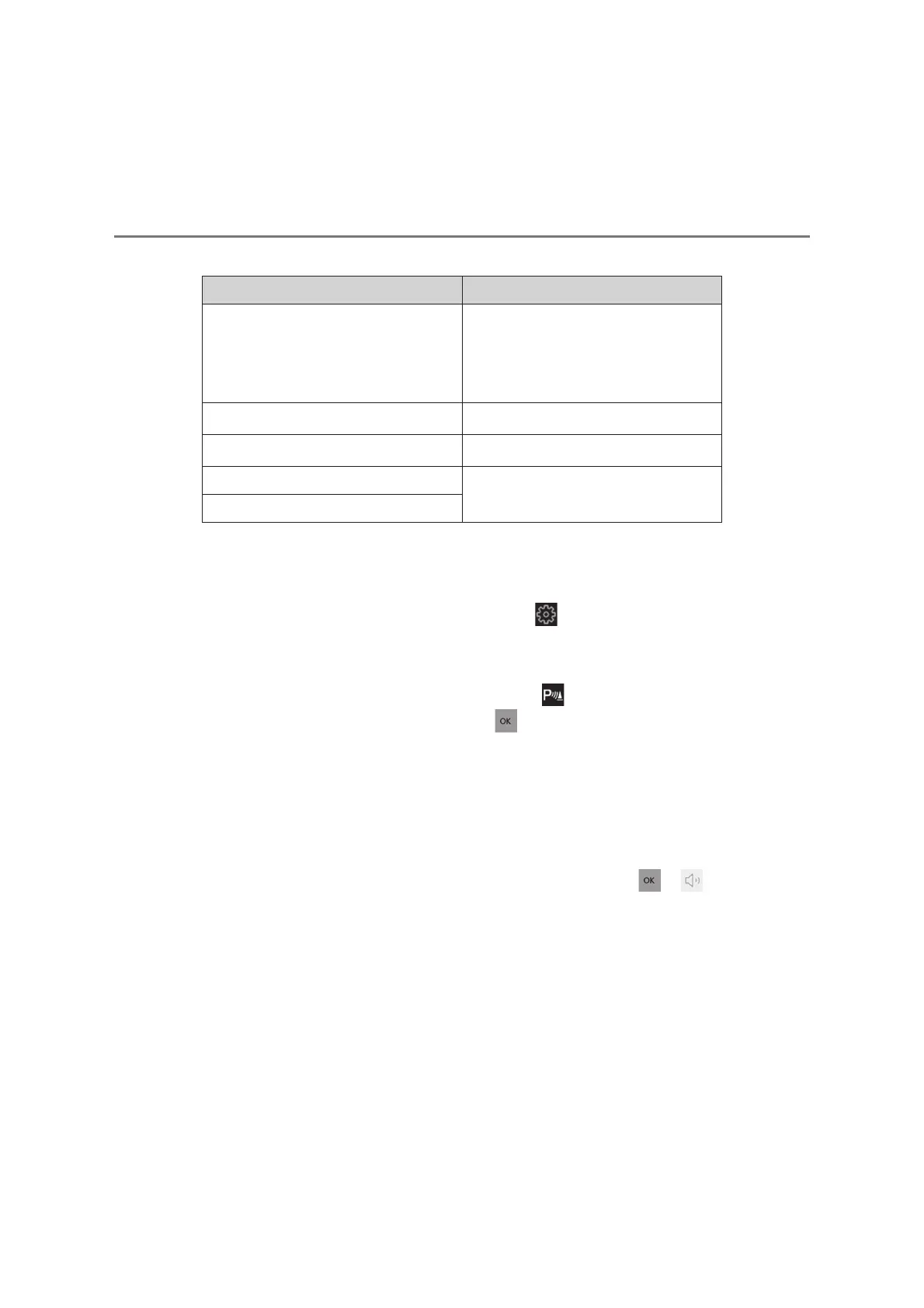
Approximate distance to obstacle Buzzer
Front sensor:
100 cm to 60 cm (3.3 ft. to 2.0 ft.)
*
Rear sensor:
150 cm to 60 cm (4.9 ft. to 2.0 ft.)
*
Slow
60 cm to 45 cm (2.0 ft. to 1.5 ft.)
*
Medium
45 cm to 30 cm (1.5 ft. to 1.0 ft.)
*
Fast
30 cm to 15 cm (1.0 ft. to 0.5 ft.)
Continuous
Less than 15 cm (0.5 ft.)



 To Next Page