4
4-5. Using the driving support systems
Driving
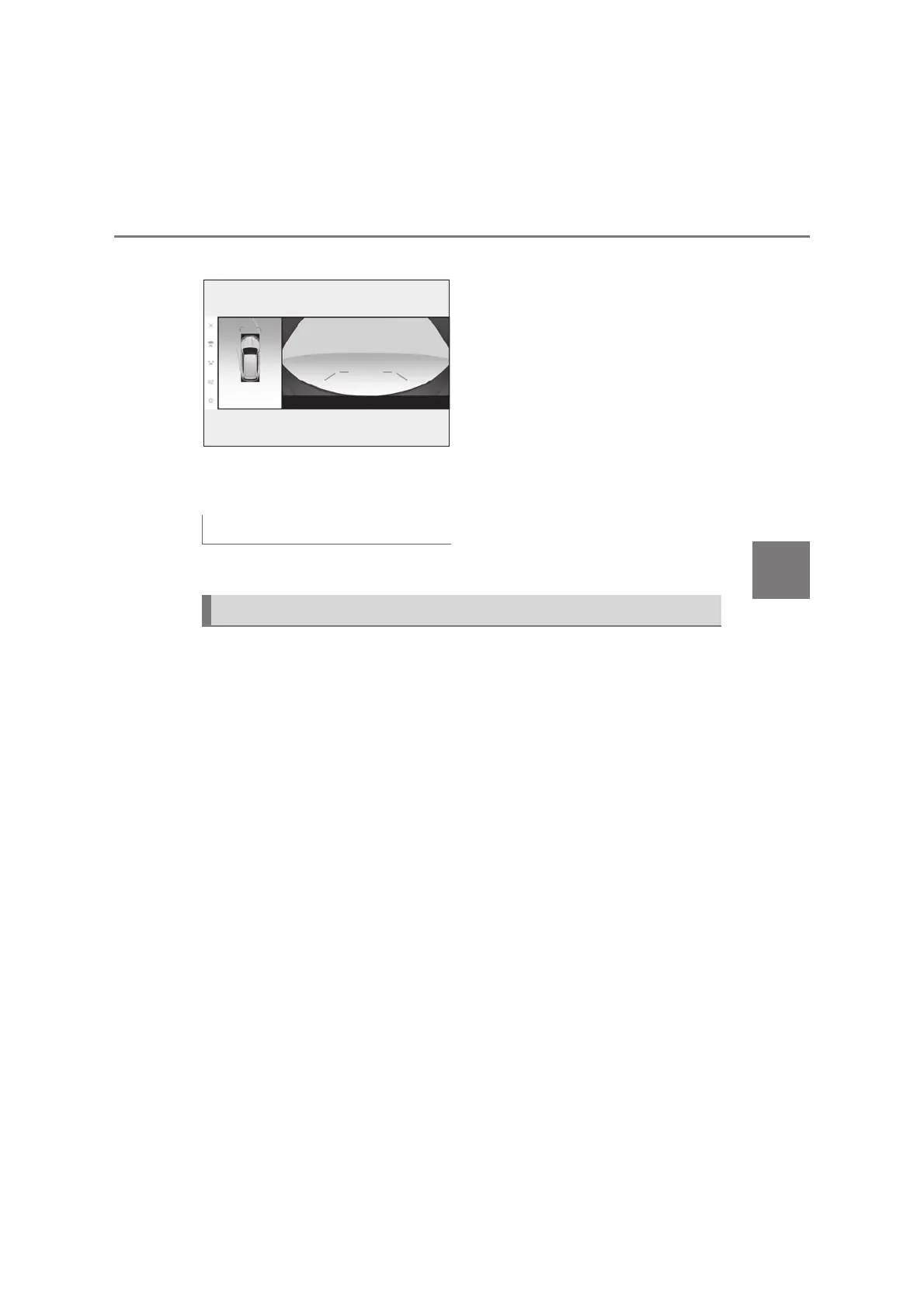
X Estimated course line
z Estimated course lines will be added
to the distance guide lines.
In addition to screen switching by
operating the VIEW switch, automatic
display mode is available. In this mode,
the screen is switched automatically in
response to vehicle speed.
In automatic display mode, the monitor
will automatically display images in the
following situations:
z When the shift lever is shifted to N
or D position.
z When vehicle speed is reduced to
approximately 10 km/h (6 mph) or
less.
The Side Clearance View & panoramic view screen/Cornering View & pan-
oramic view screen provide support to check the areas around the sides of the
vehicle when driving on a narrow road.
To display the Side Clearance View & panoramic view screen, press the VIEW
switch repeatedly when the shift lever is in the N or D position with the vehicle
moving approximately 20 km/h (13 mph) or less.
The Cornering View & panoramic view screen will be displayed when the steering
wheel is turned by 180° or more from the center (straight-line) position when
automatic display mode of the Cornering View display is enabled. When the turn-
ing angle of the steering wheel becomes 90° or less from the center position, the
screen will return to the Side Clearance View & panoramic view screen.
Automatic display mode
Checking the sides of the vehicle



 To Next Page