4-5. Using the driving support systems
Vehicle guide lines
Displays the exterior of the vehicle.
Q Under vehicle terrain view
O Under vehicle terrain view is displayed
when the setting on the customized set-
ting screen is turned on and the vehicle is
moving forward or backward.
O Under vehicle terrain view is not dis-
played in the following cases:
• The vehicle speed is above 20 km/h (12
mph).
• The vehicle stops and a certain amount of
time passes.
• If the vehicle does not move a certain dis-
tance after it is started.
• The side mirrors are folded.
• Multi Terrain ABS is operating.
• The system is not functioning correctly.
O The system may not function correctly in
the following situations:
• Snow covered roads.
• There are shadows from lights and so
forth.
• There is dirt or a foreign object on the
camera lens.
• Water (river, sea, etc.).
• Optional equipment has been installed.
• There is an obstacle in front of the cam-
era.
• The tires were replaced.
• The back door is open and the camera is
not in the correct position.
• The road surface is slippery or the wheels
slip.
• The vehicle is on a hill or other steep
roads.
O As the vision displayed was captured in
the past, the screen and the actual situa-
tion may differ in the following cases:
• An obstacle appears or moves after
vision is captured.
• Sand or snow crumbles and moves after
vision is captured.
• Mud or puddles are in the display range.
• When the vehicle slips.
O Part or all of the under vehicle terrain
view may appear black in the following
cases:
• The vehicle starts moving with no cap-
tured vision.
• The steering wheel is turned more than a
certain angle.
• The vehicle stops and a certain amount of
time passes.
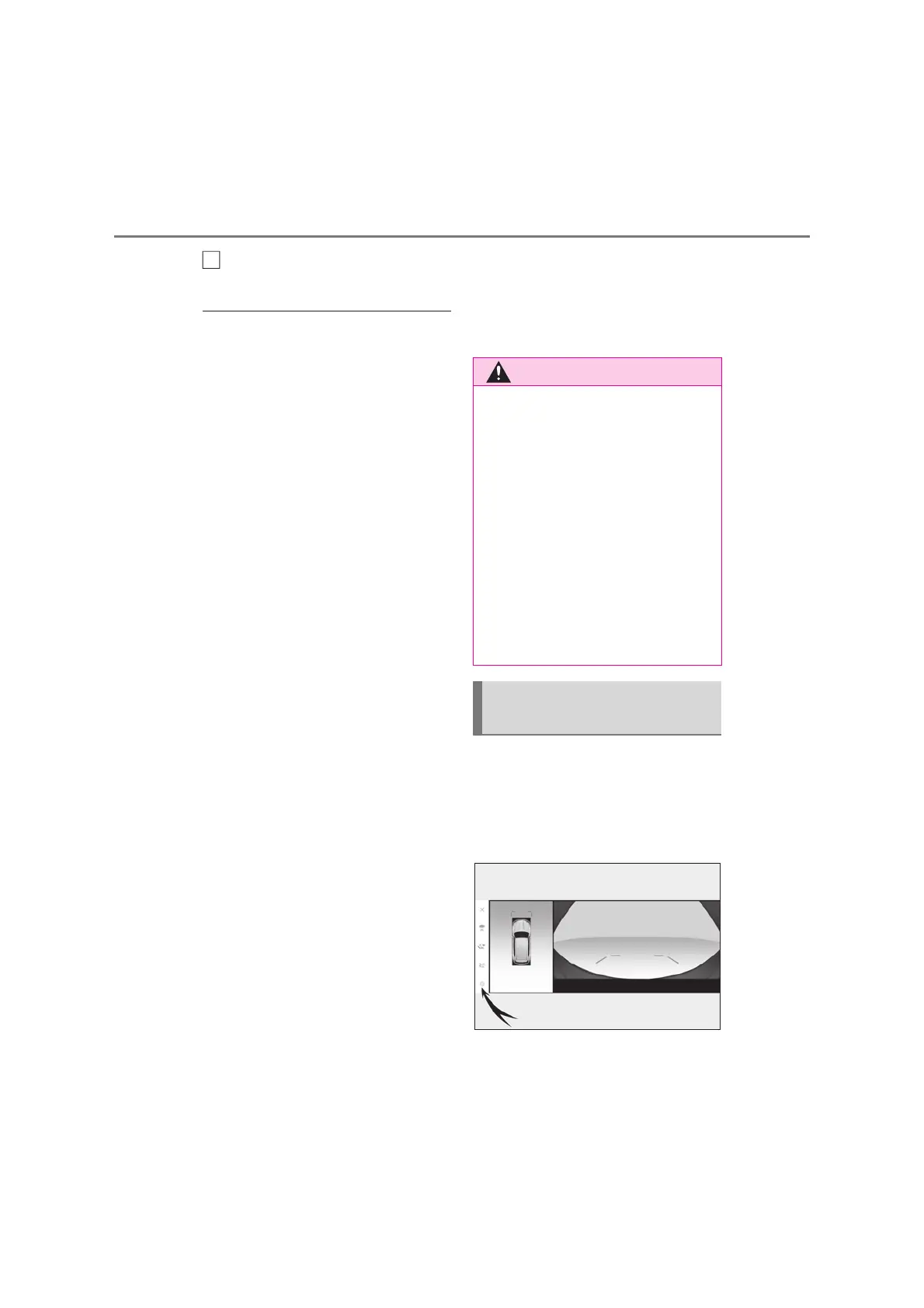
Settings related to Multi-terrain Moni-
tor such as the cornering view auto dis-
play and vehicle body color can be
changed.
Touch the setting button
Select the desired item.
B
Q Under vehicle terrain view
O The tire and vehicle guide lines may
not align correctly with the actual vehi-
cle position due to the number of pas-
sengers, vehicle load, road gradient,
road surface conditions, brightness of
the surroundings, optional equipment,
tire replacements, and other reasons.
Always make sure to check your sur-
roundings while you are driving.
O Displayed vision is vision that was cap-
tured in the past. Therefore, if obsta-
cles and other objects move after
being captured, the transparent
underfloor vision and the actual situa-
tion may not always match.
Changing the Multi-terrain
Monitor settings



 To Next Page