4-5. Using the driving support systems
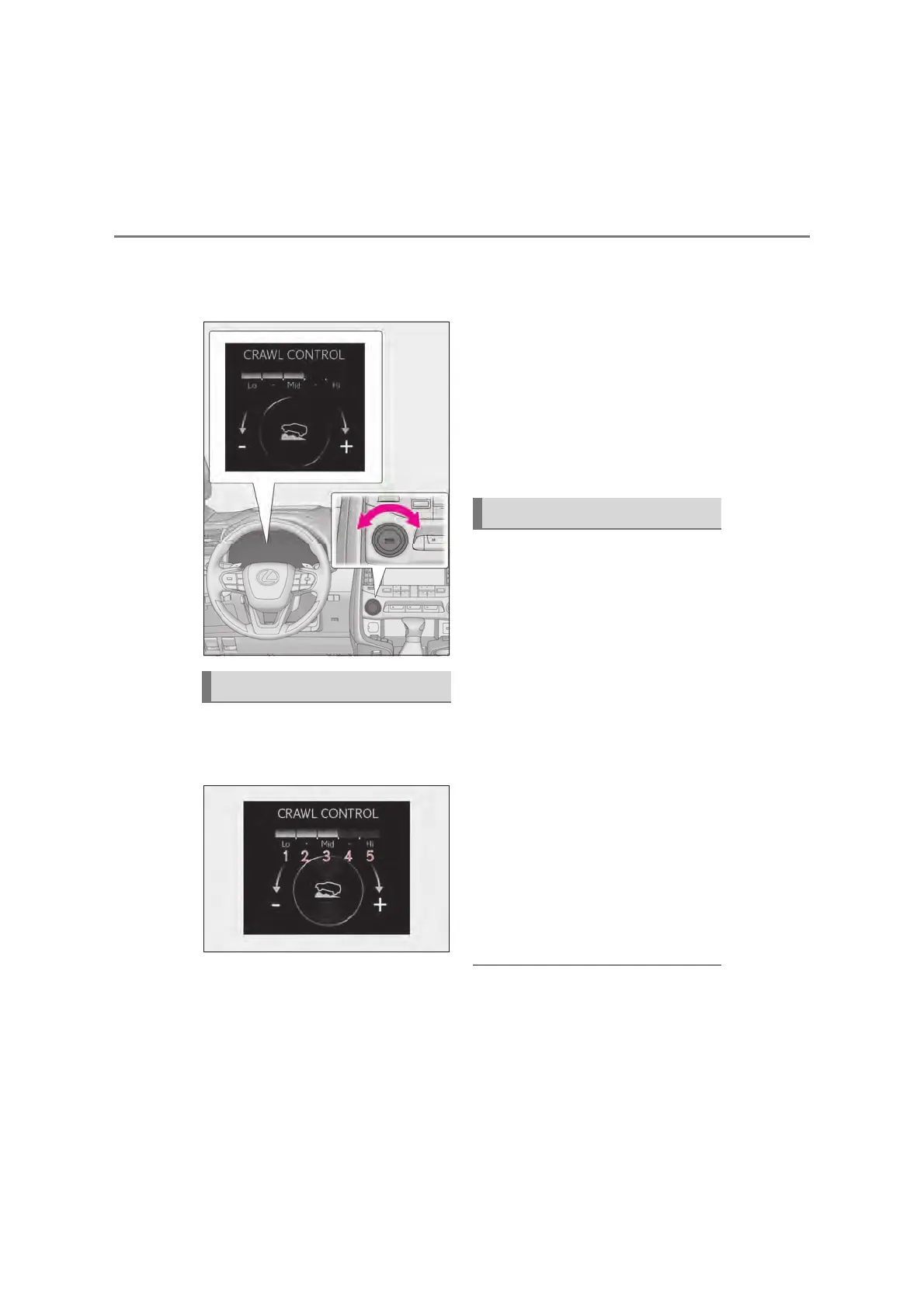
Turn the MODE SELECT switch
left or right to select a mode on the
meter.
A mode which matches the road con-
ditions can be selected from among
the following 5 modes.
Lo
Suitable for driving on rocky roads or
decline
Lo-Mid
Suitable for driving on rocky roads, decline
or bumpy incline
Mid
Suitable for driving on bumpy inclines
Mid-Hi
Suitable for driving on bumpy inclines,
debris roads, snow-covered roads, muddy
roads, gravel roads and grass roads
Hi
Suitable for driving on bumpy inclines,
debris roads, snow-covered roads, muddy
roads, gravel roads and grass roads
X When the DAC/CRAWL switch
indicator illuminates
Press the DAC/CRAWL switch again.
X When the DAC/CRAWL switch
indicator does not illuminate
Press the DAC/CRAWL switch to
turn the indicator on. Press the
DAC/CRAWL switch again with the
indicator turned on.
If Crawl Control is turned off, the Crawl
Control indicator, slip indicator light and
the Turn Assist indicator (when the Turn
Assist function is in use) will go off and a
message stating that Crawl Control has
been turned off will be displayed on the
multi-information display for several sec-
onds.
When turning off Crawl Control while
driving, drive extremely carefully.
Q Operation conditions of the Crawl
Control
O The engine is running.
O The shift lever is in any gear other than P
or N.
Selectable modes
Turning Crawl Control off



 To Next Page