96
Magtrol Model DSP7000 Dynamometer ControllerChapter 8 – Optional Equipment
operation
8.3 RS232 INTERFACE
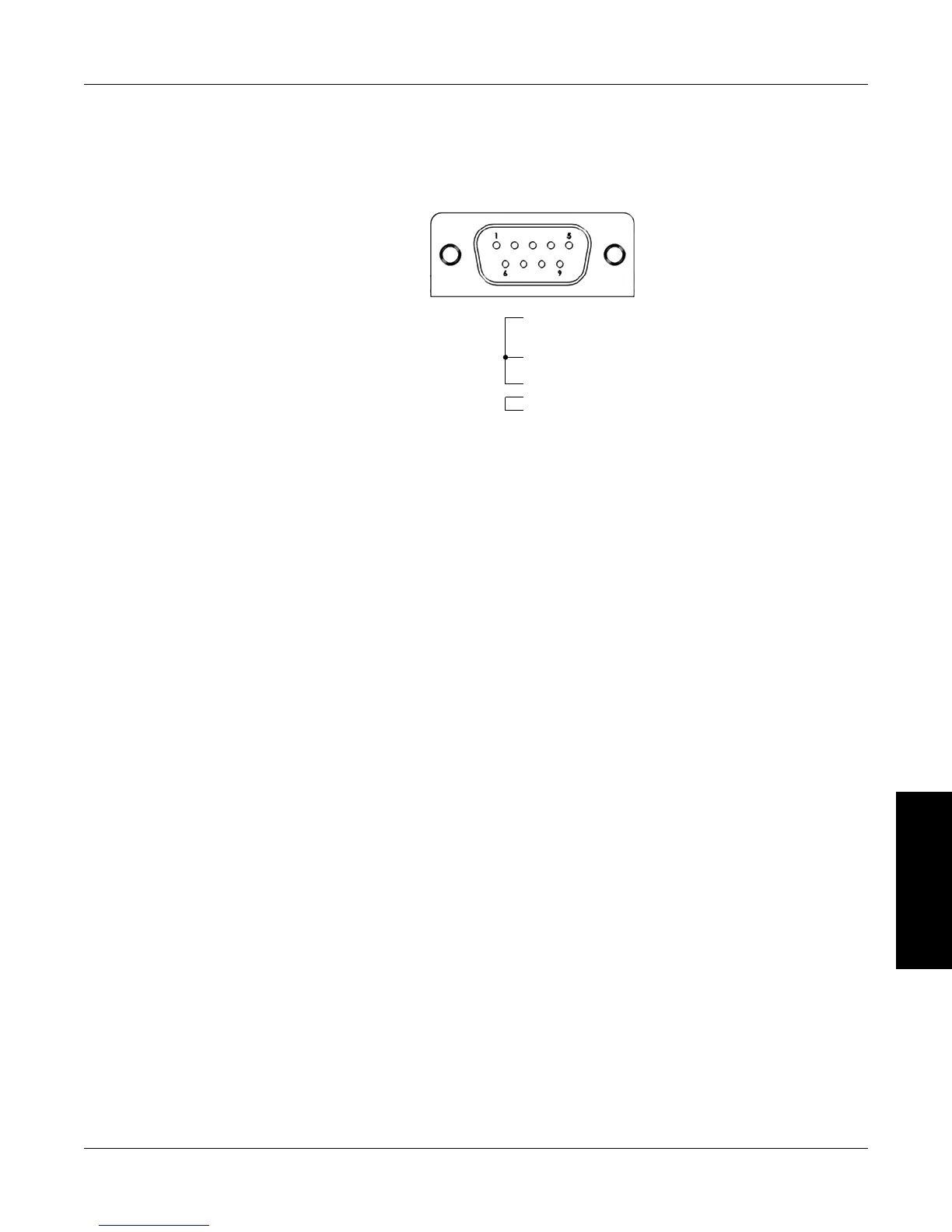
The DSP7000 is equipped with an RS-232 (serial) interface that communicates with the host computer
through a DB-9 interface connector. The connector pin-out consists of 2-TX, 3-RX and 5-GND.
5. GND
1. DCD
6. DSR
3. RX
8. CTS
2. TX
4. DTR
7. RTS
Figure 8–13 RS-232 Interface
8.3.1 rS-232 inSTallaTion
1. Remove the two Philips pan head screws at each side of the cover of DSP7000 as shown in
Figure 8–1 DSP7000 Top Cover, and then remove the cover.
2. Remove the four Phillips pan head screws from the back panel covering the RS-232 Card
slot and remove the panel.
3. Plug the RS232 card into the female header of main board as shown in Figure 8–14 RS-232
Card Installation. Ensure the component side of the RS-232 card is in left.


 To Next Page
 Loading...