64
OPERATION
7. Computer Controlled Operation
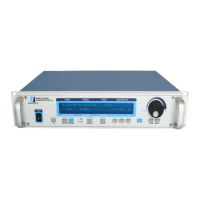
The DSP7000 can be used with a computer to control a dynamometer and to transmit data from the
motor testing device directly to the computer. Using the DSP7000 with a computer enables the unit
to perform at its full capacity.
7.1 ABOUT THE USB INTERFACE
The USB interface is standard on the DSP7000. There is no need to set up. The USB interface will
be converted to a serial port in the PC. The USB driver must be installed in order for the DSP7000
to communicate with the PC.
7.1.1 uSB Driver SeTup for winDowS operaTion SySTeM
Copy the dsp7000Vx.inf or dsp7000Vx.xp.inf from the Magtrol website at www.magtrol.com/support/
downloads.html into local drive of your PC.
NOTE: If your PC is 64 bit operation system, then you need dsp7000Vx.
inf to setup USB driver. If your PC is 32 bit operation system, then
you need dsp7000Vx.xp.inf to setup USB driver.
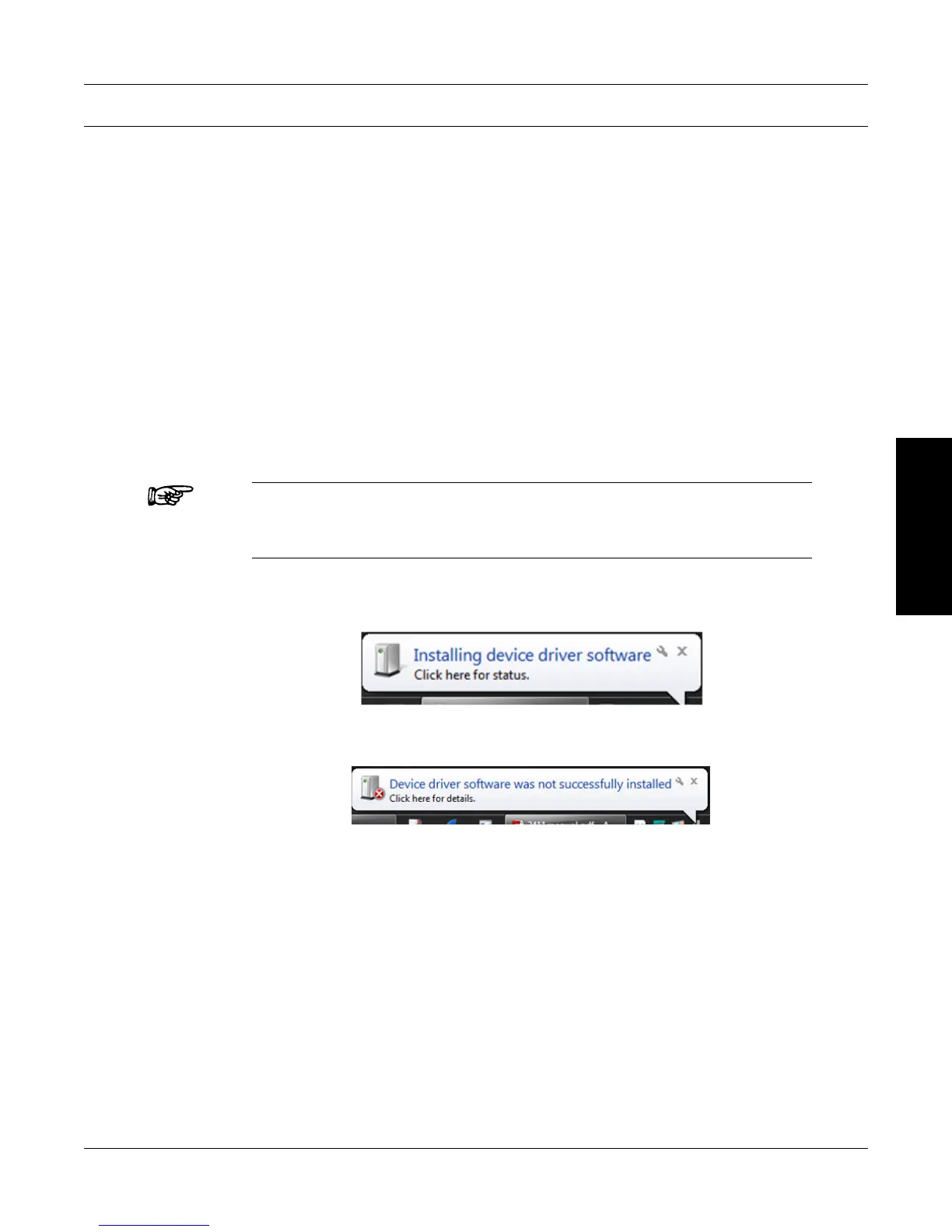
1. 1. Power on the DSP7000. A window in the right corner will show “Installing device driver
software”.
2. Click on the balloon depicted below will show which drivers did not install successfully.


 To Next Page
 Loading...